To create a podcast setup that looks simple but scales fast, focus on quality and versatility in your gear. Invest in a reliable microphone, an easy-to-use audio interface, and good headphones for monitoring. Record in a quiet, acoustically treated space to improve audio clarity. Start with straightforward software like Audacity or GarageBand, and keep your environment controlled. This setup provides a professional sound and is easy to expand as your podcast grows—more insights await if you keep exploring.

Get the latest gadgets delivered free — and shop member deals
- Fast, free delivery on millions of items
- Access to Prime Big Deal Days deals on October 6–7
- Prime Video, Amazon Music and more included
Key Takeaways
- Choose high-quality, versatile equipment that is easy to upgrade as your podcast grows.
- Use intuitive recording and editing tools suitable for beginners but scalable for advanced features.
- Record in a quiet, acoustically treated environment to ensure consistent, professional sound.
- Prioritize simple, reliable gear like a good microphone and audio interface to avoid complex setups.
- Focus on creating engaging content with a solid foundation for future expansion and technical improvements.
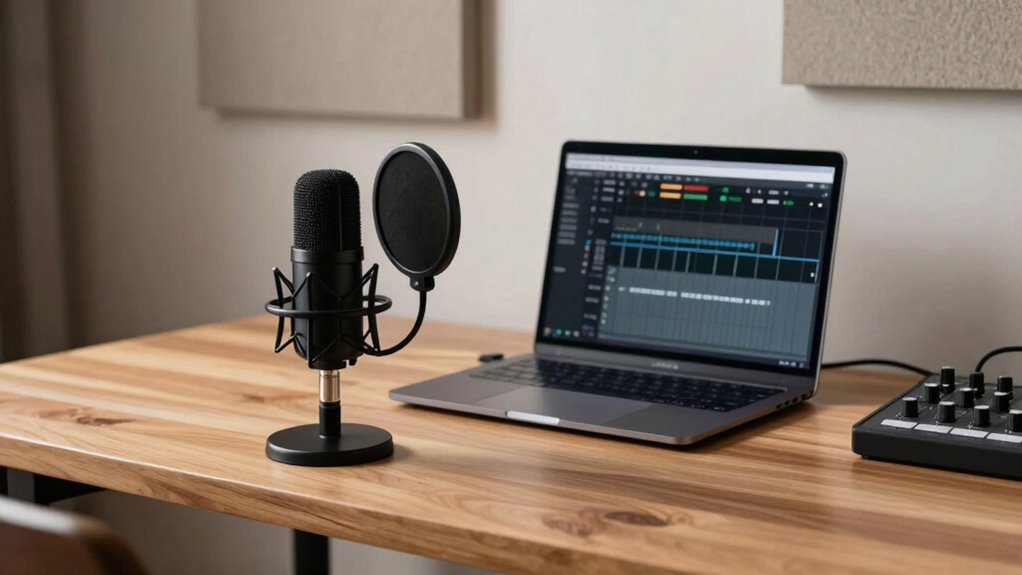
Starting a podcast that appears simple on the surface doesn’t mean you have to sacrifice scalability. In fact, with the right approach, you can create a setup that’s both straightforward and capable of growing with your audience. The key is to focus on your equipment choices and audio quality from the start. When you choose the right gear, you establish a solid foundation that can handle increased production demands without needing complete overhauls later on.
Your equipment choices should prioritize quality and versatility. Invest in a good microphone—something like a dynamic or condenser mic that captures clear, professional sound. The mic you select influences your audio quality considerably, and good audio quality will keep listeners engaged and coming back. Avoid overly complicated setups that require a lot of technical know-how; instead, opt for user-friendly gear that offers high performance without unnecessary complexity.
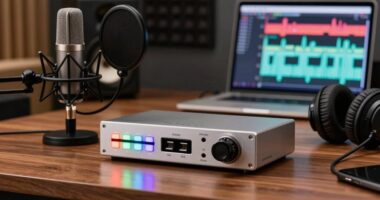
Alongside your microphone, consider investing in an audio interface that connects your mic to your computer smoothly. Look for one with reliable preamps and good bit depth to ensure your recordings stay crisp and noise-free. A quality audio interface helps maintain consistent sound levels, which is essential for a scalable setup. You might also want a pair of studio headphones to monitor your recordings in real-time, catching issues like background noise or audio clipping before they make it into your final product.
When it comes to recording, simplicity is your friend. Use a digital audio workstation (DAW) that’s intuitive and easy to learn, like Audacity or GarageBand, especially in the early stages. These tools allow you to produce polished episodes without a steep learning curve. As your podcast grows, you can upgrade your editing software or add more advanced features, but starting with straightforward tools keeps your setup manageable and scalable. Understanding audio quality and its impact on listener engagement is also crucial, as clear sound is vital for maintaining long-term growth.
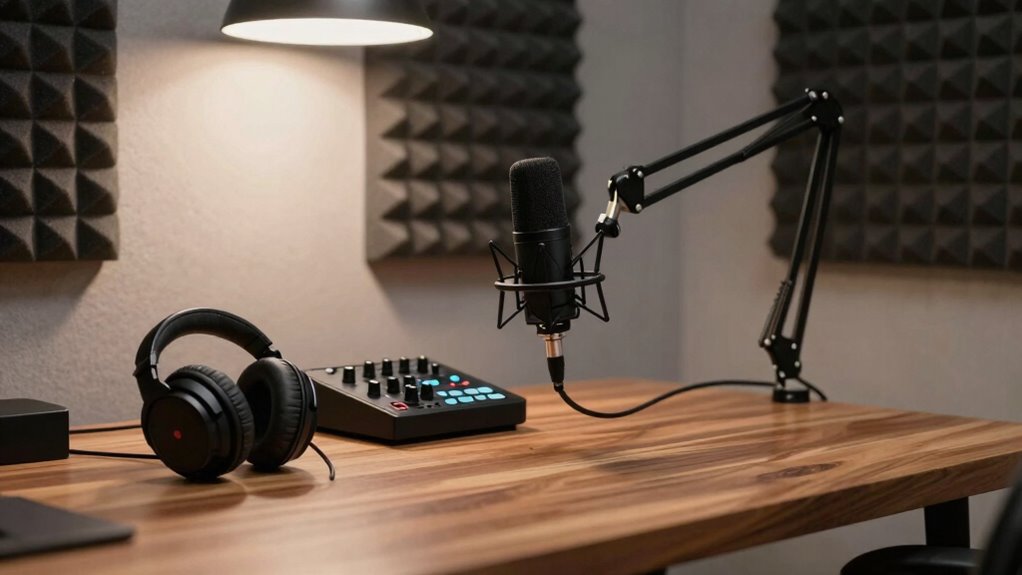
Finally, pay attention to your environment. Record in a quiet, acoustically treated space if possible. This doesn’t mean you need a professional studio—just some basic soundproofing or soft furnishings can dramatically improve your audio quality. Good environment + sound equipment choices = professional-sounding episodes that can scale effortlessly. Additionally, understanding audio quality and its impact on listener engagement is crucial for long-term growth.
In short, by focusing on quality equipment choices and creating an environment that promotes good audio, you can start with a simple setup that’s easy to manage today and ready to grow tomorrow. Your podcast’s success depends on delivering clear, engaging content, and a scalable setup ensures you’re prepared to meet that challenge at every stage.
USB condenser microphone for podcasting
As an affiliate, we earn on qualifying purchases.
As an affiliate, we earn on qualifying purchases.
Frequently Asked Questions
How Do I Choose the Best Microphone for Growth?
To choose the best microphone for growth, focus on one with versatile features and good sound quality. Proper microphone placement is essential; position it close to your mouth and use a pop filter for clarity. Acoustic treatment in your space reduces echo and background noise, helping your audio sound professional. As you grow, consider upgrading to a dynamic or condenser mic to capture richer sound, making your podcast more appealing.
What Software Is Ideal for Scalable Podcast Editing?
Your podcast editing needs software that’s a powerhouse, capable of scaling faster than lightning. Descript and Adobe Audition are perfect choices because they streamline editing workflows and support extensive plugin integrations. These tools let you automate repetitive tasks, perfect your sound, and handle larger episodes effortlessly. With their robust features, you can focus on content while the software manages the technical heavy lifting, making your podcast grow seamlessly.
How Can I Improve Sound Quality as I Grow?
To improve sound quality as you grow, focus on soundproofing techniques like adding acoustic panels and sealing gaps to minimize noise. Adjust your microphone placement by keeping it close to your mouth and slightly off-axis to reduce plosives. Regularly check your audio levels and consider investing in a quality microphone upgrade. These steps help maintain clear, professional sound, even as your podcast scales up and attracts more listeners.
What Are Cost-Effective Ways to Upgrade My Setup?
A penny saved is a penny earned, so focus on cost-effective upgrades. Invest in a good microphone and soundproofing to boost audio quality. Streamline your podcast branding to attract more listeners and refine your guest management process to guarantee smooth episodes. Use affordable software for editing and consider DIY solutions for acoustics. These upgrades help you scale swiftly without breaking the bank, making your podcast more professional and engaging.
How Do I Manage Multiple Podcasts Efficiently?
To manage multiple podcasts efficiently, you should organize your content calendar and use scheduling tools to keep everything on track. Focus on maintaining audience engagement by tailoring each show’s content to your target listeners. Keep branding consistency across all podcasts with uniform logos, music, and style. Automate editing and distribution where possible, and set clear workflows to streamline production. Regularly review feedback to improve and keep each podcast thriving.
audio interface with reliable preamps
As an affiliate, we earn on qualifying purchases.
As an affiliate, we earn on qualifying purchases.
Conclusion
Imagine your podcast studio as a tiny seed planted in rich soil, seeming simple at first. With each episode, it sprouts and grows, branches reaching out to new listeners, roots digging deeper into quality content. That unassuming setup you start with becomes a flourishing tree, offering shade and inspiration. Keep nurturing it with consistency and passion, and watch as your once-small setup transforms into a thriving platform, all from what looked like a modest beginning.
studio headphones for monitoring audio
As an affiliate, we earn on qualifying purchases.
As an affiliate, we earn on qualifying purchases.
acoustic treatment panels for recording
As an affiliate, we earn on qualifying purchases.
As an affiliate, we earn on qualifying purchases.
Fall Picks
fall essentials
As an affiliate, we earn on qualifying purchases.