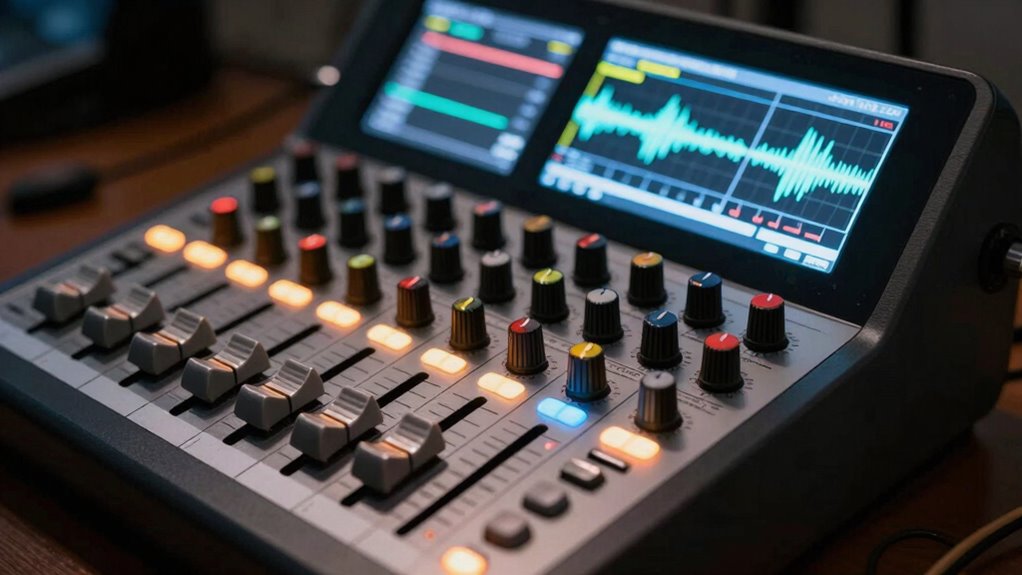
Choosing the wrong device, like a mixer instead of an interface or vice versa, can lead to costly upgrades and performance issues. If you pick a mixer for digital recording, you might need extra converters, doubling your costs. Conversely, an interface lacking sufficient inputs can limit your live sound options. Making the right choice now saves money and hassle later. Keep exploring to find out how to choose the best gear for your needs.

Get the latest gadgets delivered free with Prime
- Fast, free delivery on millions of items
- Prime Video, Amazon Music and more included
- Member-only deals all year
Key Takeaways
- Choosing a mixer for digital recording may require additional converters, increasing overall costs.
- Selecting an interface without live sound control limits flexibility for performances.
- Misjudging device capabilities can lead to costly upgrades and compatibility issues later.
- Inadequate input/output options restrict future expansion and workflow efficiency.
- Properly matching device type to your primary use (live or recording) saves money and prevents redundancy.
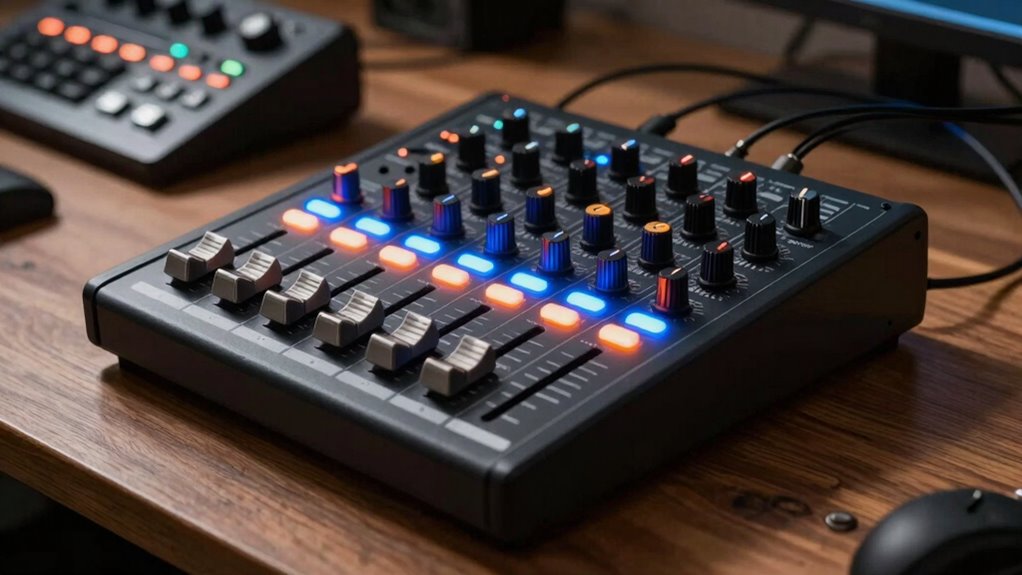
Are you confident you’re choosing the right audio gear for your setup? Picking between a mixer and an audio interface isn’t just about looks or brand names; it’s about understanding how each device handles your audio signal and connects to your gear. A mixer is primarily designed for live sound or multiple inputs in one place, allowing you to control levels, EQ, and effects on a variety of sound sources simultaneously. An interface, on the other hand, is built to convert analog signals into digital data that your computer can process, making it vital for recording and producing music or podcasts.
Your decision hinges on how you plan to use your gear and what kind of input/output connections you need. If you’re recording, a high-quality interface will give you cleaner sound and more precise control over your audio signal. It connects directly to your computer via USB, Thunderbolt, or other digital connections, guaranteeing minimal latency and maximum clarity. Mixers usually connect via multiple analog inputs and outputs, making them more suitable for live sound or setups where multiple instruments or microphones are involved. They often feature preamps, EQ, and effects, but they aren’t tailored to send a clean digital audio signal directly to your computer. Understanding the input/output connections of each device is crucial to ensure compatibility and optimal performance.
Choose an audio interface for clean recordings and precise control; opt for a mixer for live sound and multiple inputs.
Choosing the wrong device can lead to paying twice. For example, if you buy a mixer thinking it will serve as your audio interface, you might find that it doesn’t provide the clean digital conversion needed for high-quality recordings. You’ll then need to purchase a separate interface, doubling your investment. Conversely, if you buy an audio interface but need the control and flexibility a mixer offers, you’ll struggle to manage multiple inputs or adjust sound on the fly, forcing you to buy a mixer down the line. This misstep can cause frustration, extra costs, and compromised sound quality. Additionally, some devices may have limited connectivity options, which could hinder your setup’s expandability. It’s also important to understand that many devices now combine features, but their input/output specifications can vary greatly, affecting your overall setup. To make an informed decision, it’s helpful to consider how each device’s connectivity types align with your existing gear and future expansion plans.
Understanding your input/output connections is vital. Mixers typically feature numerous analog inputs for microphones, instruments, and line-level devices, along with outputs for speakers or recording devices. Interfaces focus on digital connectivity, offering balanced or unbalanced inputs with high-quality preamps, and outputs designed to feed your monitors or headphones. Matching your needs with the correct type of input/output connections ensures seamless integration and top-notch sound quality. Being aware of compatibility requirements can help prevent costly mistakes when upgrading or expanding your setup.
In the end, the key is to assess your workflow and choose a device that aligns with your goals. Whether it’s capturing pristine recordings or managing live sound, picking the right gear now saves you from costly upgrades later. It’s about investing wisely, so your setup works efficiently, and your audio signals stay clean, clear, and reliable.
USB audio interface for recording
As an affiliate, we earn on qualifying purchases.
As an affiliate, we earn on qualifying purchases.
Frequently Asked Questions
Can a Mixer Double as an Audio Interface?
Yes, some mixers can double as an audio interface, but it depends on whether you prefer analog vs digital hardware. Digital mixers often have built-in audio interfaces, allowing you to connect directly to your computer. However, analog mixers typically require a separate hardware interface. You should consider if you want a hardware solution or prefer software-based setups, since mixing hardware and software offers different flexibility levels and quality, impacting your workflow.
Do I Need Both a Mixer and an Interface?
You might need both a mixer and an interface if you’re balancing vintage vs. modern, analog vs. digital gear. A mixer handles live sound and multiple inputs, especially with vintage, analog setups. Meanwhile, a digital interface connects your gear to your computer for recording and editing. If you’re doing live performances, a mixer is essential. For home studio work, an interface mainly suffices. Combining both gives you flexibility across different audio setups.
What Are the Cost Differences Between Mixers and Interfaces?
You’ll find that analog mixers tend to be more expensive than digital interfaces, especially in portable models. Studio mixers, with advanced features, cost considerably more than compact, portable interfaces. Digital interfaces often offer affordable options for home studios, while analog mixers, valued for their sound quality, can be pricier. Your choice depends on whether you prioritize portability, sound quality, or studio features, impacting your overall budget.
How Do I Connect a Mixer to a Computer?
To connect a mixer to your computer, decide between analog and digital options. For an analog connection, use an audio interface with line-in or direct outputs from your mixer. Digital mixers often have USB or Thunderbolt ports, simplifying connection. Consider signal routing options like aux sends or main outputs, ensuring your mixer’s outputs match your computer’s inputs. Be sure to install any necessary drivers for seamless digital communication.
Which Is Better for Recording Vocals: Mixer or Interface?
Choosing between a mixer and an interface for vocals is vital—an incorrect choice can ruin your sound forever! An audio interface generally offers superior sound quality and cleaner recordings, perfect for vocals. It also provides essential connectivity options like XLR and USB, making setup simple. Mixers can be useful if you’re performing live or want to blend multiple sources, but for pristine vocal recordings, an interface is usually the smarter choice.
As an affiliate, we earn on qualifying purchases.
Conclusion
Choosing the right audio gear isn’t just about preferences; it’s about understanding their true functions. The common myth is that mixers and interfaces are interchangeable, but that’s false. Investing in the wrong one can cost you twice—once for the mistake and again for the upgrade. So, do your research, confirm the actual purpose of each, and make an informed choice. Your wallet—and your sound quality—will thank you for it.
audio interface with high-quality preamps
As an affiliate, we earn on qualifying purchases.
As an affiliate, we earn on qualifying purchases.
professional audio mixer for live performances
As an affiliate, we earn on qualifying purchases.
As an affiliate, we earn on qualifying purchases.
Halloween Picks
halloween
As an affiliate, we earn on qualifying purchases.