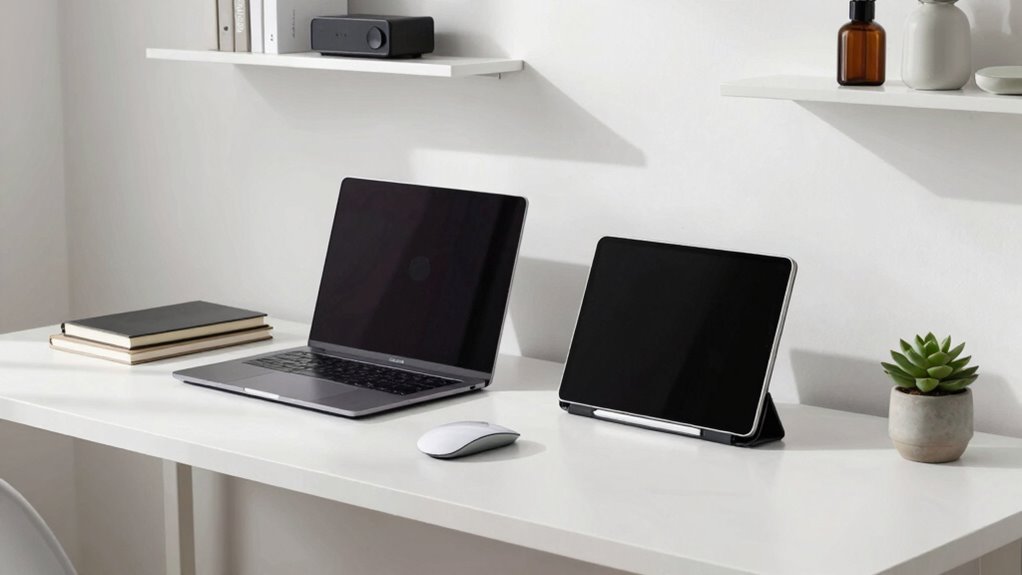

To build a paperless desk without chaos, start by setting clear goals for your digital workspace, focusing on organization and clutter reduction. Create a structured filing system with consistent naming conventions and regularly review and clean outdated files. Develop habits like quick digital decluttering and using cloud storage for easy access. Keep essential documents handy and archive less critical ones. Sticking to these routines helps maintain an organized environment—if you keep going, you’ll discover more tips to stay clutter-free.

Get the latest gadgets delivered free with Prime
- Fast, free delivery on millions of items
- Prime Video, Amazon Music and more included
- Member-only deals all year
Key Takeaways
- Establish clear digital organization goals to prevent unnecessary file accumulation and maintain focus.
- Create a structured, consistent filing system for easy access and long-term management.
- Regularly review and delete outdated or duplicate digital documents to avoid clutter.
- Use scanning tools to convert paper documents into organized digital files.
- Develop daily habits for quick filing and routine decluttering to sustain a tidy digital workspace.
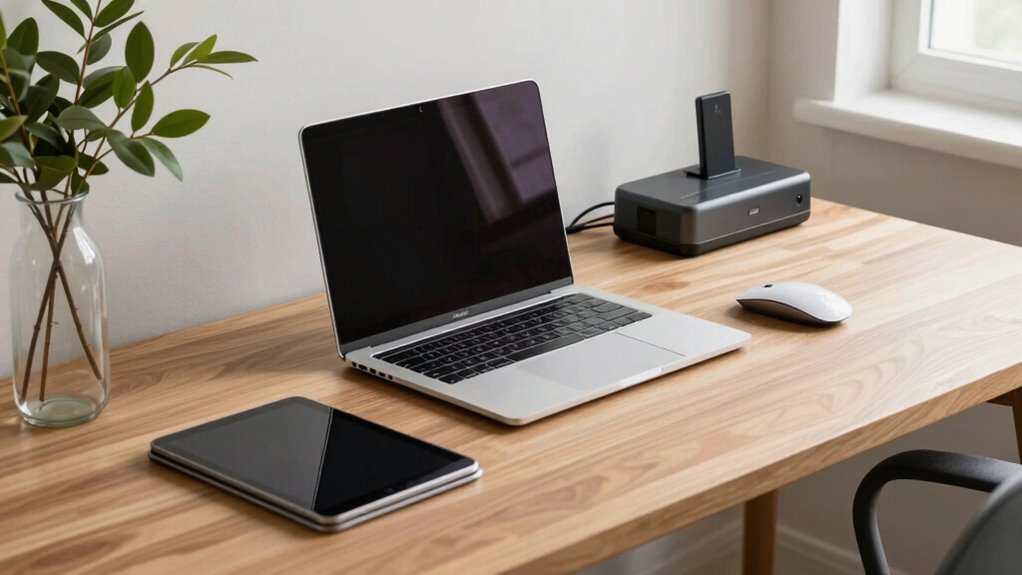
Switching to a paperless desk can boost your productivity and reduce clutter, but it’s easy to unintentionally create new chaos in the process. The key is to approach digital decluttering with the same discipline you’d use for paper organization. Start by setting clear goals for what you want your workspace to look like and how you want it to function. This clarity helps you resist the temptation to hoard files or keep unnecessary digital clutter, which can quickly become just as overwhelming as paper stacks.
Create clear goals for your digital workspace to stay organized and prevent overwhelming clutter.
When you begin, focus on creating a structured system for your digital files. Use folders and labels that make sense to you and stick to a consistent naming convention. This way, when you’re searching for a document or a reference, you won’t waste time digging through a jumble of unsorted files. Regularly review and clean out your digital workspace—delete duplicates and outdated files. Digital decluttering isn’t a one-time task; it’s an ongoing process that keeps your workspace efficient and manageable. Incorporating a consistent filing system is essential for maintaining long-term organization.
Paper organization, even in a digital environment, requires discipline. Keep your most important documents easily accessible, perhaps in a dedicated folder or cloud storage with quick links. Less critical files can be archived or deleted, freeing up space and reducing visual clutter. Use tools like document scanners or scanning apps to convert paper documents into digital files, then organize those files as you would physical papers. This helps you eliminate paper clutter while maintaining access to essential documents, making your desk cleaner and more streamlined. Developing digital habits can significantly improve your ability to stay organized over time. Additionally, understanding the importance of digital decluttering can motivate you to maintain an organized digital environment. Consistently applying a structured approach to your digital files can prevent clutter from reaccumulating and help keep your workspace efficient.
Products Worth Considering

Samsung 27-inch Odyssey OLED G6 QD-OLED QHD Gaming Monitor

LG UltraGear 32GX850A-B 32-Inch 4K UHD Glossy OLED Gaming Monitor

Sony WH-1000XM4C Wireless Noise-Cancelling Headphones, Black
As an affiliate, we earn on qualifying purchases.
Frequently Asked Questions
What Are the Best Tools for Digital Note-Taking?
You should try tools like Evernote or OneNote for digital note-taking, which sync seamlessly with cloud storage services like Google Drive or Dropbox. Use a good digital stylus to write naturally on tablets or touchscreen devices, making note-taking more intuitive. These tools help you stay organized, avoid paper clutter, and access your notes anywhere, ensuring your workspace remains clean and efficient without creating new chaos.
How Can I Secure Sensitive Digital Documents?
Your digital documents are more vulnerable than a house of cards in a hurricane. To secure them, use digital encryption to lock your files tight, making unauthorized access impossible. Rely on secure cloud storage platforms that prioritize encryption and two-factor authentication. Regularly update passwords and enable automatic backups. These steps create an impenetrable fortress around your sensitive information, ensuring your digital world stays safe from prying eyes and cyber threats.
What Are Effective Ways to Back up Digital Files?
To back up your digital files effectively, you should use a combination of cloud storage and external drives. Cloud storage offers automatic backups and easy access from any device, while external drives provide a physical backup that’s safe from online threats. Regularly update both backups, and consider encrypting sensitive files to enhance security. This approach guarantees your files stay safe, accessible, and protected from data loss.
How Do I Organize Digital Files for Easy Access?
To organize digital files for easy access, start with clear file naming conventions that include dates, project names, or categories. Use tagging and categorization to group related files, making searches faster. Create folders based on your workflow or topics, and regularly declutter. Consistent naming and tagging help you quickly find what you need, reducing clutter and keeping your digital space tidy and efficient.
How Can I Reduce Digital Clutter Over Time?
Think of your digital space as a garden; regular digital decluttering is like pruning to keep things healthy. To reduce digital clutter over time, schedule routine reviews and delete unnecessary files. Use cloud organization tools to categorize and store important documents efficiently. This ongoing maintenance prevents chaos, keeps your digital environment tidy, and guarantees quick access. Consistent care transforms your cluttered digital garden into a thriving, manageable landscape.
Conclusion
By gently shifting your habits and embracing a few simple tools, you’ll find your workspace transforming into a serene haven rather than a whirlwind of clutter. Remember, the goal isn’t perfection but progress—each small step helps you craft a more organized, calming environment. With patience and a touch of grace, you’ll discover that a paperless desk can bring clarity and peace, turning chaos into calm without losing what’s truly important.