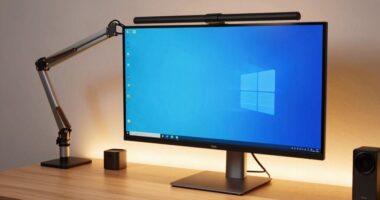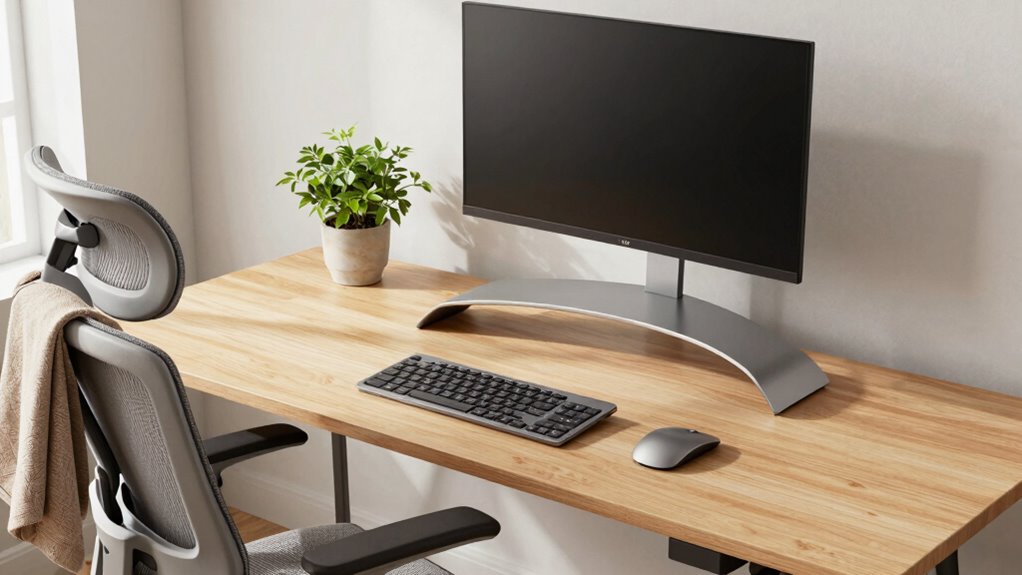
To protect your neck and patience, create a dedicated, clutter-free workspace with good lighting, preferably near natural light. Use ergonomic accessories like adjustable chairs and desks, ensuring your monitor is at eye level and your arms rest comfortably. Take regular breaks to stretch and stay relaxed. Organize your supplies and cables for a tidy environment that fosters focus. Keep these tips in mind, and you’ll set up a workspace that supports both comfort and productivity. Keep exploring for more tips to optimize your setup.

Get the latest gadgets delivered free — and shop member deals
- Fast, free delivery on millions of items
- Access to Prime Big Deal Days deals on October 6–7
- Prime Video, Amazon Music and more included
Key Takeaways
- Use an adjustable monitor stand to keep your screen at eye level and reduce neck strain.
- Invest in ergonomic chairs with proper lumbar support to maintain good posture during long work sessions.
- Position lighting to minimize glare and eye fatigue, ensuring a comfortable visual environment.
- Organize your workspace to prevent clutter, reducing frustration and promoting efficient workflow.
- Take regular breaks to stretch and reset, preventing physical discomfort and mental fatigue.
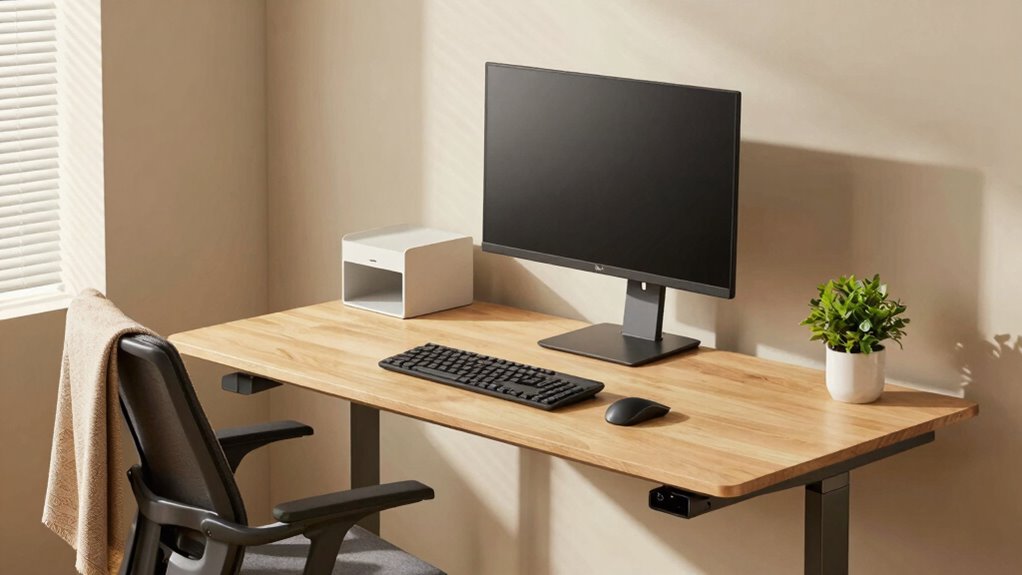
Setting up a productive remote work environment begins with creating a dedicated space that’s free from distractions and optimized for your tasks. When you focus on building this space, pay close attention to ergonomic accessories, because they directly impact your comfort and health. Invest in an adjustable chair that supports your lower back and encourages good posture. Pair it with an ergonomic desk that allows you to keep your feet flat on the ground and your arms at a comfortable angle. These accessories aren’t just luxuries—they’re necessities that prevent neck and shoulder strain after hours at your desk.
Prioritize ergonomic accessories like adjustable chairs and desks to prevent strain and promote comfort during extended work hours
Lighting solutions are equally important for a successful remote setup. Natural light is ideal, so position your workspace near a window if possible. But when natural light isn’t enough or during darker hours, opt for adjustable, glare-free lighting that illuminates your workspace evenly. Avoid harsh overhead lights that can cause eye strain or headaches. Instead, choose a combination of task and ambient lighting to create a balanced environment. Proper lighting reduces eye fatigue and helps you stay alert, preventing the frustration that comes with working in dim or overly bright spaces.
Your monitor placement plays a crucial role in maintaining good posture. The top of your screen should be at or just below eye level, about an arm’s length away. This positioning minimizes neck strain and encourages you to look straight ahead rather than downward or upward. Use monitor stands or adjustable arms to achieve the perfect height. Also, keep frequently used tools within easy reach to avoid repetitive stretching or twisting, which can lead to discomfort over time.
Creating a clutter-free workspace promotes focus and patience. Organize your cables, papers, and supplies so your environment feels orderly and inviting. When everything has a designated place, you’ll waste less time searching for items and stay more engaged with your work. Incorporating ergonomic accessories like wrist rests or footrests if needed can enhance comfort, but proper workspace organization is equally essential for reducing stress and increasing efficiency. Developing a consistent routine can also help establish boundaries between work and personal life, reducing stress and preventing burnout. Remember, the goal is to establish a setup that encourages productivity without sacrificing your health.
Finally, make a habit of taking regular breaks. Stand up, stretch, or walk around to loosen tight muscles and give your eyes a rest from the screen. Additionally, integrating ergonomic principles into your workspace can further enhance your comfort and prevent strain during long work sessions. Incorporating biodiversity principles into your workspace, such as using plants or natural elements, can also boost your mood and overall well-being. A well-thought-out remote work setup isn’t just about productivity—it’s about caring for your body and mind. When you combine ergonomic accessories with thoughtful lighting solutions, you create a workspace that saves your neck, reduces fatigue, and keeps your patience intact for the tasks ahead.
ergonomic adjustable monitor stand
As an affiliate, we earn on qualifying purchases.
As an affiliate, we earn on qualifying purchases.
Frequently Asked Questions
How Often Should I Take Breaks During Remote Work?
You should take breaks every 25 to 30 minutes during remote work. During these breaks, do stretching routines to relieve tension and prevent stiffness. Make sure you’re seated in an ergonomic chair that supports your posture. Stand up, stretch, and move around to boost circulation. Regular breaks help you stay focused, reduce strain, and keep your neck and back comfortable throughout the day.
What Are the Best Ergonomic Accessories for Small Spaces?
Imagine your small workspace transformed into a sleek, organized haven. Compact furniture like a foldable desk and a slim chair fit effortlessly, freeing up space. Use cable management solutions—clips and sleeves—to keep cords tidy and out of your way. These ergonomic accessories help you maintain good posture, reduce clutter, and create a comfortable environment where you can work efficiently without feeling cramped or distracted.
How Can I Reduce Eye Strain From Screens?
To reduce eye strain from screens, you should use blue light filters to lessen eye fatigue, especially during long work sessions. Also, take regular breaks to do eye relaxation exercises—look away from your screen, focus on distant objects, and blink often. Adjust your screen brightness to match ambient lighting, and maintain proper distance. These habits help protect your eyes and keep you comfortable while working remotely.
What’s the Ideal Desk Height for Comfort?
You should set your desk height so that your elbows are at a 90-degree angle when you’re seated comfortably. Use an ergonomic chair that supports your lower back, and an adjustable desk to fine-tune the height. Your monitor should be at eye level to prevent neck strain. When your setup aligns, you’ll work comfortably and reduce fatigue throughout the day.
How Do I Stay Motivated Working Alone?
To stay motivated working alone, use self motivation techniques like setting clear goals and rewarding yourself for progress. Break tasks into smaller steps to maintain momentum. Find accountability partners, even virtually, to check in regularly and keep you focused. Keep a routine, stay organized, and remind yourself of your purpose. These strategies boost your drive, prevent burnout, and help you maintain productivity, even without direct supervision.
ergonomic office chair with lumbar support
As an affiliate, we earn on qualifying purchases.
As an affiliate, we earn on qualifying purchases.
Conclusion
By setting up your workspace thoughtfully, you reduce strain, boost comfort, and enhance productivity. By choosing the right chair, positioning your monitor correctly, and organizing your tools efficiently, you create a haven that supports your body and mind. By prioritizing ergonomics, you prevent pain, improve focus, and enjoy your workday. In doing so, you protect your neck, preserve your patience, and cultivate a space that works for you—today, tomorrow, and always.
As an affiliate, we earn on qualifying purchases.
As an affiliate, we earn on qualifying purchases.
Evergreen bestsellers Picks
bestsellers
As an affiliate, we earn on qualifying purchases.