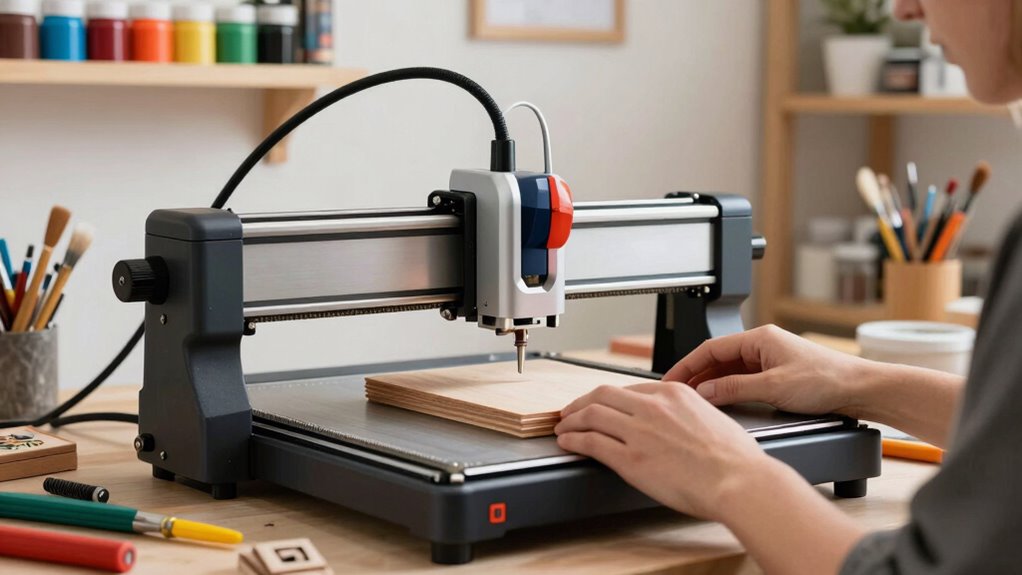

When choosing a hobby-friendly laser engraver, focus on models that are easy to operate with clear instructions and safety features like emergency stops and protective covers. Make sure it’s compact for limited space and offers good ventilation to handle fumes safely. Regular maintenance, such as cleaning lenses and checking cooling systems, keeps it working well. Prioritize safety precautions like wearing goggles and never leaving it unattended. To discover more tips for selecting the perfect machine, keep exploring further insights.
Key Takeaways
- Prioritize beginner-friendly features like simple controls, clear instructions, and compact size for easy operation.
- Ensure the laser engraver has built-in safety features such as emergency stops and protective covers.
- Choose a model with proper ventilation options to safely manage fumes from materials like wood and acrylic.
- Regularly maintain lenses, mirrors, and cooling systems to ensure consistent performance and longevity.
- Follow safety precautions, including wearing goggles and never leaving the machine unattended during use.
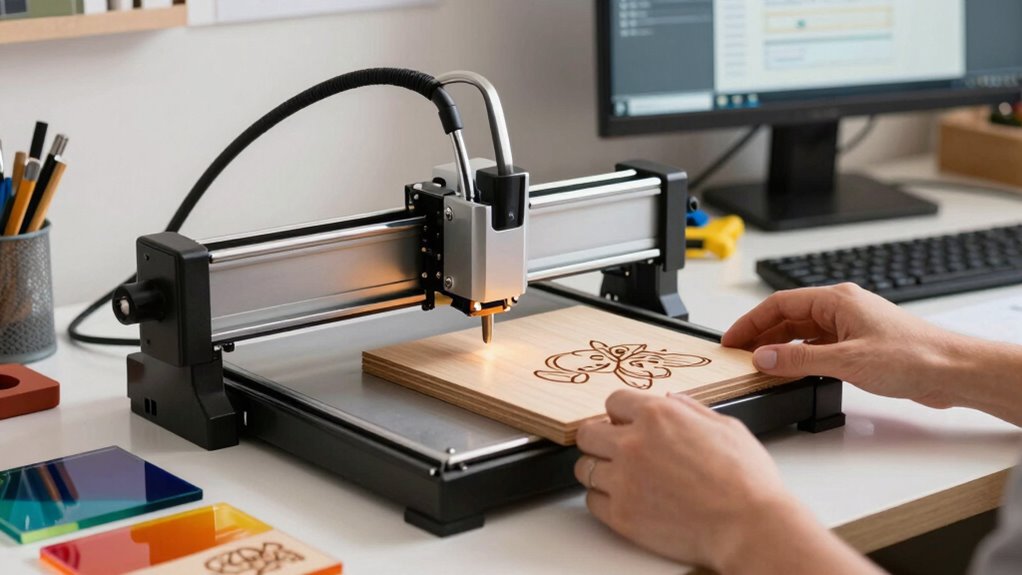
If you’re interested in exploring laser engraving as a hobby, finding the right machine can make all the difference. A beginner-friendly laser engraver should be easy to operate, safe, and reliable. Before making your purchase, consider how you’ll use the machine and what features are essential. Look for models with straightforward controls, clear instructions, and a compact size that fits your workspace. Remember, safety should always come first, so choose a machine with built-in safety features like emergency stop buttons, protective covers, and proper ventilation. These safety precautions help prevent accidents and ensure you can enjoy your hobby without unnecessary risk.
Once you’ve selected a suitable laser engraver, understanding maintenance tips is crucial to keep it running smoothly. Regular cleaning of lenses and mirrors ensures the laser beam remains precise and effective. You should also check the machine’s cooling system, whether it’s air-cooled or water-cooled, and follow the manufacturer’s guidelines for upkeep. Keeping the work area tidy and free of dust prevents debris from interfering with the laser’s performance. Additionally, periodically inspecting electrical connections and moving parts helps catch potential issues early and prolongs the lifespan of your equipment. Proper machine maintenance is essential for optimal performance and safety. Incorporating routine checks can significantly extend the life of your laser engraver and improve its efficiency.
Getting familiar with safety precautions doesn’t end with initial setup. Always wear safety goggles rated for the laser’s wavelength to protect your eyes. Never leave the machine unattended while it’s operating, and ensure your workspace is well-ventilated to avoid inhaling fumes from materials like wood, acrylic, or leather. Using the laser engraver within its recommended parameters prevents overheating and damage to the device. It’s also wise to keep a fire extinguisher nearby—just in case—and to know how to shut down the machine quickly in an emergency. Proper ventilation is especially important to ensure safe operation and minimize exposure to harmful fumes, which is a key consideration in choosing a hobby-friendly laser engraver.
As you become more experienced, routine maintenance will become second nature. Follow the manufacturer’s instructions for cleaning and calibration, and keep a log of maintenance activities to track the machine’s health. Regularly inspecting your laser engraver helps catch issues early, saving you time and money in repairs. With proper care and adherence to safety precautions, your hobby will stay enjoyable and safe for years to come. Choosing a user-friendly laser engraver with the right safety features, practicing good maintenance, and respecting safety guidelines will make your hobby both rewarding and secure.
beginner laser engraver with safety features
As an affiliate, we earn on qualifying purchases.
As an affiliate, we earn on qualifying purchases.
Frequently Asked Questions
What Safety Precautions Are Necessary for Hobby Laser Engraving?
You should always wear protective gear like safety goggles and gloves to shield your eyes and skin from laser fumes and debris. Make sure your workspace has a proper ventilation system to safely extract harmful fumes generated during engraving. Never operate the laser in an enclosed space without ventilation, and keep a fire extinguisher nearby. These precautions help you stay safe while enjoying your hobby without risks.
Can Hobby Laser Engravers Engrave All Types of Materials?
Hobby laser engravers can’t engrave all types of materials, but they do offer good engraving versatility for many popular options. You can typically work with wood, acrylic, leather, and certain plastics easily. However, some materials like glass, stone, or metals require specialized equipment or coatings. Always check your laser engraver’s material compatibility to guarantee safe and effective results, and avoid damaging delicate or incompatible surfaces.
What Is the Typical Maintenance Required for Hobby Laser Engravers?
You need to regularly perform laser engraver calibration to keep your machine running accurately. Keep an eye on engraver dust management by cleaning the area and filters often, as dust can affect performance. Check and replace lenses if they become dirty or scratched. Lubricate moving parts as recommended by the manufacturer to prevent wear. Regular maintenance guarantees your hobby laser engraver stays reliable and produces precise engravings.
How Do I Troubleshoot Common Issues With My Laser Engraver?
Imagine your laser engraver as a steady artist, but sometimes it stumbles. When troubleshooting, start by checking your laser settings; make sure they match the material you’re working with. If engravings aren’t clean, verify material compatibility. Clear any debris from lenses and mirrors, and restart the machine. Adjust settings if needed, and test on scrap material before resuming your project. This approach keeps your hobby engraver running smoothly and your creativity flowing.
Are There Legal Restrictions on Home Laser Engraving Projects?
Yes, there are legal restrictions on home laser engraving projects. You need to guarantee legal compliance by checking your local regulations, which may include licensing requirements or restrictions on engraving certain materials. Some areas have rules about laser safety and environmental concerns. Always research your specific jurisdiction’s laws before starting your project to avoid fines or legal issues. Staying informed helps you enjoy your hobby responsibly and safely.
compact hobby laser engraver with ventilation
As an affiliate, we earn on qualifying purchases.
As an affiliate, we earn on qualifying purchases.
Conclusion
Choosing the right laser engraver doesn’t have to be complicated. With the right tools, you can turn your hobby into stunning creations. Did you know that the hobbyist laser engraver market has grown by over 20% in the last year alone? That’s proof that more makers are discovering how accessible and rewarding laser engraving can be. So, pick a model that fits your needs, and get ready to bring your creative ideas to life with ease!
easy-to-use laser engraver for beginners
As an affiliate, we earn on qualifying purchases.
As an affiliate, we earn on qualifying purchases.
As an affiliate, we earn on qualifying purchases.