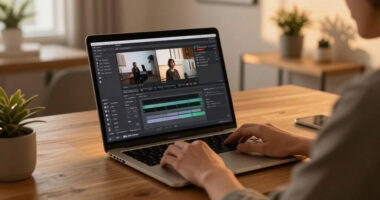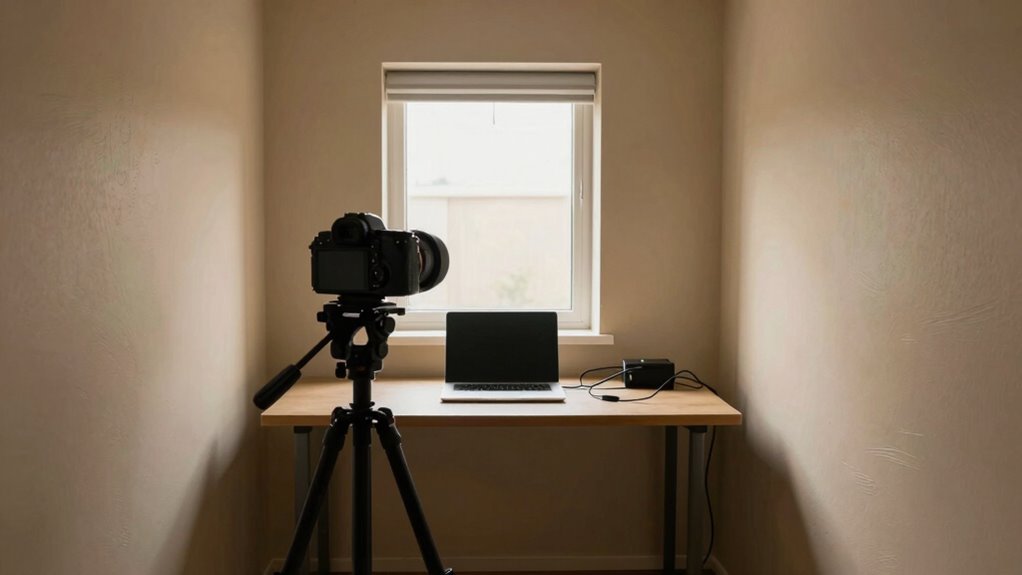
You can produce professional-looking videos in tiny rooms by mastering simple lighting and sound techniques. Use soft, diffused lights placed close to you, bounce light with reflectors, and keep backgrounds minimal to focus on your subject. Invest in a good microphone, add soft materials around the space to absorb echoes, and utilize natural light when possible. With a few smart adjustments, your small space can become an effective studio—discover more tips to elevate your videos.

Get the latest gadgets delivered free with Prime
- Fast, free delivery on millions of items
- Prime Video, Amazon Music and more included
- Member-only deals all year
Key Takeaways
- Proper lighting, like diffused LED panels and bouncing light, can enhance video quality even in small spaces.
- Using close-up microphones and soundproofing materials improves audio clarity in confined environments.
- Simplifying backgrounds and utilizing natural light create a professional look in tiny rooms.
- Strategic placement of equipment and tools maximizes space efficiency and video quality.
- Consistent experimentation with lighting and sound setups is essential for achieving optimal results.
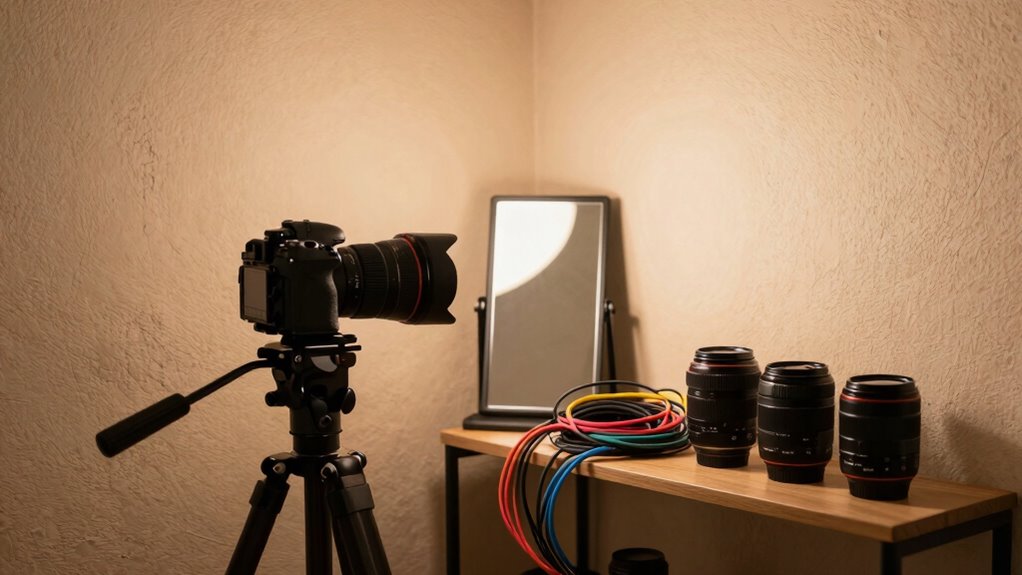
Shooting great video in tiny rooms might seem impossible at first, but with the right techniques, you can create professional-looking footage regardless of space constraints. The key lies in mastering lighting techniques and ensuring sound quality, both of which can dramatically improve your video’s overall feel and clarity. When working in a small space, lighting is often the first challenge, but it’s also your best tool to make the scene look polished. Instead of relying on large, expensive lights, opt for soft, diffused lighting sources like LED panels, ring lights, or even practical household lamps with diffusers. Position these lights close to your subject to eliminate shadows and create a flattering, even glow. Use reflectors—white foam boards or even a piece of paper—to bounce light back onto your face and fill in shadows without adding more equipment. Keep the background simple and uncluttered; a clean backdrop enhances the sense of depth and doesn’t distract from your subject. Understanding lighting techniques can significantly elevate your video quality in confined spaces.
Sound quality is equally essential, especially in tiny rooms where echoes and background noise are more pronounced. Invest in a good-quality microphone, such as a lapel or shotgun mic, and keep it close to your mouth. This minimizes ambient noise and captures clear, crisp audio. Avoid the temptation to record with your camera’s built-in mic, which often picks up unwanted room noise. To further improve sound, consider adding soft materials like carpets, curtains, or foam panels around your recording area. These materials absorb echoes and reverberations, making your voice sound warmer and more natural. If you’re recording in a confined space, be mindful of noise sources outside your room, like traffic or household appliances, and turn them off during recording. Additionally, understanding how soundproofing techniques can help reduce external noise can make a significant difference in your audio quality. You can also explore the benefits of room acoustic treatment to optimize your space for recording. Proper placement of your microphone and sound absorption methods play a crucial role in achieving clear audio in tight spaces.
Balancing lighting and sound in a tiny room requires some experimentation, but don’t be discouraged. Use natural light when possible—placing yourself near a window during the day can provide soft, flattering illumination without extra equipment. Keep your camera settings optimized for low-light conditions, and use manual focus to prevent flickering or blurry footage caused by changing light. With attention to lighting techniques and sound quality, you’ll find that even the smallest rooms can become effective, professional-looking filming spaces. The key is to work smarter, not harder, by leveraging your environment and investing in the right tools. Once you get the hang of it, shooting high-quality videos in tiny rooms becomes just another part of your creative process.
As an affiliate, we earn on qualifying purchases.
Frequently Asked Questions
What Camera Settings Are Best for Small Spaces?
For small spaces, you should prioritize camera stability by using a tripod or gimbal to prevent shaky footage. Choose a wide-angle lens to capture more of the scene without moving the camera too much. Set your aperture wide (like f/2.8) for better light and background blur, and keep ISO low to avoid noise. Adjust your shutter speed to double your frame rate for smooth, professional-looking video in tight quarters.
How Can I Improve Audio Quality in Tiny Rooms?
Did you know that poor room acoustics can reduce audio clarity by up to 50%? To improve audio quality in tiny rooms, focus on controlling background noise and sound reflections. Use soft materials like carpets, curtains, or foam panels to absorb sound, and position your microphone close to your mouth. Turning off unnecessary electronics and choosing directional mics also helps minimize background noise, ensuring clearer, professional-sounding audio.
What Lighting Equipment Works Best in Limited Space?
In limited space, use compact lighting like LED panels or ring lights that are easy to position. Focus on proper lighting placement to avoid shadows and create even coverage. Adjust the color temperature to match your environment—warm for cozy scenes, cool for professional looks. Keep lights close but not too close, ensuring your subject is well-lit without overcrowding the tiny room. This approach keeps your setup efficient and effective.
How Do I Prevent Reflections and Glare?
Think of reflection control and glare reduction as your secret weapons in tiny rooms. To prevent reflections and glare, position lights at angles that avoid direct reflections into your camera. Use matte surfaces and flags to absorb unwanted light, and consider diffusers to soften harsh reflections. By controlling light sources and angles carefully, you’ll keep your video clear, professional, and free of distracting glare, even in the tightest spaces.
Are There Specific Editing Tips for Small-Room Footage?
To enhance small-room footage through editing, focus on adjusting set design elements to minimize clutter and distractions. Use cropping and zooming with camera angles to emphasize your subject and create depth, making the space feel larger. You can also add subtle color grading to improve lighting and mood. These tweaks help your footage look more professional, directing viewers’ attention where it belongs and compensating for the room’s limited size.
As an affiliate, we earn on qualifying purchases.
Conclusion
So, next time you’re faced with a tiny room, remember—your creativity is the key that unlocks endless possibilities. With clever angles, proper lighting, and a dash of confidence, you can turn even the smallest space into a fascinating cinematic scene. Think of your room as a blank canvas waiting for your masterpiece. Don’t let size limit your vision—because, after all, the best stories often come from the tiniest rooms.
As an affiliate, we earn on qualifying purchases.
As an affiliate, we earn on qualifying purchases.
Halloween Picks
halloween
As an affiliate, we earn on qualifying purchases.