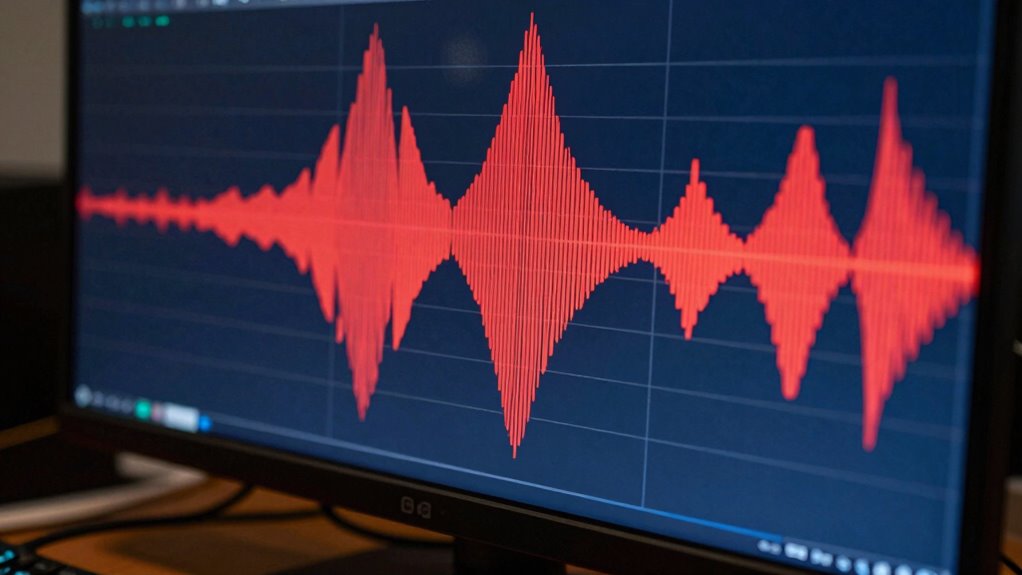

Bit depth in video editing refers to how many colors and tonal variations your footage can display. The higher the bit depth, the more detailed and accurate your colors and gradients will be, reducing issues like banding and posterization. It also allows for more precise adjustments during color grading, minimizing artifacts. If you’re curious about how this impacts your workflow and final quality, there’s more to discover that can help you optimize your edits.

Get the latest gadgets delivered free with Prime
- Fast, free delivery on millions of items
- Prime Video, Amazon Music and more included
- Member-only deals all year
Key Takeaways
- Bit depth determines how many colors and tonal variations are available in your video footage.
- Higher bit depth allows for more precise color adjustments and smoother gradients.
- Lower bit depth can cause banding and posterization, reducing visual quality.
- It influences how well details and color transitions are preserved during compression.
- Choosing higher bit depth improves overall image accuracy and reduces artifacts in the final edit.
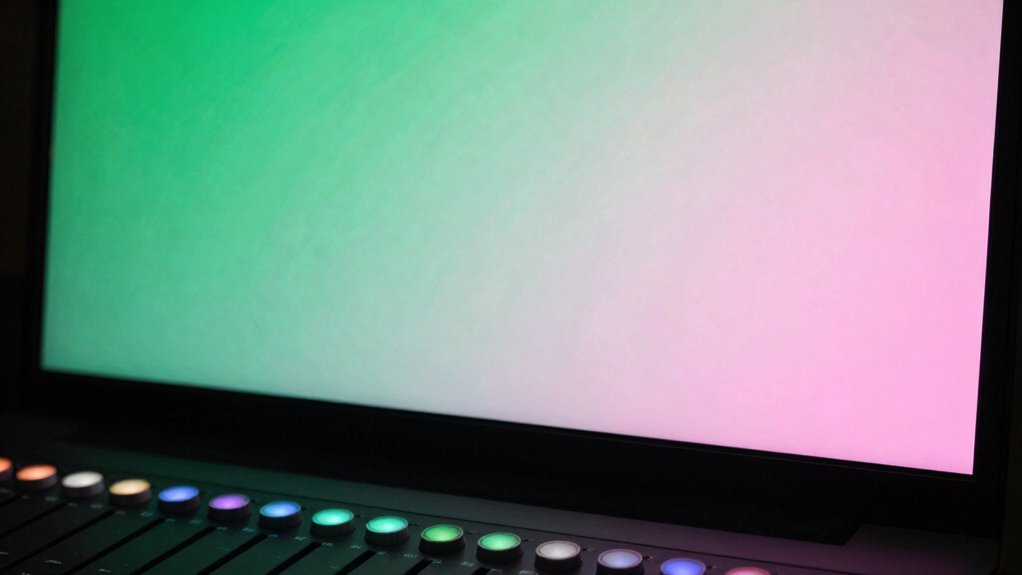
Understanding bit depth is essential in video editing because it directly affects the quality and color accuracy of your footage. When you’re working on a project, knowing what bit depth means helps you make smarter choices during editing, especially when it comes to color grading and compression. Bit depth determines how many colors your footage can display and how smoothly those colors gradually change from one to another. A higher bit depth means more color information, which results in richer, more detailed visuals. Conversely, a lower bit depth can lead to banding, where smooth gradients break into visible steps, negatively impacting your final look.
As you perform color grading, the importance of bit depth becomes even clearer. Grading involves adjusting colors, shadows, highlights, and other elements to achieve a desired aesthetic. When your footage has a higher bit depth, you have more tonal data to work with, making it easier to fine-tune colors without introducing artifacts. Lower bit depths, however, limit your adjustments. This restriction can cause unwanted issues like posterization or banding, especially in areas with subtle gradients, diminishing the professional quality of your work. You’ll find that with higher bit depths, your color grading process is smoother and more precise, allowing for more creative freedom and fewer technical setbacks. Additionally, color accuracy is significantly improved with higher bit depths, ensuring your final project maintains true-to-life hues. This is particularly important when working with digital workflows, where maintaining fidelity is critical. A higher bit depth also provides increased dynamic range, enabling more detail in both shadows and highlights. Moreover, higher bit depths can help reduce the appearance of compression artifacts, as more information is retained during encoding. Understanding how bit depth impacts overall image quality can help you make better decisions about your editing settings and export options. When you export or compress your video, lower bit depths tend to exacerbate these issues because there’s less color information to preserve details. Compression artifacts, such as blockiness or color banding, become more prominent and distracting when the bit depth is insufficient. This is especially noticeable in scenes with complex color transitions or subtle shades. Using higher bit depths helps mitigate these problems because more color data is retained, making the compressed video look cleaner and more accurate to your original footage. Fundamentally, a higher bit depth acts as a safeguard against quality loss during compression, ensuring your final product looks sharp and professional.
Products Worth Considering

Samsung 27-inch Odyssey OLED G6 QD-OLED QHD Gaming Monitor

LG 34GX90SA-W 34-inch Ultragear WQHD OLED Curved Gaming Monitor

LG UltraGear 27-Inch QHD OLED Gaming Monitor, 240Hz, 0.03ms, G-SYNC Compatible, FreeSync Premium Pro, HDMI 2.1
As an affiliate, we earn on qualifying purchases.
Frequently Asked Questions
How Does Bit Depth Affect Video File Size?
Higher bit depth increases video file size because it captures more color information, which requires more storage. When you use compression techniques, the file size can be reduced, but higher bit depths still demand more storage compared to lower ones. So, if you want better color detail, be prepared for larger files, impacting your overall storage requirements. Balancing quality and file size depends on your project’s needs.
Can Increasing Bit Depth Improve Color Grading?
Increasing bit depth can improve your color grading by enhancing color accuracy, giving you more precise control over subtle color variations. It allows for smoother gradations and reduces banding, making your footage look more professional. However, higher bit depth may slightly reduce compression efficiency, resulting in larger file sizes. Overall, if quality and detailed color work are priorities, increasing bit depth is a smart choice for better color grading outcomes.
What Is the Ideal Bit Depth for Streaming Videos?
For streaming videos, an ideal bit depth is usually 8-bit, balancing color accuracy and compression efficiency. This bit depth offers sufficient color detail for most viewers while keeping file sizes manageable, ensuring smooth streaming experiences. If you prioritize better color precision, especially for HDR content, 10-bit is better, but it demands higher bandwidth and processing power. Ultimately, choose based on your streaming quality needs and available bandwidth.
Does Higher Bit Depth Require More Powerful Hardware?
Yes, higher bit depth requires more powerful hardware because it produces larger files, which can lead to increased compression artifacts during editing. Your system needs better processing power and memory to manage the extra data effectively. Additionally, not all hardware is fully compatible with high bit depth formats, so check your hardware’s compatibility to avoid issues like playback errors or reduced performance. Upgrading your hardware guarantees smooth editing and playback at higher bit depths.
How Is Bit Depth Different From Color Depth?
You might find it interesting that color depth specifically refers to the number of bits used per color channel, while bit depth encompasses all channels combined. Color depth directly impacts color accuracy, allowing for more precise shades, whereas bit depth influences compression efficiency and overall image quality. fundamentally, higher color depth enhances vibrant, true-to-life visuals, making your edits look richer and more detailed, especially in complex scenes.
Conclusion
Understanding bit depth is like choosing the right palette for your artwork; it determines the richness of colors you can use. When I first started editing, I thought more bits meant just better quality, but I soon realized it’s about capturing subtle nuances, like a painter blending shades seamlessly. Just as a rich palette brings a painting to life, higher bit depth guarantees your videos are vibrant and detailed. So, choose wisely, and let your edits truly shine.