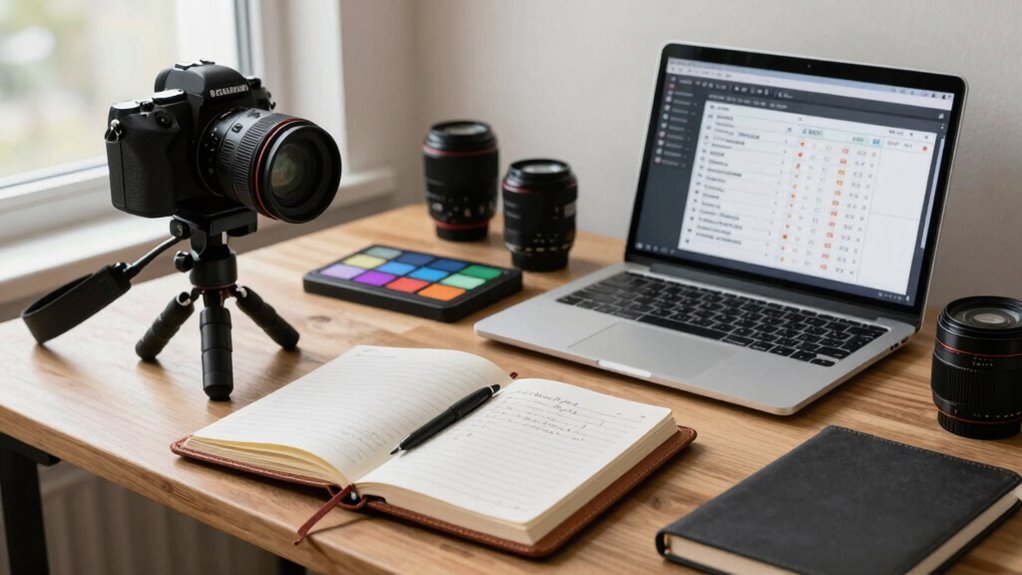

To save every shoot day, establish a reliable routine that streamlines preparation, gear setup, and file management. Develop templates for quick editing, use shortcuts, and automate repetitive tasks to boost efficiency. Keep your equipment organized and well-maintained to prevent delays. Prepare everything in advance—shot lists, goals, and backup plans—and stick to your workflow. Mastering these habits will help you work faster and reduce stress, and you’ll discover more strategies to refine your process.

Get the latest gadgets delivered free with Prime
- Fast, free delivery on millions of items
- Prime Video, Amazon Music and more included
- Member-only deals all year
Key Takeaways
- Prepare and review shot lists, equipment, and goals beforehand to ensure a smooth shoot flow.
- Implement a consistent setup routine for gear to minimize setup time and prevent delays.
- Use templates, presets, and automation tools to speed up editing and post-production processes.
- Immediately back up footage and organize files for easy access during editing sessions.
- Maintain equipment regularly and keep tools organized to prevent malfunctions and streamline workflow.
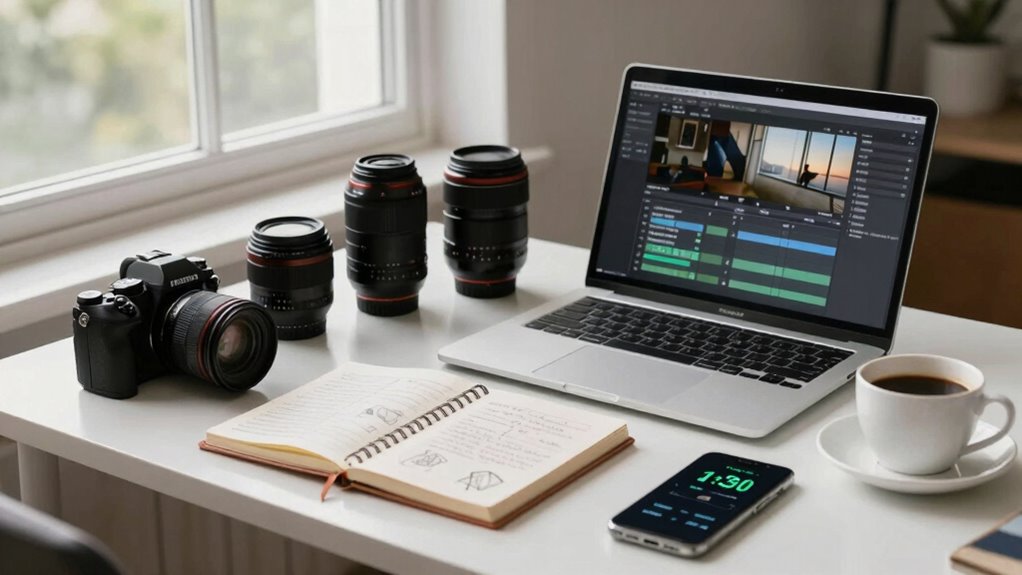
Have you ever wondered why some creators seem to produce content effortlessly while others struggle to stay consistent? The secret often lies in establishing a reliable workflow habit that streamlines every shoot day. When you develop a routine centered around effective editing techniques and equipment organization, you eliminate unnecessary stress and save valuable time. This consistency allows you to focus on your creative process rather than wasting energy on logistical hurdles.
A crucial part of this habit is mastering editing techniques that speed up post-production. Instead of figuring out your editing steps each time, you develop a set of methods you stick to. For example, creating templates for color grading or preset filters can drastically reduce editing time. You also learn keyboard shortcuts and efficient file management to make adjustments faster. When your editing becomes more intuitive, you spend less mental energy on technical tasks and more on refining your content. Over time, these techniques become second nature, so your workflow stays smooth no matter how much content you produce.
Equally important is equipment organization. Before each shoot, you set up your gear systematically, ensuring everything is in its designated place. When your camera, lenses, lighting, and accessories are organized, you avoid scrambling for items or wasting time troubleshooting equipment issues. Keep essential tools in easily accessible spots, and regularly clean and maintain your gear. This practice of gear maintenance can prolong the lifespan of your equipment and prevent unexpected malfunctions during shoots. Having a dedicated workspace for your equipment minimizes setup time and prevents last-minute distractions. When your gear is organized, you can focus entirely on capturing your best shots without interruptions. Additionally, understanding the importance of content planning can help streamline your workflow by setting clear objectives and shot lists beforehand.
Organize your gear beforehand to stay ready, minimize delays, and focus fully on capturing your best shots.
Integrating these habits into your routine means planning ahead. Before shooting, prepare your equipment, review your editing techniques, and set clear goals for the session. During the shoot, stay disciplined about your setup and stay mindful of your workflow. Afterward, immediately back up your footage and organize your files systematically so everything is easy to find later. This process reduces stress during editing because your files are already sorted, and your editing techniques are ready to be applied. Developing a consistent workflow helps establish a productive rhythm that enhances both efficiency and creativity. Incorporating workflow automation tools can further optimize your process and save you even more time. Leveraging technological tools can help automate repetitive tasks, giving you more time to focus on the creative aspects of your work.
Ultimately, creating a reliable workflow habit that emphasizes efficient editing techniques and equipment organization helps you produce content consistently and with less effort. It transforms what might feel overwhelming into a manageable, repeatable process. Over time, you’ll find yourself more confident, creative, and productive—making every shoot day feel less like a chore and more like an opportunity to create your best work.
video editing templates for creators
As an affiliate, we earn on qualifying purchases.
As an affiliate, we earn on qualifying purchases.
Frequently Asked Questions
How Do I Adapt This Habit for Different Types of Shoots?
To adapt your workflow habit for different shoots, start with thorough shoot planning tailored to each project’s needs. Adjust your gear organization to match the specific equipment required, whether it’s for video, portraits, or landscapes. Keep a flexible checklist, so you can swiftly modify your prep process. This approach guarantees you’re always prepared, minimizes setup time, and helps you stay efficient regardless of the shoot type.
What Tools or Apps Are Recommended for This Workflow Habit?
You should use tools like Adobe Lightroom or Capture One for gear organization, helping you keep track of your equipment and settings. For backup strategies, apps like Google Drive, Dropbox, or external drives work well to automatically back up your footage and edits. These tools streamline your workflow, ensuring your gear is organized and your backups are secure, saving you time and stress during shoot days.
How Long Does It Typically Take to Establish This Habit?
It usually takes about three to four weeks to establish this habit, depending on your consistency. You’ll want to dedicate time for equipment maintenance and creative planning each day, making them part of your routine. As you stick with it, the process becomes second nature, helping you prepare efficiently and avoid last-minute stress. Over time, this habit streamlines your shoot days, saving you time and ensuring everything runs smoothly.
What Common Mistakes Should I Avoid When Implementing This Habit?
Don’t overlook the importance of equipment organization and backup strategies; they’re key to avoiding chaos on shoot day. A common mistake is ignoring these, leading to delays or lost footage. To prevent this, implement a consistent system for packing and storing gear, and always back up files immediately. Staying disciplined with these habits ensures smooth shoots, saves time, and keeps your creative flow uninterrupted.
Can This Habit Improve Post-Production Efficiency as Well?
Yes, this habit can remarkably improve your post-production efficiency. By establishing organized workflows during shooting, you’ll find it easier to implement post-production shortcuts, saving time and reducing stress. When your files are well-organized from the start, editing becomes smoother and faster. This consistency helps you maintain high editing efficiency, allowing you to focus more on creativity rather than hunting for clips or fixing issues caused by disorganization.
camera gear organization storage
As an affiliate, we earn on qualifying purchases.
As an affiliate, we earn on qualifying purchases.
Conclusion
By adopting this simple creator workflow habit, you’ll streamline your shoot days and guarantee no detail gets overlooked. It’s a game-changer that keeps you organized and confident, even when things get hectic. So, why not make this habit your own? Imagine how much smoother your shoots could run—and how much more you’d create. Ready to transform chaos into clarity and elevate your content game? The choice is yours—are you in?
automated video editing software
As an affiliate, we earn on qualifying purchases.
As an affiliate, we earn on qualifying purchases.
backup external hard drives for footage
As an affiliate, we earn on qualifying purchases.
As an affiliate, we earn on qualifying purchases.
Halloween Picks
halloween
As an affiliate, we earn on qualifying purchases.