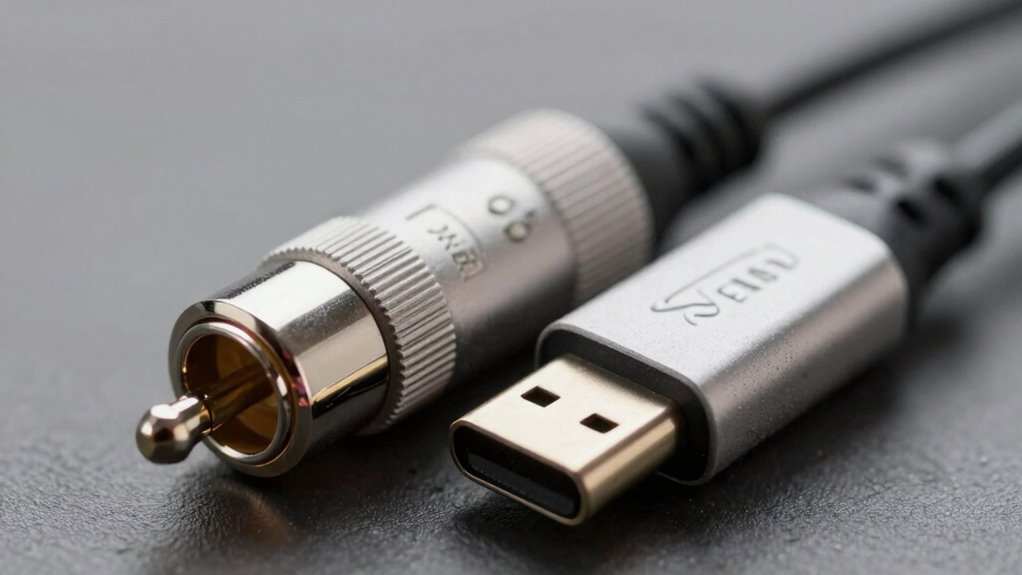

Choosing between USB and XLR microphones isn’t as simple as it seems. USB mics are great for easy setup, portability, and budget-friendly use, perfect for casual or beginner projects. XLR mics, on the other hand, excel in sound quality, expandability, and professional setups but require extra equipment like audio interfaces. Your choice depends on your current gear, recording goals, and future plans. Keep exploring to discover which option truly fits your needs.

Get the latest gadgets delivered free with Prime
- Fast, free delivery on millions of items
- Prime Video, Amazon Music and more included
- Member-only deals all year
Key Takeaways
- XLR microphones generally offer higher sound quality and better control, but USB microphones have improved significantly for casual and semi-professional use.
- USB microphones are plug-and-play and ideal for simplicity, while XLR setups provide greater expandability and customization options.
- External audio interfaces enhance XLR microphone performance, making them preferable for professional recording environments.
- The choice depends on existing equipment, future expansion plans, and the user’s technical skill level.
- For beginners or portability, USB microphones are more convenient; for high fidelity and scalability, XLR is often better.
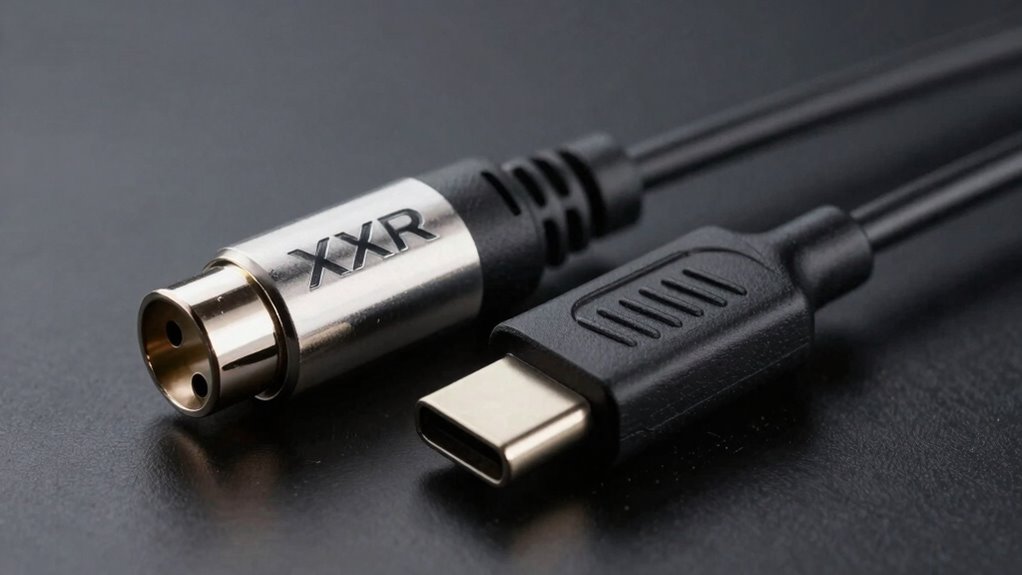
When choosing between USB and XLR microphones, understanding their differences can help you make the best decision for your recording needs. One of the key factors to weigh is wireless connectivity. USB microphones typically connect directly to your computer via USB, offering a plug-and-play setup that’s ideal for those who want simplicity and minimal equipment. They often don’t require additional interfaces or adapters, making them a convenient choice for home recording, streaming, or casual podcasts. XLR microphones, on the other hand, rely on a physical connection through an XLR cable to an audio interface or mixer. While this might seem less flexible, it actually opens up options for wireless connectivity if you add a wireless audio interface, giving you more mobility and flexibility in your setup. Additionally, connection type influences not only how you connect your device but also impacts the overall audio quality and expandability options available to you. Sound quality is another critical aspect that influences your choice. Many assume that XLR microphones inherently deliver superior sound quality because they are often used in professional studios. This can be true, especially with higher-end models, as XLR mics tend to have better components and less interference. They also allow for more precise control over audio levels and signal processing through external interfaces. USB microphones have improved considerably over the years, and some models produce remarkably high sound quality suitable for professional use. However, their built-in analog-to-digital converters and internal preamps can sometimes limit the overall audio fidelity compared to dedicated XLR setups. It’s also worth noting that the signal-to-noise ratio can vary between the two, affecting the clarity of your recordings. A well-designed audio interface can significantly enhance the performance of an XLR microphone, emphasizing the importance of choosing compatible equipment. Your decision also depends on your existing equipment and future plans. If you already have an audio interface or plan to expand your setup, an XLR microphone might be the better investment. It offers greater versatility, higher potential sound quality, and the ability to upgrade individual components over time. Conversely, if you’re just starting out, need a portable solution, or prefer a straightforward, all-in-one device, a USB microphone is more practical. It’s easier to use, less costly, and generally requires fewer technical skills. Ultimately, the choice isn’t just about the connection type but how you prioritize convenience, sound quality, and flexibility. USB microphones excel in simplicity and instant usability, while XLR microphones shine in professional sound quality and expandability. Consider your specific recording environment, equipment, and future ambitions to determine which connection type aligns best with your needs. Both options have their place, and understanding these nuances will help you make a smarter, more informed decision.
As an affiliate, we earn on qualifying purchases.
Frequently Asked Questions
Can USB Microphones Match XLR Sound Quality?
Yes, USB microphones can match XLR sound quality, but it depends on the model and digital integration. High-quality USB mics often feature advanced analog-to-digital converters, providing clear sound. However, compatibility issues may arise with certain setups or software, affecting overall performance. While USB offers convenience, professional audio often still favors XLR for its broader flexibility and consistent sound quality, especially in studio environments.
Are USB Connections More Reliable Than XLR?
You might think USB connections are more reliable than XLR, but that’s not always true. Wireless connectivity can introduce lag or dropouts, making wired options more dependable. XLR cables are generally more durable, resisting wear and tear over time, while USB cables can be more prone to damage. So, if you prioritize consistent performance and cable longevity, XLR often outperforms USB in reliability.
Is Setup Easier With USB or XLR?
Setup is generally easier with USB because of its cable flexibility and port compatibility. USB connections often require less equipment and are plug-and-play, making them more user-friendly for quick setups. XLR cables, while reliable, tend to be less flexible and need specific ports, which can complicate setup. So, if you’re looking for simplicity, USB typically offers a more straightforward, hassle-free experience.
Do XLR Mics Require Additional Equipment?
Yes, XLR mics typically require additional equipment. You’ll need an audio interface or a mixer to handle cable compatibility and power requirements since XLR mics rely on phantom power or external preamps. Unlike some USB mics, which draw power through the cable, XLR microphones need these extra components to function properly. This setup guarantees proper signal quality but adds complexity compared to plugging in a USB mic.
Which Is More Future-Proof: USB or XLR?
You find that XLR is more future-proof because it offers better digital compatibility and port versatility. XLR connections can adapt to new audio interfaces, mixers, and digital converters as technology evolves, ensuring your gear remains useful for years. While USB is convenient and easy, its limited digital compatibility may restrict upgrades. So, choosing XLR helps you stay adaptable and ready for future advancements in audio technology.
XLR microphone with audio interface
As an affiliate, we earn on qualifying purchases.
As an affiliate, we earn on qualifying purchases.
Conclusion
Choosing between USB and XLR isn’t just about technical specs; it’s about feeling confident in your sound. While USB seems simple and convenient, XLR offers professional quality and reliability that can elevate your performance. Think about the moments when your voice truly connects with an audience—those are the times when quality matters most. So, don’t settle for easy if it means sacrificing the passion and clarity your sound deserves. Choose what truly amplifies your voice.
As an affiliate, we earn on qualifying purchases.
As an affiliate, we earn on qualifying purchases.
Fall Picks
fall essentials
As an affiliate, we earn on qualifying purchases.