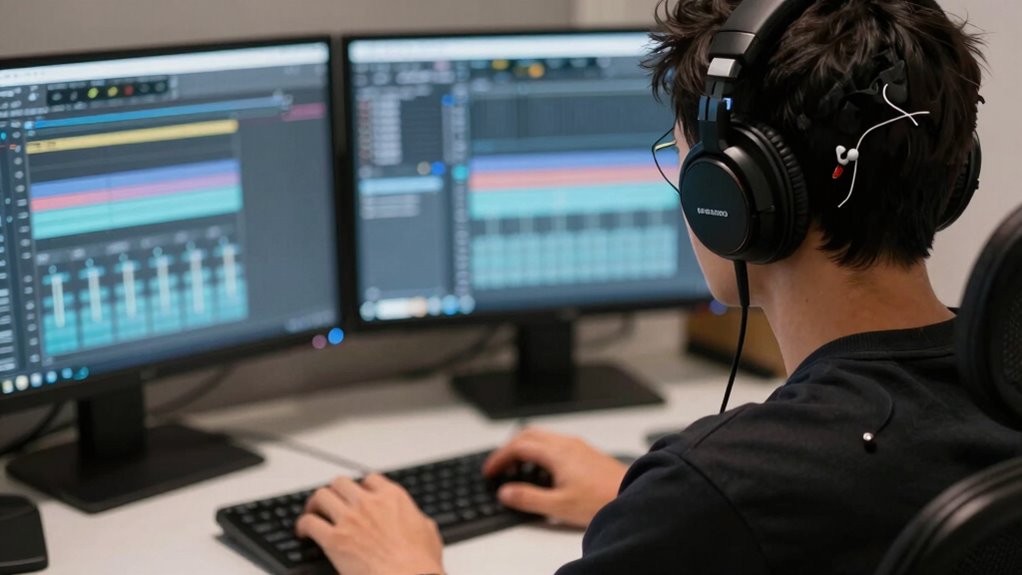

Monitoring with the wrong headphones slows your edits because they can distort sound, making it harder to detect subtle audio details. Poor sound accuracy causes you to double-check and re-listen more often, wasting time. Uncomfortable headphones lead to fatigue and distraction, reducing your focus. External noise leaks interfere with critical judgments, and low-quality construction damages your equipment quickly. Correct headphones help maintain precision and efficiency, so if you keep going, you’ll discover how to choose the best for your workflow.

Get the latest gadgets delivered free with Prime
- Fast, free delivery on millions of items
- Prime Video, Amazon Music and more included
- Member-only deals all year
Key Takeaways
- Inaccurate sound monitoring causes missed audio details, leading to frequent rechecks and slower editing progress.
- Poor sound isolation introduces distractions, forcing additional adjustments and delaying the editing process.
- Uncomfortable headphones cause fatigue and discomfort, reducing focus and increasing breaks that slow workflow.
- Low-quality headphones produce distorted sound, making precise edits difficult and prolonging the editing timeline.
- Inconsistent audio reproduction hampers confidence in decisions, resulting in repeated corrections and decreased efficiency.
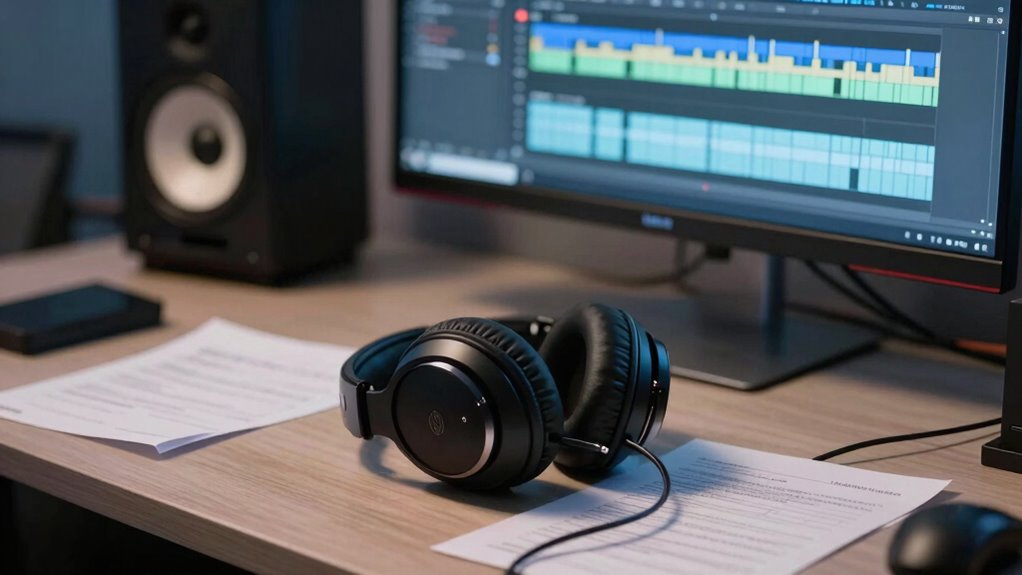
Using the wrong headphones for monitoring your audio can greatly slow down your editing process. When your headphones aren’t suited for accurate listening, you risk missing important details or misjudging the quality of your sound. This leads to multiple playback checks, re-listening, and endless adjustments, all of which drain your time and hinder your workflow. The key issues often stem from poor headphone comfort and inadequate sound isolation, both of which directly affect your ability to make precise edits efficiently.
If your headphones cause discomfort during long editing sessions, you’re likely to get distracted or fatigued quickly. Uncomfortable ear cups or tight headbands can lead to headaches or ear soreness, forcing you to take breaks or rush through your work to relieve discomfort. This not only breaks your focus but also decreases your overall productivity. Comfortable headphones, with plush padding and a proper fit, allow you to stay immersed in your work for longer periods, enabling more consistent and accurate editing. When you’re not squirming or adjusting your headphones constantly, you can listen more attentively and make better decisions about your audio. Additionally, proper fit and comfort are crucial for maintaining focus during extended editing sessions. Maintaining consistent headphone positioning can also prevent sound distortion and ensure your monitoring remains accurate throughout your session. Moreover, quality construction contributes to durability and consistent performance, which are essential for reliable editing.
Sound isolation plays a vital role when monitoring audio. If your headphones leak sound or don’t block out external noise, you’re likely to be distracted by ambient sounds or tempted to compensate for poor sound quality. This makes it difficult to hear subtle differences in your audio tracks, such as quiet background noises or phase issues, which are critical in editing. Without proper sound isolation, you might find yourself repeatedly checking on your mix, trying to verify details that are masked by outside noise. High-quality monitors with good sound isolation let you focus solely on your audio, helping you detect flaws early and make precise adjustments faster. Additionally, accurate sound reproduction** is essential for making confident editing decisions without second-guessing your headphones’ response. Choosing headphones designed with industry-standard specifications** can significantly enhance your ability to identify issues quickly and efficiently.
studio monitoring headphones for editing
As an affiliate, we earn on qualifying purchases.
As an affiliate, we earn on qualifying purchases.
Frequently Asked Questions
How Do I Identify if My Headphones Are Unsuitable for Editing?
You can identify if your headphones are unsuitable for editing by checking their comfort and noise isolation. If you find them uncomfortable after long sessions or notice poor noise isolation, they may distort your perception of sound. Unsuitable headphones often lack flat frequency response, making your edits inaccurate. Test them by comparing with high-quality monitors or headphones, ensuring the sound is clear and neutral, helping you make precise, professional edits.
Can Headphone Type Affect Sound Accuracy During Editing?
Yes, headphone type can affect sound accuracy during editing. Poorly designed headphones with bad ergonomics may cause fatigue, affecting your focus. High-quality, reputable brands often prioritize accurate sound reproduction, ensuring you hear true audio details. When choosing headphones, look for ergonomic comfort and a trusted brand reputation, so you can make precise edits without distortion or fatigue, ultimately improving your editing efficiency and quality.
What Are Signs of Poor Monitoring Impacting My Workflow?
You might notice your edits sound uneven or unbalanced, which signals poor monitoring. Calibration issues can cause inconsistencies, making it harder to judge levels accurately. Sound leakage might lead to distractions or false impressions of the mix’s clarity. These signs slow your workflow because you spend extra time fixing mistakes or redoing work. To improve, check your headphones’ calibration regularly and choose models with minimal sound leakage to guarantee precise monitoring.
Are Expensive Headphones Always Better for Editing?
Expensive headphones aren’t always better for editing. Focus on headphone ergonomics to guarantee comfort during long sessions, and consider brand reputation for quality and reliability. High price tags often mean better sound accuracy, but some mid-range models offer precise audio essential for editing. Ultimately, choose headphones that fit well, provide flat frequency response, and have positive reviews, regardless of their cost, to improve your workflow.
How Often Should I Test My Headphones’ Sound Quality?
Think of your headphones as your musical compass; you should test their sound quality regularly to keep your edits on course. Aim for monthly checks, especially after any audio calibration adjustments or noticeable sound inconsistencies. Frequent testing ensures sound consistency, preventing surprises during critical editing. By doing so, you maintain accurate audio reproduction, allowing your work to remain true to the intended mix, and avoid costly mistakes caused by unnoticed sound discrepancies.
noise isolating headphones for audio editing
As an affiliate, we earn on qualifying purchases.
As an affiliate, we earn on qualifying purchases.
Conclusion
So, next time you’re editing, don’t overlook your headphones. Using the wrong ones can turn your studio into a digital echo chamber, making every tweak feel like a quest for the Holy Grail. It’s like trying to hear a pin drop in a rock concert—frustrating and inefficient. Remember, the right monitoring gear is your secret weapon for smooth, accurate edits. Don’t let bad headphones hold you back—trust me, even a knight in shining armor would choose the right sound!
comfortable over-ear headphones for long editing sessions
As an affiliate, we earn on qualifying purchases.
As an affiliate, we earn on qualifying purchases.
high-fidelity headphones for sound mixing
As an affiliate, we earn on qualifying purchases.
As an affiliate, we earn on qualifying purchases.
Halloween Picks
halloween
As an affiliate, we earn on qualifying purchases.