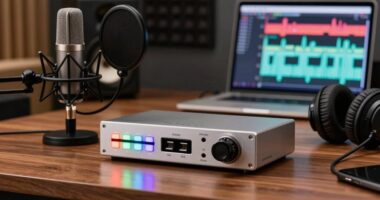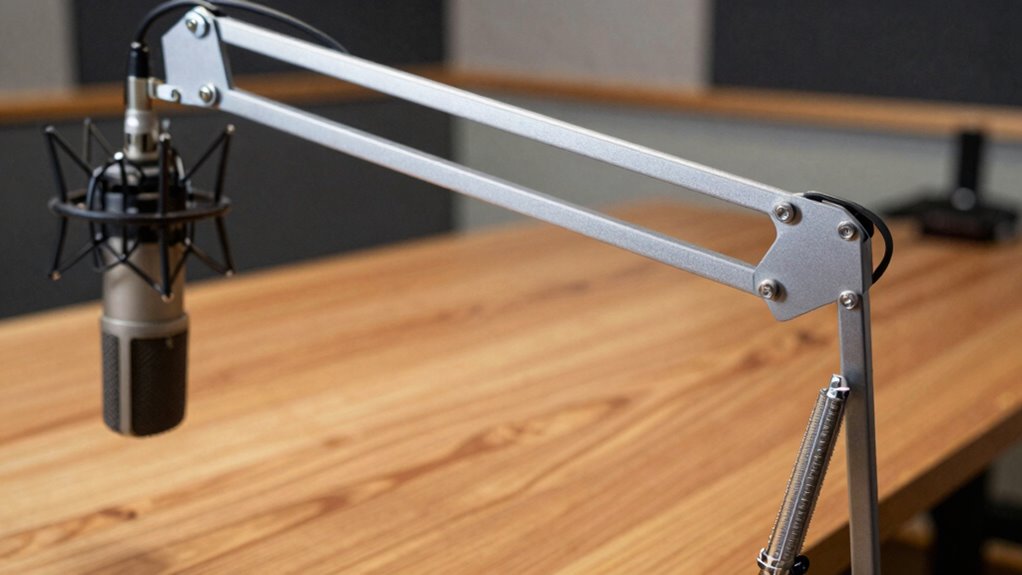

To stop plosives and desk noise, position your boom arm so the microphone is slightly above or to the side of your mouth at about a 45-degree angle. Keep the mic a few inches away from your mouth and avoid placing it directly in front. Using a shock mount and a pop filter can also help. Follow these tips, and you’ll discover more ways to improve your sound quality and minimize unwanted noise.

Get the latest gadgets delivered free — and shop member deals
- Fast, free delivery on millions of items
- Access to Prime Big Deal Days deals on October 6–7
- Prime Video, Amazon Music and more included
Key Takeaways
- Position the boom arm so the microphone is slightly above or to the side of your mouth, not directly in front.
- Angle the microphone downward at approximately 45 degrees to reduce plosive impact.
- Keep the microphone a few inches away from your mouth to minimize proximity effects and plosives.
- Use a pop filter or foam windscreen mounted on the boom arm to block harsh sounds.
- Mount the microphone on a vibration-isolating shock mount to prevent desk noise transfer.
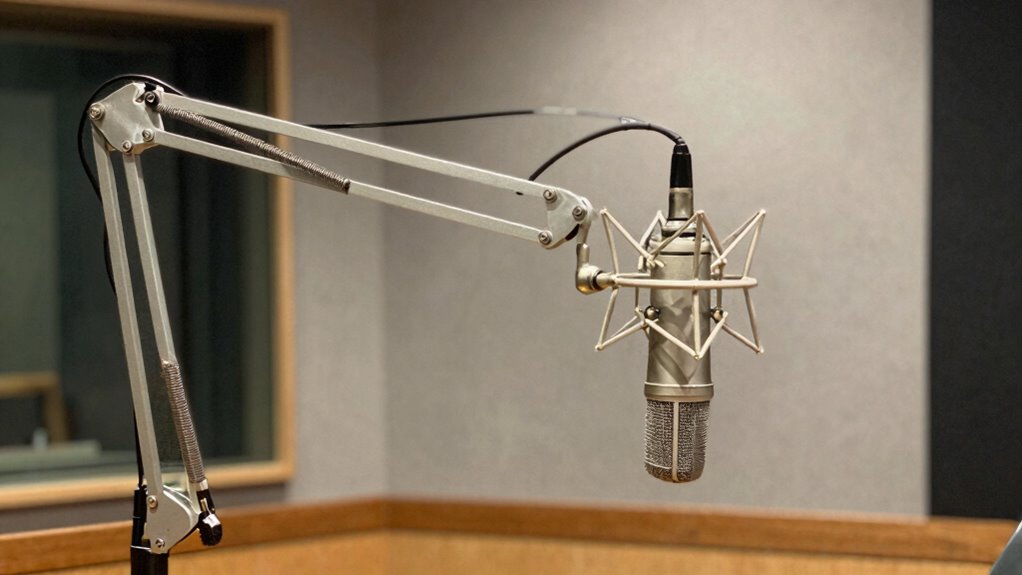
Have you ever struggled with plosive sounds or background desk noise ruining your recordings? If so, you’re not alone. The way you position your microphone plays a vital role in capturing clear, professional audio. Proper microphone placement can drastically reduce unwanted sounds, especially when combined with good acoustic treatment. When you set up your boom arm, it’s essential to find the right position that minimizes the impact of plosives—those sudden bursts of air from “p” and “b” sounds—and prevents your desk noise from creeping into your recordings.
Start by adjusting your microphone on the boom arm so it’s slightly above or to the side of your mouth, rather than directly in front of it. This placement helps you avoid speaking directly into the microphone, which can cause those explosive plosive sounds. Instead, aim the mic at a slight downward angle, about 45 degrees, and keep it a few inches away from your mouth. This distance allows your voice to be captured clearly while reducing the intensity of plosives. When you’re this close, use your microphone’s pop filter or a foam windscreen to further block out harsh sounds. These accessories are simple but effective components of acoustic treatment that complement good microphone placement.
Your desk setup also influences the quality of your recordings. Vibrations or reflections from your desk can create distracting noise. To combat this, consider adding acoustic treatment around your workspace—such as foam panels or bass traps—that absorb sound reflections and dampen desk noise. Placing your microphone on a shock mount or an adjustable arm with vibration isolation features can prevent physical vibrations from transferring into your recordings. Additionally, soundproofing techniques can help create a more controlled environment where your voice comes through clean and free from distractions. Employing proper room acoustics can significantly improve overall audio quality and minimize ambient noise. To further enhance your setup, consider using microphone positioning techniques that optimize sound capture and reduce unwanted noise. Being mindful of your acoustic environment can make a noticeable difference in your recording clarity.
microphone boom arm with shock mount
As an affiliate, we earn on qualifying purchases.
As an affiliate, we earn on qualifying purchases.
Frequently Asked Questions
Can I Use Any Boom Arm to Reduce Plosives?
You can’t rely on any boom arm alone to reduce plosives. Instead, you need a good setup, like attaching a pop filter to your microphone, which helps block those harsh “p” and “b” sounds. Additionally, using a shock mount reduces vibrations that might cause noise. Position the microphone correctly—just slightly off-axis—and make sure your boom arm supports these accessories properly for the best results.
How Do I Adjust My Microphone Angle Effectively?
You can adjust your microphone angle effectively by focusing on arm flexibility and stability. Start by loosening the arm’s joints to reposition the mic closer to your mouth for clear sound. Make sure the boom arm holds the microphone steadily without sagging, which improves stability. Keep it angled slightly upward or downward as needed, avoiding awkward positions that cause noise or unwanted movement. This way, your mic stays steady and captures your voice perfectly.
Does Desk Noise Vary With Different Desk Materials?
Yes, desk noise varies with different desk materials because some materials have better sound absorption properties. Hard surfaces like glass or metal reflect sound, making noise more noticeable. Soft or textured materials like wood or fabric-covered desks absorb sound better, reducing noise transfer. Choosing a desk with sound-absorbing materials helps minimize desk noise, especially when combined with proper microphone placement, giving you clearer audio recordings or calls.
Are There Additional Accessories to Improve Sound Quality?
Yes, you can improve sound quality with accessories like a pop filter and soundproofing materials. A pop filter helps reduce plosive sounds that cause distortion, while soundproofing materials absorb background noise, creating a cleaner recording environment. Position your microphone correctly, use these accessories, and consider additional acoustic panels for maximum results. These steps guarantee clearer audio, minimizing unwanted noise and enhancing overall sound quality during recordings.
How Often Should I Reposition My Boom Arm for Optimal Results?
Your microphone placement is the superhero of sound quality, so reposition it whenever you notice a change in your voice’s clarity or background noise. Reassess after significant setup changes or acoustic treatments in your space. Ideally, check weekly to guarantee you’re catching your voice at its best. Adjusting your boom arm regularly prevents plosives and desk noise, maintaining pristine audio without sacrificing comfort or convenience.
As an affiliate, we earn on qualifying purchases.
Conclusion
By adjusting your boom arm to the right position, you can effectively reduce plosives and desk noise, making your recordings clearer and more professional. Don’t you want your voice to shine without distractions? Experiment with the arm’s placement, and you’ll notice the difference instantly. Remember, a simple tweak can elevate your audio quality considerably. So, why settle for noise when a small adjustment can make your sound crisp and clean?
As an affiliate, we earn on qualifying purchases.
desk vibration isolating shock mount
As an affiliate, we earn on qualifying purchases.
As an affiliate, we earn on qualifying purchases.
Fall Picks
fall essentials
As an affiliate, we earn on qualifying purchases.