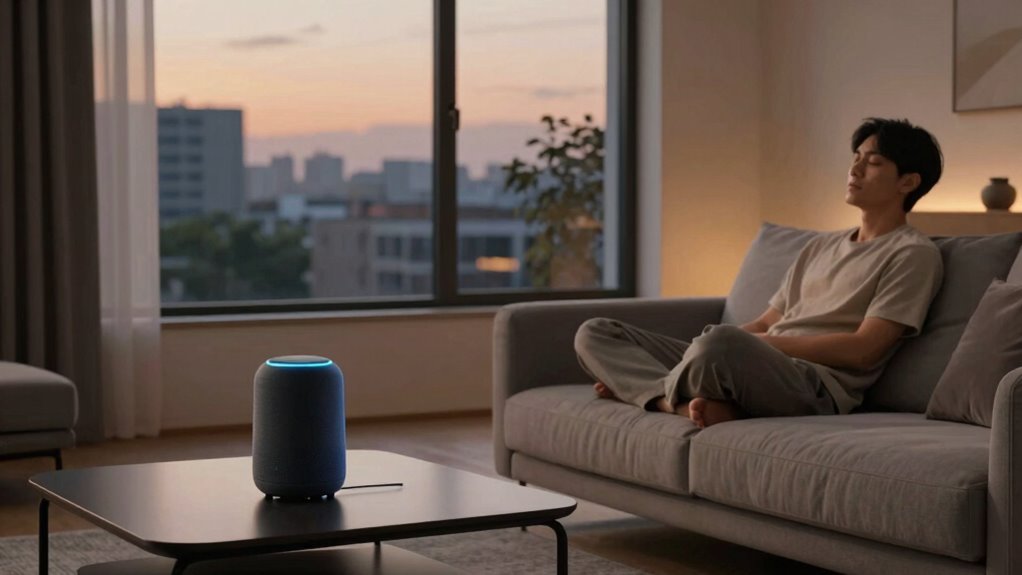

After the novelty wears off, you’ll notice voice control becomes less seamless and reliable. It struggles with accents, noise, and complex commands, often frustrating you instead of helping. Privacy concerns also grow as devices constantly listen and store data. You’ll likely use voice commands for quick, simple tasks and switch to manual controls for more complex ones. If you stick with it, you’ll discover how to make voice control work better for you in the long run.

Get the latest gadgets delivered free with Prime
- Fast, free delivery on millions of items
- Prime Video, Amazon Music and more included
- Member-only deals all year
Key Takeaways
- Initial excitement fades as usability issues like misinterpretation and environmental noise become apparent.
- Voice control often requires multiple commands, making tasks less seamless and more frustrating over time.
- Privacy concerns grow as devices constantly listen, leading to cautious or limited usage.
- Manual controls generally outperform voice commands in reliability and precision, especially for complex tasks.
- Voice control is most effective as a supplementary tool for quick, simple actions rather than primary control.
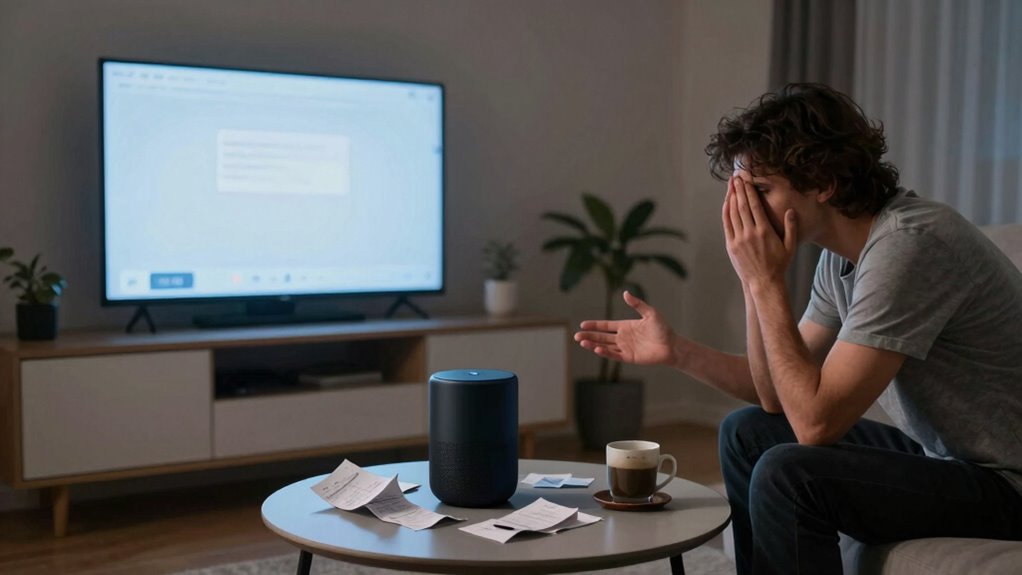
When the initial excitement of using voice control fades, many users find themselves questioning its practicality and long-term usefulness. At first, it feels like magic—simply speaking commands to change music, set reminders, or control smart devices. But as the novelty wears off, the reality of daily use sets in. You start noticing that voice control isn’t always as seamless as it seemed in those first few days. Usability challenges quickly become apparent, like misinterpreted commands or the need to repeat yourself multiple times. Sometimes, the system struggles with accents, background noise, or unfamiliar phrasing, making simple tasks frustrating rather than convenient. This can lead to a sense of disappointment or even annoyance, especially when you’re trying to multitask or when you’re in a hurry.
Beyond usability issues, privacy concerns tend to creep into your mind. Voice control devices are constantly listening for commands, which means there’s always a possibility that private conversations could be captured or misunderstood. You might worry about how your voice data is stored or shared, especially when these devices are connected to cloud services. This ongoing concern can make you hesitant to fully rely on voice commands, leading to cautious usage patterns or turning the device off altogether. Such worries aren’t unfounded, given the increasing news about data breaches and misuse of personal information. privacy concerns can significantly influence how often and in what manner you choose to use voice control. Additionally, some users may feel that privacy risks outweigh the convenience, prompting more cautious engagement with these devices.
As the novelty fades, you may also realize that voice control isn’t a perfect replacement for manual input. There are still many situations where speaking feels less efficient than tapping a button or typing on a screen. For example, controlling precise settings or entering complex information often remains cumbersome through voice alone. Additionally, some tasks require multiple commands, which can be tedious and break your flow. You might find yourself reverting to traditional methods because they’re more reliable, even if voice control initially seemed like a futuristic shortcut. Over time, you may also learn that learning curve involved in mastering voice commands can be underestimated, making initial attempts feel more frustrating than useful. Moreover, the accuracy of voice recognition can vary greatly depending on the environment and the system’s capabilities, further impacting user experience.
In the end, the long-term usefulness of voice control depends on your expectations and environment. It’s a helpful tool, but it’s not without flaws. As you become more aware of usability challenges and privacy concerns, you’re likely to adopt a more selective approach—using voice commands for quick, simple tasks and sticking to manual controls when privacy or accuracy is critical. Recognizing these limitations helps you make smarter choices about integrating voice control into your daily routine, ensuring it remains a helpful addition rather than a source of frustration.
Products Worth Considering

Bose QuietComfort Wireless Noise-Cancelling Over-Ear Headphones, Black

Bose QuietComfort Ultra Headphones (2nd Gen), Wireless Bluetooth Noise-Cancelling Over-Ear Headphones, Black

Bose SoundLink Flex Bluetooth Speaker (2nd Gen), Waterproof, Dustproof, USB‑C, Up to 12 hr Battery, Black
As an affiliate, we earn on qualifying purchases.
Frequently Asked Questions
How Do Voice Assistants Handle Complex or Multi-Step Commands?
Voice assistants handle complex or multi-step commands by leveraging natural language processing and context understanding. They analyze your instructions, breaking them down into manageable parts, and keep track of previous interactions to interpret your intent accurately. As you give more detailed commands, they adapt and respond appropriately, making multitask operations smoother. However, their effectiveness depends on the assistant’s sophistication and how well it can interpret context and language nuances.
What Privacy Concerns Arise With Prolonged Voice Assistant Usage?
Think of your voice assistant as a vault door that’s always slightly ajar. With prolonged use, data security becomes a concern because your conversations could be stored or shared without your knowledge. User privacy risks increase as personal details linger in the digital ether, vulnerable to breaches. You need to stay vigilant, regularly reviewing privacy settings and understanding how your voice data is collected, stored, and used to keep your information safe.
Can Voice Control Integration Improve Accessibility for Disabled Users?
Yes, voice control integration can greatly improve accessibility for disabled users by reducing accessibility barriers. You can customize voice commands to suit your needs, making device interactions smoother and more intuitive. This personalization helps overcome challenges like mobility or vision impairments, empowering you to control technology more independently. As a result, voice control becomes an essential tool for inclusive tech, enhancing your overall user experience and independence.
How Do Voice Assistants Adapt to Different Accents or Languages?
You might think voice assistants struggle with accents or language switching, but they actually adapt surprisingly well. Through advanced accent recognition, they identify different speech patterns, while seamless language switching allows you to switch languages effortlessly. This technology learns and improves with use, making it easier for you to communicate naturally. So, even if you speak with an accent or switch languages mid-conversation, your voice assistant can keep up and respond accurately.
What Are the Limitations of Voice Control in Smart Home Devices?
Voice control in smart home devices has limitations, especially around voice calibration and device compatibility. You might find that some devices struggle with accurate recognition if your voice isn’t calibrated properly, affecting responsiveness. Additionally, not all devices are compatible with every voice assistant, limiting your options. These issues can cause frustration, making it necessary to guarantee proper calibration and check device compatibility before relying heavily on voice commands for your smart home.
Conclusion
So, after the initial thrill of bossing your smart home around, reality sinks in—you’re still that person shouting “Turn on the lights!” like it’s an Olympic sport. Voice control’s charm fades faster than a TikTok trend, leaving you longing for the days of simple buttons and silent obedience. But don’t worry, soon enough, you’ll be craving the chaos of manual switches—because nothing says “luxury” like wrestling with a stubborn voice assistant. Welcome to the future!