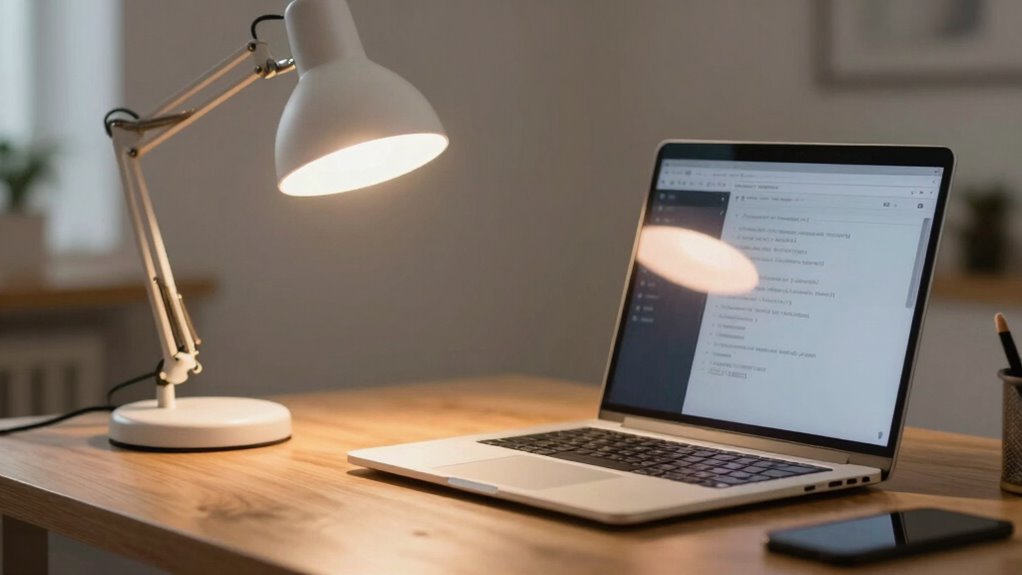

The tiny lighting fix that can instantly improve your Zoom calls is to position soft, diffused light directly in front of you, slightly above eye level. This avoids harsh shadows and makes your face look clearer and more professional. Using a ring light or lampshade works well for gentle, even coverage. Proper lighting brings out your best features and keeps you approachable. Keep exploring for more tips to perfect your setup and make your video calls stand out.

Get the latest gadgets delivered free with Prime
- Fast, free delivery on millions of items
- Prime Video, Amazon Music and more included
- Member-only deals all year
Key Takeaways
- Use soft, diffused lighting like a ring light or lampshade to evenly illuminate your face.
- Position the light source directly in front or slightly above for balanced, shadow-free facial lighting.
- Avoid harsh, direct lights that create unflattering shadows or highlights.
- Ensure the light is bright enough to clearly see your face without causing glare.
- Keep lighting consistent to reduce eye strain and improve overall video clarity.
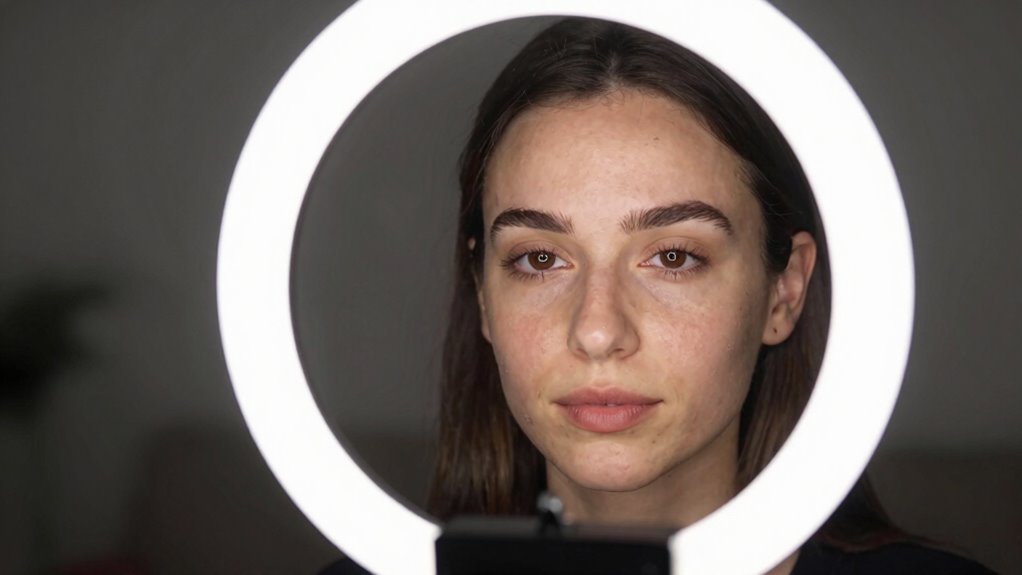
If your Zoom calls often look dull or unflattering, a simple lighting tweak can make a big difference. Proper lighting can highlight your best features and make your video appear sharper and more professional. But it’s not just about adding more light; how you position that light matters just as much. One effective way to improve your video quality is by paying attention to your camera angles and background clutter. These elements, combined with good lighting, can transform a mediocre call into a polished presentation.
Good lighting, camera angles, and a tidy background elevate your Zoom calls from dull to professional.
First, consider your camera angles. Position your camera at eye level, which creates a more natural and engaging connection. When your camera is too high or too low, it can distort your appearance and make you look unapproachable. By maintaining a straight-on angle, you ensure your face is well-lit and framed properly. Good lighting works hand-in-hand with this; if the light source is behind you or off to the side, it can cast unflattering shadows or make your face appear dark. Aim to have your light source facing you directly or at a slight angle to illuminate your face evenly, avoiding harsh shadows. Additionally, camera positioning can have a significant impact on how your lighting and background are perceived. Proper camera placement is essential for creating a balanced and professional-looking video.
Next, look at what’s behind you. Background clutter can distract viewers and detract from your professionalism. A cluttered background combined with poor lighting can make your entire setup look chaotic, even if you’re dressed perfectly. To combat this, tidy up your space or use a virtual background if possible. Now, focus on lighting to complement this clean setup. Position your light source so it illuminates your face clearly, reducing shadows and ensuring your facial expressions are visible. This makes your communication more effective and your appearance more approachable. Proper lighting can also help minimize distractions and keep the viewer’s focus on you. Using the right lighting setup can also help reduce eye strain, especially during long calls, by providing consistent illumination. Well-placed lighting can also add depth to your video, making it appear more dynamic and less flat.
Additionally, consider the type of light you’re using. Soft, diffused lighting is generally more flattering than harsh, direct light. You can achieve this with a ring light or by placing a lampshade over a standard bulb. The goal is to create a gentle glow that evenly covers your face, minimizing imperfections and reducing shadows caused by uneven lighting. When your face is well-lit, your camera angles and background clutter become less noticeable because the viewer’s focus is naturally drawn to your face, which is the brightest point on the frame. Proper lighting can also help reduce the impact of background distractions, making your overall presentation more polished.
Products Worth Considering

Apple AirPods Pro 3 Wireless Earbuds with Active Noise Cancellation

Logitech MX Keys S Wireless Keyboard, Graphite

Logitech MX Master 4 for Mac, Ergonomic Bluetooth Mouse with Haptic Feedback, Ultra-Fast Scrolling, USB-C Charging, for MacOS, iPadOS, Windo
As an affiliate, we earn on qualifying purchases.
Frequently Asked Questions
Does This Lighting Fix Work in All Room Types?
Yes, this lighting fix works in most room types, enhancing your room aesthetics and making natural lighting more effective. It helps balance shadows and glare, so your face stays well-lit during calls. However, in rooms with very limited natural light or unique layouts, the effect might be less noticeable. Overall, it’s a simple, versatile solution that improves your appearance on Zoom regardless of your room’s size or design.
Can I Use This Fix With Any Webcam?
Sure, you can use this lighting fix with any webcam—because who doesn’t want their face to look less like a ghost? Webcam compatibility isn’t usually an issue, but pairing it with the right lighting accessories makes all the difference. Just make certain your webcam can handle the enhanced lighting, and you’re good to go. It’s a simple upgrade that works with most devices, turning dull calls into clear, professional-looking conversations.
How Much Does the Lighting Adjustment Cost?
The lighting adjustment costs vary based on your setup, but generally, budget options like affordable ring lights or desk lamps cost between $20 and $50. For a cost comparison, professional lighting solutions can go up to hundreds of dollars. You can easily find budget-friendly options that improve your Zoom calls without breaking the bank. So, whether you want a simple fix or a more advanced setup, there’s something for every budget.
Will This Fix Improve Audio Quality Too?
This lighting fix mainly improves your video appearance, but it can indirectly enhance your audio clarity too. When you’re well-lit, you tend to stay more focused, reducing background noise and distractions. Better lighting helps your audience see your facial expressions clearly, which can improve overall communication. While it doesn’t directly boost sound, the enhanced visual clarity supports sound enhancement efforts, making your Zoom calls more professional and engaging.
How Do I Set up the Lighting for Best Results?
To set up the lighting for the best results, position yourself facing a source of natural light, like a window, to create a soft, ambient glow that evenly illuminates your face. Avoid harsh shadows by diffusing the light with curtains or a lampshade. Supplement with a gentle, diffused artificial light if needed. Keep the light at eye level for a balanced, professional look during your Zoom calls.
Conclusion
So, next time your Zoom calls look dull and grainy, remember the tiny lighting fix. It’s ironic how something so simple—just a little extra light—can transform your video from a shadowy ghost to a clear, confident presence. Instead of investing in new cameras or backgrounds, you might just need to shine a little brighter. Who knew that a small glow could make all the difference? Sometimes, the simplest fix really is the brightest idea.