

TL;DR

Get the latest gadgets delivered free — and shop member deals
- Fast, free delivery on millions of items
- Access to Prime Big Deal Days deals on October 6–7
- Prime Video, Amazon Music and more included
This article explains how a single video can generate a full publishing kit—transcripts, social posts, media assets—entirely offline. It highlights why controlling your data matters, and how this approach accelerates your publishing process.
Imagine finishing a video and, within minutes, having a suite of ready-to-publish assets—social clips, blog drafts, press images—all without uploading your files to the cloud. That’s the promise of modern local-first tools. No more waiting on slow uploads, no data leaks, just immediate control over your content and assets.
In this post, I’ll show you how turning one video into a full publishing kit without the cloud becomes a game-changer for creators who value privacy and speed. You’ll see how this approach simplifies workflows, saves time, and keeps your data in your hands—no third-party servers required.
Key Takeaways
- A local-first video tool can produce all assets needed for publishing—from transcripts to social clips—without relying on the cloud.
- Offline processing enhances privacy, speeds up workflows, and keeps ownership of your assets in your hands.
- A comprehensive publishing kit includes images, descriptions, snippets, and transcripts, streamlining your launch process.
- Integrating offline assets into your self-publishing routine saves time and reduces dependency on third-party platforms.
- Compared to cloud tools, offline solutions offer faster processing and full data control, ideal for sensitive or confidential content.
As an affiliate, we earn on qualifying purchases.
How a Local Tool Turns One Video into Everything You Need
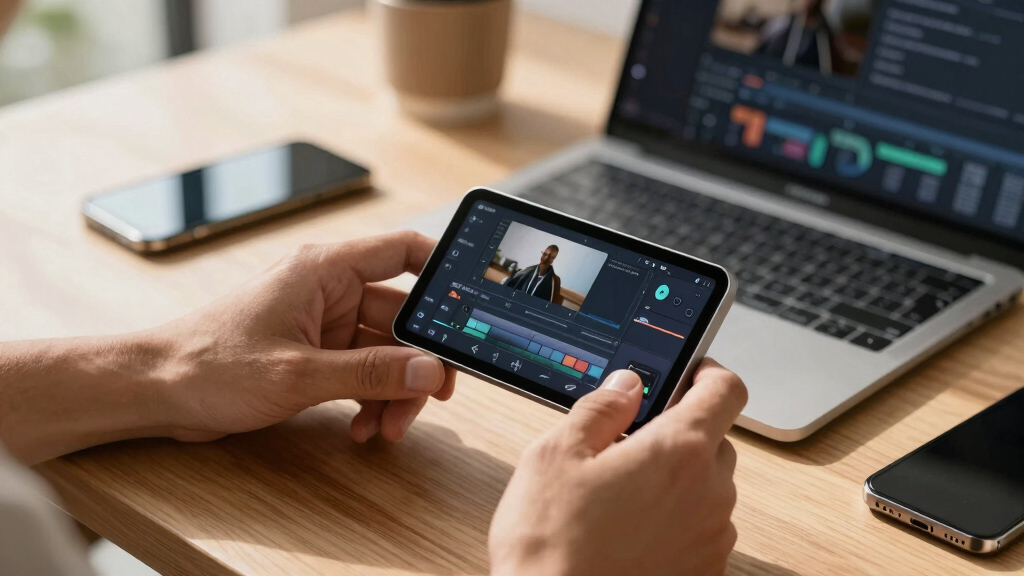
When you drop a video into a local tool like ChannelHelm, it doesn’t just transcribe. It analyzes audio, scans visuals, and fuses that info into a clear, structured report. This deep analysis enables the tool to understand the context, tone, and key moments within your content—beyond simple transcription. This understanding is crucial because it allows the software to generate more accurate and relevant assets, such as social snippets or thumbnail ideas, tailored to the core message of your video.
For example, a 20-minute interview can generate a dozen social clips, a detailed blog draft, and a media kit—all from a single upload. This isn’t guesswork; it’s a layered understanding of your content, built on audio and visual analysis, on your own machine. The implication is that your content is interpreted in a meaningful way, reducing manual editing and ensuring consistency across assets. This layered analysis helps you produce assets that truly resonate, saving time and enhancing quality.
As an affiliate, we earn on qualifying purchases.
Why Going Offline Means More Privacy, Faster Results, and Full Control
Choosing a completely offline workflow means your raw videos and generated assets stay on your device, which has profound implications for privacy and control. Unlike cloud-based services, where your sensitive content is uploaded and stored remotely—potentially exposing it to breaches or third-party access—offline processing keeps everything local. This is especially critical for confidential projects, proprietary content, or sensitive interviews, where even a minor leak could have serious repercussions.
Moreover, processing speed is often improved because your hardware handles all the computation directly, bypassing network latency and server queues. This means you can iterate faster, refine assets immediately, and respond swiftly to feedback. Full ownership of files also means you are not restricted by licensing terms or platform restrictions, giving you total control over how and where your assets are used. This autonomy ensures your content remains your property, free from external licensing constraints or platform policies that could limit your distribution or monetization options.
For instance, a filmmaker working on a confidential project can analyze and prepare assets without ever connecting to the internet, ensuring total privacy. This setup also reduces dependency on external providers, minimizing the risk of service outages or policy changes that could disrupt your workflow. The tradeoff, however, is that offline tools may require more initial setup and hardware investment, but the long-term benefits in security and control are often worth it.

privacy-focused media asset creator
As an affiliate, we earn on qualifying purchases.
As an affiliate, we earn on qualifying purchases.
What a Complete Publishing Kit Looks Like — Beyond Just a Transcript
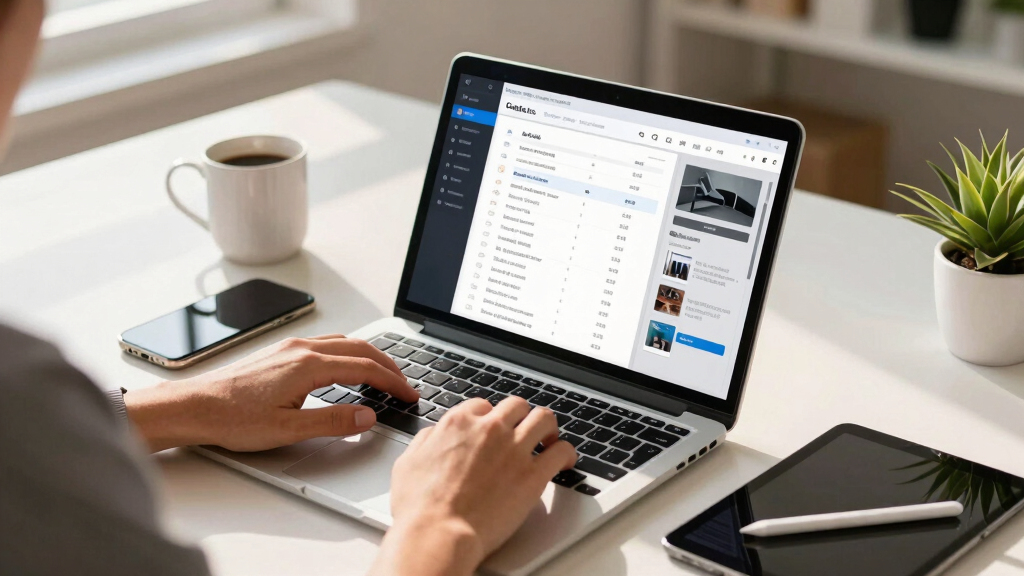
A comprehensive publishing kit extends far beyond simple transcripts or short clips. It functions as a strategic toolkit designed to streamline your entire content distribution and marketing process. This means including assets that are tailored for specific platforms, accessible to diverse audiences, and optimized for search engines. By assembling a complete kit, you ensure your content is adaptable, professional, and ready to deploy across multiple channels without additional heavy lifting.
For example, a typical kit might include high-resolution and optimized images that can be used as thumbnails, banners, or press materials. A press one-sheet summarizes the key selling points and unique aspects of your content, making it easier for journalists or collaborators to understand its value. Multiple social media snippets are tailored for different platforms—vertical clips for TikTok, square images for Instagram, concise tweets for Twitter—each crafted to maximize engagement. An SEO-optimized description and tags help your content rank better in search results, increasing visibility. The full transcript not only makes your content accessible but also enhances SEO and enables translation or repurposing. These components collectively create a cohesive, professional presentation that accelerates your launch and marketing efforts, while maintaining full control over the assets and their customization.
As an affiliate, we earn on qualifying purchases.
Integrating the Workflow Into Your Self-Publishing Routine
Using a local, video-to-publishing tool fits naturally into a broader self-publishing setup. After creating your primary content, you generate assets—transcripts for ebooks, social snippets for marketing, images for covers—all on your machine. This approach ensures that each element is crafted with your direct input, maintaining consistency and quality without reliance on external servers. The key is understanding that these assets are not just supplementary; they are integral to your branding and distribution strategy.
By processing everything locally, you can review and refine assets immediately, adjusting titles, descriptions, and visuals in real time. This iterative process ensures your content aligns perfectly with your vision before publishing. When ready, you upload only finalized files to your distribution platform or storefront, such as Amazon KDP, your website, or social channels. This minimizes the risk of errors, speeds up the launch timeline, and keeps your entire process private. For example, an author preparing a new novel can produce promotional videos, social posts, and press materials from one recording session, review everything in your local environment, and then publish confidently—saving days or weeks typically spent on manual editing or third-party processing. This integration maximizes efficiency and control, giving you full command over your content lifecycle.

How Offline Tools Compare With Cloud-Based Options
| Feature | Offline Tool | Cloud-Based Tool |
|---|---|---|
| Data Privacy | Complete control, no leaks | Dependent on provider security |
| Processing Speed | Fast, hardware-dependent | Limited by internet speed and server load |
| Asset Ownership | Full ownership of all files | Shared or license-dependent |
| Accessibility | Only on your device | Anywhere with internet |
| Complexity | Requires local setup, but more control | Easy, but less private |
Choosing offline means you get speed, security, and total ownership, but it may require a bit more setup. Cloud tools are easier but come with ongoing data privacy tradeoffs. The decision hinges on your priorities: if privacy and control are paramount, offline is the way to go; if convenience and rapid deployment are more critical, cloud options might suit you better. Understanding these tradeoffs helps you align your workflow with your values and needs, ensuring you make an informed choice that supports your content strategy.

Practical Tips for Making the Most of a Local Publishing Kit
- Start with a clear content plan: Know what assets you need—clips, transcripts, images, social posts. Planning ahead prevents wasted effort and ensures you gather high-quality source material.
- Use high-quality source videos: Better input means better output—think crisp visuals and clear audio. Investing in good recording equipment pays dividends when generating assets.
- Leverage AI analysis: Tools like ChannelHelm analyze audio and visuals deeply, giving you more accurate assets. This reduces manual editing and helps you produce more polished, relevant content.
- Edit before publishing: Review drafts in your local app—tweak titles, descriptions, and images. This step ensures your assets align with your branding and messaging, avoiding costly revisions post-publication.
- Keep everything organized: Use folders and naming conventions to track assets. A well-structured workspace prevents confusion and makes it easier to update or repurpose content later.
For example, a content creator preparing for a launch can generate all assets upfront, review them locally for quality and consistency, and then publish with confidence—saving days of manual work and reducing last-minute surprises. This disciplined approach maximizes the benefits of offline tools and ensures a smooth, efficient publishing process.
Frequently Asked Questions
Does offline processing produce the same quality assets as cloud-based tools?
Yes. Modern offline tools like ChannelHelm analyze audio and visuals with deep neural networks, producing high-quality transcripts, clips, and images comparable to cloud solutions. The key difference is control and privacy, not quality.
Absolutely. A robust local tool can produce a variety of assets—vertical clips for TikTok, thumbnails for YouTube, optimized descriptions—for multiple platforms from a single video source.
Is it difficult to set up and learn a local publishing workflow?
It depends. While there’s a learning curve initially, tools like ChannelHelm are designed to be user-friendly. Once configured, they significantly cut down manual work and accelerate your publishing pace.
What hardware do I need to run these offline tools effectively?
Most modern laptops or desktops with a decent CPU, at least 8GB RAM, and a dedicated GPU handle the analysis well. For larger videos, a more powerful machine speeds up processing.
Who owns the assets and data generated on my machine?
You retain full ownership of all files—no third-party servers or licensing agreements. Everything stays on your hardware, giving you peace of mind and control.
Conclusion
Mastering your content workflow offline transforms your publishing process from a slow, uncertain game into a quick, controlled operation. It’s about owning your work—every file, every asset, every step—without waiting on servers or risking leaks.
Next time you finish a video, imagine turning it into a complete, ready-to-publish kit in minutes—on your own machine. That’s the future of content creation: simple, private, fast, and fully yours.

Fall Picks
fall essentials
As an affiliate, we earn on qualifying purchases.