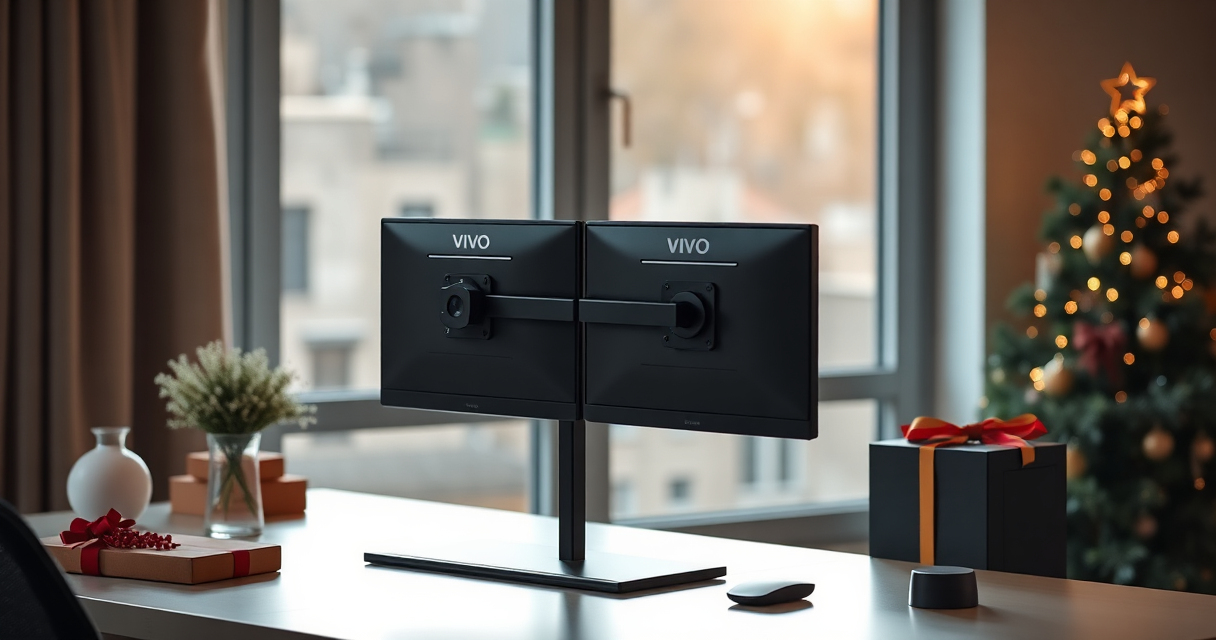

Shopping for someone whose desk is crowded with monitor stands? The VIVO Dual Monitor Desk Mount could be a practical holiday upgrade, lifting two screens onto adjustable arms and freeing up space beneath them.

Get the latest gadgets delivered free with Prime
- Fast, free delivery on millions of items
- Prime Video, Amazon Music and more included
- Member-only deals all year
For Black Friday and Cyber Monday, the useful question is whether the recipient’s monitors and desk are a match. If they are, this sturdy, adaptable mount looks like a sensible buy; if you’re unsure about either, take time to check before ordering.
Our top pick at a glance

VIVO Dual Monitor Desk Mount
- ✔ Tilt: 90°
- ✔ Swivel: 180°
- ✔ Rotation: 360°
Check the fit before the holiday rush
The mount supports two monitors from 13 to 30 inches, with a maximum weight of 22 lbs per screen. Confirm both screens fall within those limits, and check that the desk can accommodate a C-clamp or grommet installation.
That quick fit check matters more than event timing. A seasonal deal is only useful if the mount works with the recipient’s monitors and desk.
The value is in adjustability
Tilt, swivel, rotation and height adjustment give the user several ways to position each screen for a more comfortable setup. The mount’s steel construction and included cable management also make it a considered upgrade for a busy workspace.
It’s a practical gift for someone who uses two monitors every day, especially if their current stands take up valuable desk space.
Buy during the event or wait?
If you’ve confirmed the fit and already planned a desk upgrade, Black Friday or Cyber Monday is a reasonable time to shop. The mount’s everyday utility makes it a stronger pick than an impulse purchase that depends on seasonal excitement.
If the desk is small, the monitor weights are unknown, or you’re not sure how it can attach, wait until you can check. The unit may feel heavy and bulky on a compact desk, and installation requires assembly and adjustment.
A useful gift for a two-screen setup
This is a gift with a clear recipient: someone who already works or plays across two compatible monitors and wants more flexibility in how they’re arranged. Included hardware and instructions help with installation, while the three-year warranty adds reassurance.
For a one-screen user or someone with limited desk space, a dual mount may be more setup than they need. Make sure the recipient wants an adjustable arm system before adding it to the holiday list.
More Details on Our Top Picks
VIVO Dual Monitor Desk Mount
The VIVO mount holds two compatible monitors and offers several adjustment options for a more flexible desk setup. It’s a sensible seasonal buy when you’ve checked the monitor limits and mounting fit.
Pros:
- Fits two screens from 13 to 30 inches
- Supports up to 22 lbs per monitor
- Tilt, swivel, rotation and height adjustment
- Steel build with cable management
Cons:
- May be bulky for a small desk
- Requires assembly and adjustment
Best for: Two-monitor users who want flexible positioning and more open desk space.
Not ideal for: People with compact desks, one monitor, or uncertain desk and monitor compatibility.
Bottom line: Buy during Black Friday or Cyber Monday if the fit is confirmed; otherwise, wait until you can check the desk and monitors.
Affiliate disclosure: As an Amazon Associate we earn from qualifying purchases. Prices and availability are accurate as of the time of publishing.