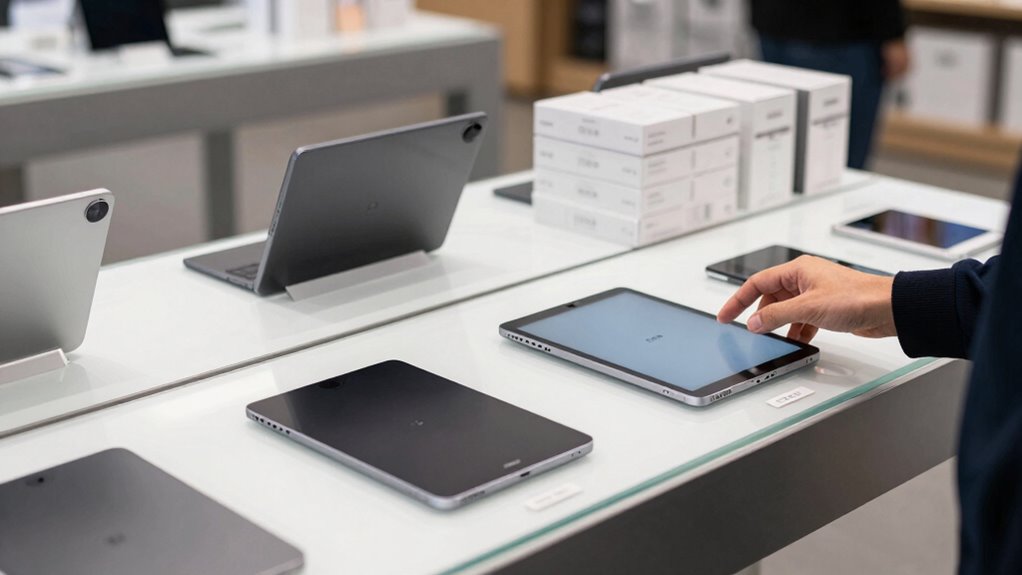

To avoid overbuying an e-ink tablet, focus on your core note-taking needs first. Set a clear budget and prioritize features like screen size, portability, and note management. Research models based on user feedback and expert reviews to find the best value. Test devices if possible to see which feels most comfortable and practical for you. By staying focused on your main requirements, you’ll make smarter choices—continue below to learn simple tips to streamline your selection.

Get the latest gadgets delivered free with Prime
- Fast, free delivery on millions of items
- Prime Video, Amazon Music and more included
- Member-only deals all year
Key Takeaways
- Prioritize essential features like note organization and search over additional apps or bells and whistles.
- Set a clear budget beforehand and focus on models that meet your core needs within that range.
- Research and compare multiple models based on user reviews and key functionalities before making a decision.
- Test devices in person or borrow to assess comfort, usability, and suitability for your note-taking style.
- Avoid impulsive upgrades by sticking to your initial requirements and resisting hype-driven features.
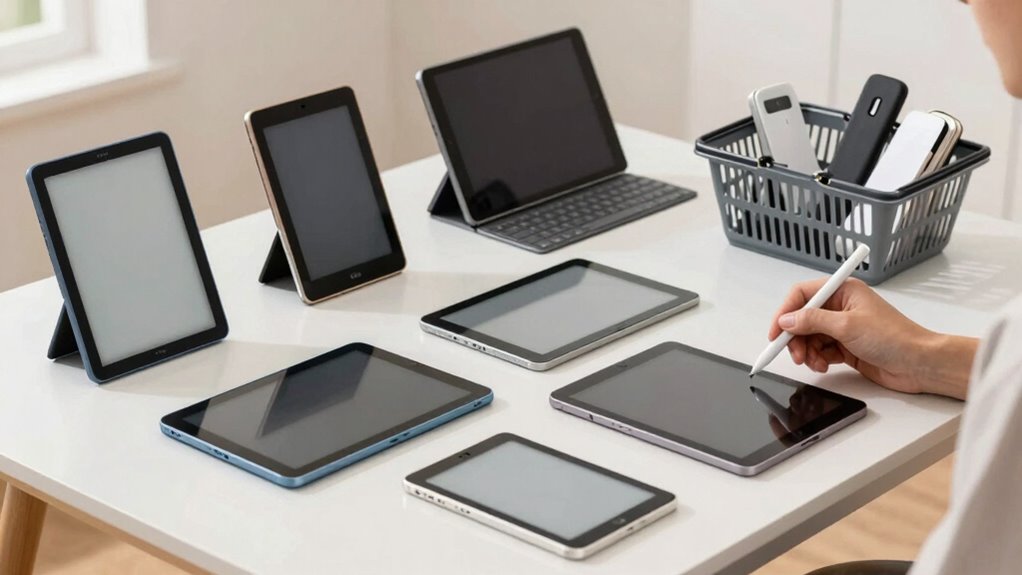
Shopping for E‑Ink tablets for note-taking can be overwhelming with so many options available, and it’s easy to fall into the trap of overbuying. With numerous models boasting different features, it’s tempting to think you need everything on the market. But before you get caught up in the hype, consider what truly matters for your needs. One key factor is digital note organization. Think about how you plan to use the tablet—do you want seamless file management, easy search capabilities, or integration with other apps? Clarifying these priorities will help you avoid unnecessary extras that might push you toward overspending.
Focus on digital note organization and your specific needs to avoid unnecessary features and overspending.
Another critical aspect is tablet screen sizes. E‑Ink tablets come in a variety of dimensions, from compact 6-inch devices to larger 10.3-inch screens that mimic the feel of a traditional notebook. Smaller screens are more portable and easier to carry around, but they might limit your ability to write comfortably or view detailed diagrams. Larger screens, on the other hand, provide more space for handwriting and better digital note organization, but they can be bulkier and less convenient for daily portability. Before purchasing, think about where and how you’ll use your device most often. If you’re mostly taking quick notes on the go, a smaller tablet might suffice. If you’re planning to do detailed sketches or extensive note-taking sessions, a larger screen could be worth the investment.
It’s also wise to set a budget and stick to it, avoiding the temptation to upgrade to the latest model just because it offers more features. Focus on the core functionalities you need, rather than bells and whistles that sound appealing but don’t add real value to your workflow. Many people assume they need the most advanced device to be productive, but often, a mid-range tablet with good digital note organization features will serve you just as well. To prevent overbuying, research reviews and compare models based on your prioritized features—like screen size, battery life, and note-taking capabilities—so you’re making an informed decision rather than an impulsive one.
Additionally, understanding digital note organization features can help you choose a device that aligns with your workflow, reducing the tendency to buy unnecessary extras. Finally, consider borrowing or testing different tablets if possible. Hands-on experience can reveal what feels comfortable and practical for your style of note-taking. Remember, the goal is to find a device that meets your needs without overwhelming you with unnecessary extras. By focusing on what truly matters—digital note organization and appropriate tablet screen sizes—you’ll avoid overbuying and find a device that enhances your productivity without breaking the bank.
best e-ink tablet for note taking
As an affiliate, we earn on qualifying purchases.
As an affiliate, we earn on qualifying purchases.
Frequently Asked Questions
What Is the Price Range for Basic E-Ink Tablets?
Basic e-ink tablets typically range from $80 to $200, depending on features and brand. When you do a price comparison, you’ll notice significant differences in display size, note-taking capabilities, and additional features like stylus support. To avoid overbuying, focus on your essential needs. For simple note-taking, a lower-cost model may suffice, while more advanced features might justify a higher price within that range.
Do E-Ink Tablets Support Stylus Input?
Of course, e-ink tablets love to keep secrets—like supporting stylus input! Many models are compatible, enhancing note taking accuracy and making your scribbles feel more natural. You’ll find stylus compatibility varies, so check before buying. With a compatible stylus, you’ll enjoy smooth writing, just like on paper. Just don’t expect them to read your mind—unless you’ve got a psychic stylus, in which case, let me know!
How Long Does the Battery Last on Average?
On average, e-ink tablets have impressive battery life, often lasting around two to four weeks on a single charge, depending on your usage duration. If you primarily use them for note-taking and reading, you’ll enjoy extended periods without recharging. Keep in mind that screen brightness and active features can impact battery life, so managing these settings helps maximize your device’s usage duration.
Are There Differences Between Budget and Premium Models?
Think of your choice as a bridge between simplicity and luxury. Budget models often feature basic functions, like a sturdy but plain bridge, while premium models boast advanced features, like a beautifully crafted suspension bridge with premium benefits such as higher resolution and faster responsiveness. Your decision hinges on your needs and budget, but remember, sometimes investing a little more reveals a world of richer note-taking experiences, making your journey smoother.
Can E-Ink Tablets Be Used for Other Purposes Besides Note-Taking?
Yes, e-ink tablets can be used for more than note-taking. You can enjoy digital art on them, using compatible styluses to create or browse artwork. They’re also great as reading devices, offering a comfortable reading experience with e-ink screens that mimic paper and reduce eye strain. Whether for sketching, annotating documents, or reading e-books, these tablets are versatile tools that go beyond just note-taking.
compact e-ink note-taking device
As an affiliate, we earn on qualifying purchases.
As an affiliate, we earn on qualifying purchases.
Conclusion
Think of shopping for an e‑ink tablet like choosing a backpack: pick one that’s just right, not too big or small. I once bought a massive tablet thinking I’d use all its features, but ended up overwhelmed. Research shows that overbuying can lead to unused features and wasted money. Stay focused on your needs, and you’ll find the perfect fit—like finding that cozy backpack that holds everything you need without weighing you down.
large screen e-ink tablet for sketches
As an affiliate, we earn on qualifying purchases.
As an affiliate, we earn on qualifying purchases.
digital note organization e-ink tablet
As an affiliate, we earn on qualifying purchases.
As an affiliate, we earn on qualifying purchases.
Fall Picks
fall essentials
As an affiliate, we earn on qualifying purchases.