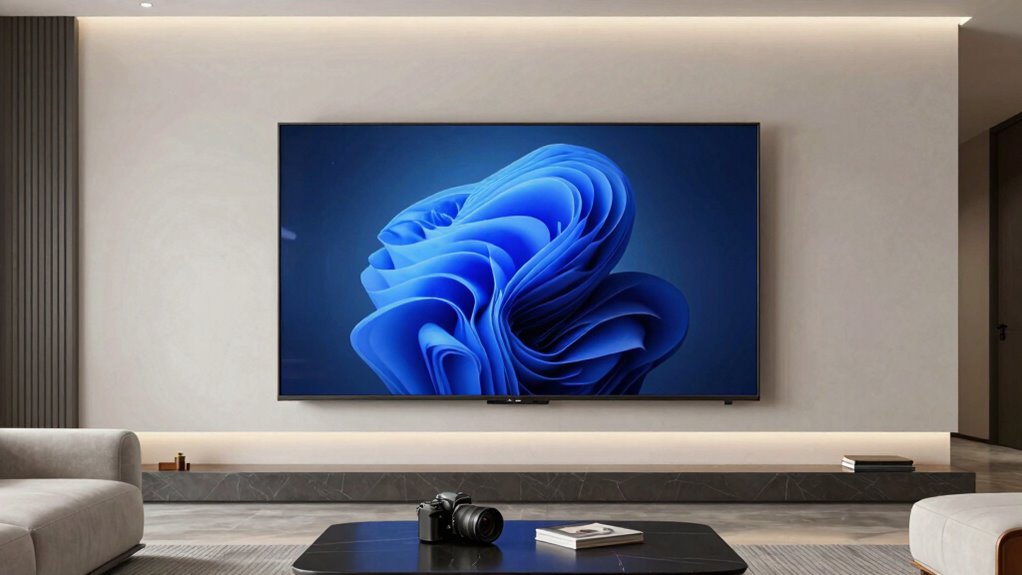

To make your TV feel bigger than its actual size, focus on smart mounting, immersive sound, and picture enhancements. Wall mounting at eye level and adjustable mounts reduce glare and create a seamless look, while quality sound systems like soundbars or surround sound add depth and realism. Upgrading to features like HDR and high resolution makes scenes pop and appear larger. Combining these elements transforms your space into a more engaging, cinematic environment—if you keep exploring, you’ll discover even more ways to maximize your setup.
Key Takeaways
- Proper wall mounting at eye level enhances perceived size by reducing distractions and creating a sleek, immersive viewing environment.
- Upgrading to high-quality sound systems, like surround sound or soundbars, adds depth and makes the screen feel larger.
- Visual enhancement features such as HDR and high resolution improve scene detail, increasing the perceived size of content.
- Integrating the TV seamlessly into the room’s design minimizes clutter, making the display appear more prominent.
- Combining flexible mounting with immersive audio creates a cohesive setup that amplifies the sense of screen size.
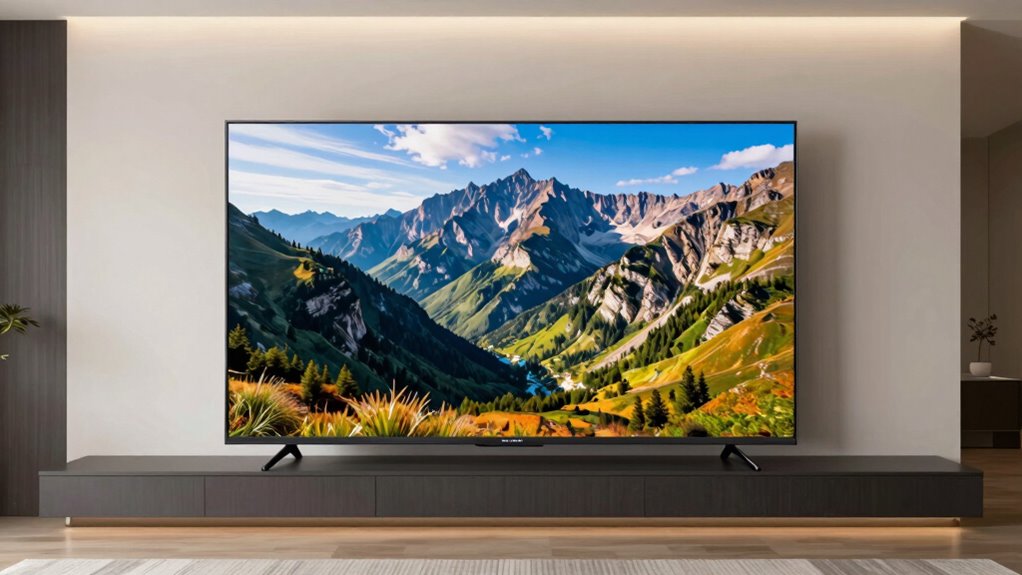
Upgrading your TV can feel like stepping into a whole new world of immersion, even if the screen size doesn’t change dramatically. The real difference lies in how the TV integrates into your space and how you experience content. When you choose the right mounting options, you instantly transform your viewing experience. Wall mounts, for instance, allow you to position your TV at eye level, reducing neck strain and giving your setup a sleek, modern look. Adjustable mounts let you tilt or swivel your screen, making it easier to find the perfect angle from anywhere in the room. This flexibility enhances immersion, making scenes more enthralling and reducing glare or reflections that can distract you during a show or movie.
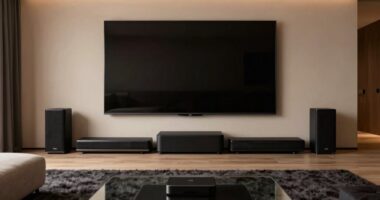
Choosing the right mount enhances immersion, reduces glare, and creates a sleek, modern look for your TV setup.
Beyond mounting options, the sound system you pair with your new TV plays an essential role in amplifying that feeling of size and presence. Even a large screen can fall flat if the audio doesn’t match the visual impact. Upgrading to a quality sound system—whether a soundbar, a surround sound setup, or bookshelf speakers—lets you experience richer, more dynamic audio. This adds depth and realism, making you feel as if you’re part of the action rather than just watching it happen on a screen. When sound matches the visual scale, your entire room becomes an immersive environment, pulling you deeper into the story. Additionally, considering the visual quality of your TV, including features like HDR and resolution, can further elevate your viewing experience and make it seem even more expansive. Incorporating visual enhancement features can significantly boost the perceived size and impact of your display.
Choosing the right mounting options also contributes to how well your TV fits into your space, minimizing clutter and creating a more streamlined environment. The combination of well-chosen mounting options and a robust sound system makes your upgrade feel bigger than what the screen size alone suggests. It’s not just about increasing pixels or screen dimensions; it’s about optimizing how your TV fits into your space and how you experience entertainment. Proper placement reduces distractions and enhances comfort, while improved audio heightens emotional engagement. With these adjustments, even a modest-sized TV can deliver a sense of grandeur typically associated with larger screens.
Ultimately, your upgraded setup should work seamlessly, making every viewing session feel special. When you invest in flexible mounting options, you’re not just saving space—you’re creating an ideal viewing angle. Pair that with a sound system that fills the room with crisp, immersive audio, and suddenly, your TV feels much larger than its actual size. It’s about crafting an environment that elevates your entertainment, making every scene feel more impactful and more alive. This is the upgrade that truly transforms your watching experience, making it feel expansive without changing the screen size itself.
TV wall mount adjustable tilt swivel
As an affiliate, we earn on qualifying purchases.
As an affiliate, we earn on qualifying purchases.
Frequently Asked Questions
How Does Sound Quality Influence the Perceived Size of a TV?
Sound quality greatly influences how big a TV feels. When you experience clear audio with strong bass and well-placed speakers, it creates a more immersive experience, making the screen seem larger. Good speaker placement enhances audio clarity, filling the room evenly. This combination tricks your brain into perceiving the TV as bigger, even if the actual screen size remains unchanged, because immersive sound amplifies the overall viewing experience.
Can Wall Positioning Affect the Feeling of a Bigger Screen?
Wall placement and viewing distance can make your TV feel bigger than its actual size. When you position the TV on a wall that complements your viewing distance, it creates a sense of immersion, amplifying the screen’s presence. A well-placed TV with ideal viewing distance tricks your mind into perceiving a larger display, enhancing your experience without needing a bigger screen. Proper wall placement truly transforms your viewing space.
What Role Does Room Lighting Play in Visual Perception?
Room lighting markedly influences your visual perception of your TV. Ambient illumination helps reduce glare and eye strain, making the picture appear clearer. The right color temperature, usually warmer tones, enhances contrast and color accuracy, making the screen feel more immersive. You should aim for balanced lighting that isn’t too bright or too dim, ensuring your viewing experience feels natural and that the screen size seems larger and more engaging.
Are There Specific TV Features That Enhance Immersion?
Sure, because nothing screams immersion like surround sound and perfect picture calibration—sarcastic, of course. You can boost your viewing experience by upgrading to a TV with advanced surround sound systems that make you feel like you’re in the middle of the action. Pair that with meticulous picture calibration, and suddenly, your screen becomes a portal to another world. Who needs real adventure when your TV’s this immersive?
How Does Content Type Impact the Perception of Screen Size?
Content type greatly influences how you perceive screen size. For action-packed movies with vibrant colors and sharp details, a TV with excellent color accuracy enhances immersion, making the screen feel more expansive. Additionally, a bezel-less design minimizes distractions, amplifying the perception of size. When you choose content that highlights these features, your TV experience feels more immersive, even if the actual screen size remains unchanged.
soundbar for TV with surround sound
As an affiliate, we earn on qualifying purchases.
As an affiliate, we earn on qualifying purchases.
Conclusion
So, next time you upgrade your TV, remember it’s not just about the size on paper. The right setup, sound, and positioning can make your new screen feel truly immersive—more than just pixels. It’s almost like a secret trick, creating a bigger experience without a bigger screen. Believe in the power of smart choices, and you’ll find your viewing world expanding in ways you never expected. Sometimes, it’s the little details that make the biggest difference.
As an affiliate, we earn on qualifying purchases.
As an affiliate, we earn on qualifying purchases.