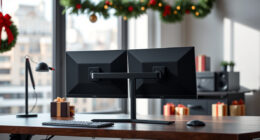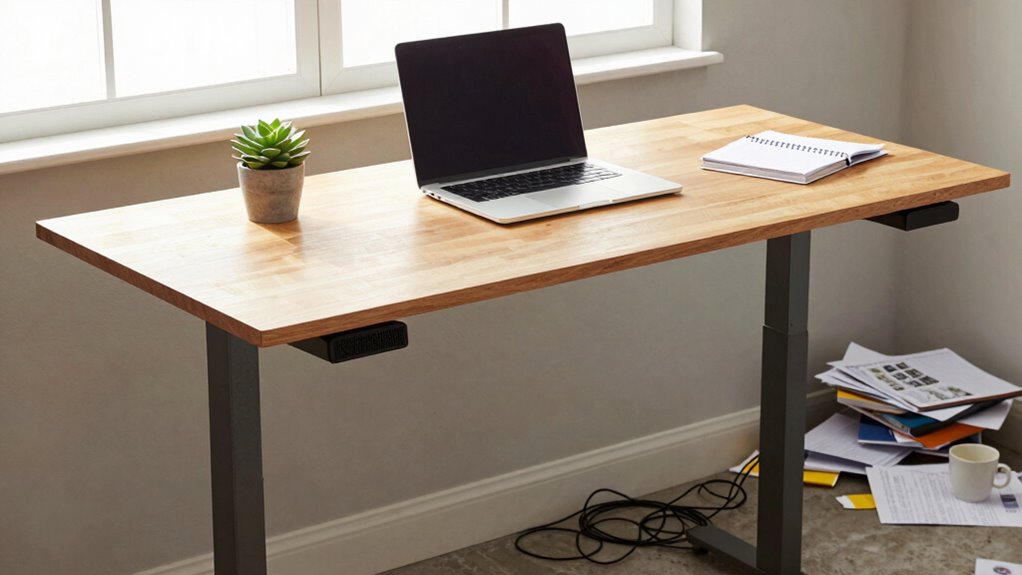
The hype around standing desks often makes you think just switching from sitting to standing will boost health and productivity, but that’s not the full picture. Without proper ergonomics, foot support, and posture awareness, standing all day can cause its own problems. Real improvements come from a mix of movement, ergonomic accessories, and mindful posture corrections. If you want to truly enhance your workday, understanding these nuances will help you make smarter choices for comfort and efficiency.

Get the latest gadgets delivered free with Prime
- Fast, free delivery on millions of items
- Prime Video, Amazon Music and more included
- Member-only deals all year
Key Takeaways
- Standing desks alone do not guarantee health or productivity; proper ergonomics and movement are essential.
- Ergonomic accessories like footrests and monitor stands improve comfort and support better posture.
- Conscious posture correction and regular movement prevent strain and long-term discomfort.
- A holistic workspace setup, including adjustable furniture and ergonomic tools, enhances overall well-being.
- Alternating between sitting and standing, along with small ergonomic adjustments, yields sustainable workday benefits.
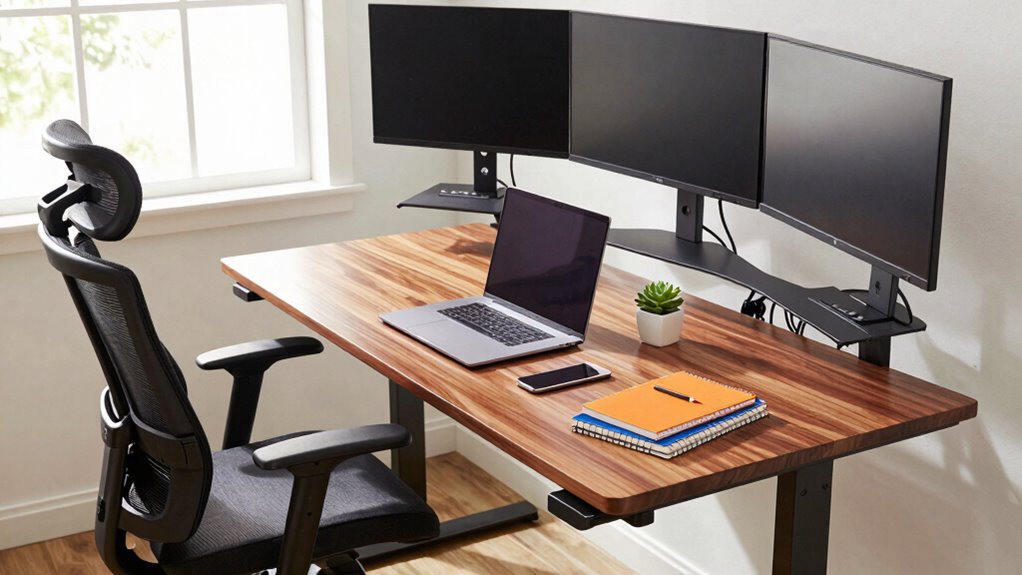
Everyone’s talking about standing desks as the ultimate solution for a better workday, but the truth is, they aren’t a magic fix. Just switching from sitting to standing doesn’t automatically make you healthier or more productive. In fact, standing all day can lead to its own set of problems if you don’t approach it thoughtfully. That’s where ergonomic accessories come into play. Using items like anti-fatigue mats, adjustable monitor stands, and supportive footrests helps you create a more comfortable standing setup. These accessories aren’t just optional—they’re essential if you want to avoid discomfort and maintain focus. Properly equipped, you can shift positions easily, reducing strain and preventing fatigue.
Ergonomic accessories like anti-fatigue mats and adjustable stands are essential for a comfortable, productive standing workspace.
But even with a standing desk and the right ergonomic accessories, posture correction remains vital. It’s tempting to assume that standing automatically improves your posture, but that’s not the case. Without awareness and proper support, you might end up slouching or leaning forward, which can cause neck, back, and shoulder pain over time. To truly benefit from standing, you need to be intentional about your posture. Keep your monitor at eye level, engage your core, and distribute your weight evenly on both feet. Regularly adjusting your stance and taking short breaks to stretch can do wonders for your comfort and health. Incorporating ergonomic supportive tools into your workspace can significantly enhance your standing experience. Additionally, understanding the importance of ergonomic setup can help you make better choices for your workspace. Recognizing the benefits of ergonomic principles can empower you to create a healthier work environment.
A well-designed ergonomic setup is also supported by evidence-based practices that prioritize long-term comfort and health. Many people get caught up in the hype, thinking that standing desks alone will revolutionize their work lives. The reality is that they’re just one piece of a larger puzzle. Consistent movement, proper ergonomic accessories, and conscious posture correction are what really make a difference. Sitting for long periods is unhealthy, but standing without proper support can be just as detrimental. The importance of ergonomic principles in designing your workspace cannot be overstated, as they guide the best practices for maintaining comfort and health. The key is to find a balance—alternating between sitting and standing, with an emphasis on ergonomic setup and mindful posture.
You don’t have to overhaul your entire workspace overnight. Small changes—like adjusting your desk height, investing in a good chair, and incorporating ergonomic accessories—make a significant impact over time. Remember, the goal isn’t just to stand more but to stand smarter. When you pay attention to posture correction and support your body with the right ergonomic tools, you’ll notice less fatigue, fewer aches, and an overall improvement in your workday. The standing desk hype might grab attention, but the real gains come from a thoughtful, holistic approach.
adjustable monitor stand for ergonomic setup
As an affiliate, we earn on qualifying purchases.
As an affiliate, we earn on qualifying purchases.
Frequently Asked Questions
Do Standing Desks Reduce Long-Term Health Risks?
Yes, standing desks can reduce long-term health risks if you make ergonomic adjustments. By alternating between sitting and standing, you decrease risk factors like poor posture, back pain, and cardiovascular issues. However, it’s essential to use proper ergonomic support and not stand for too long, as overuse can lead to discomfort. Balancing movement and ergonomic setup is key to truly improving your workday and long-term health.
Can Standing Desks Cause More Discomfort Than Sitting?
Standing desks can cause more discomfort than sitting if you neglect ergonomic adjustments or overlook desk accessories. Imagine feeling like you’re balancing on a tightrope every minute—aching neck, sore feet, and back pain! To prevent this, customize your workspace with ergonomic adjustments, like adjustable height settings, and add desk accessories such as anti-fatigue mats. Proper setup ensures standing enhances your day without turning into a source of discomfort.
What Is the Ideal Height for a Standing Desk?
The ideal height for a standing desk is where your elbows bend at roughly a 90-degree angle, keeping your forearms parallel to the ground. To achieve an ergonomic setup, adjust the desk so your monitor is at eye level, and consider desk accessories like anti-fatigue mats or monitor risers. This way, you prevent discomfort and promote productivity, making your standing desk beneficial rather than a source of strain.
How Often Should I Switch Between Sitting and Standing?
You should switch between sitting and standing every 30 to 60 minutes to optimize ergonomic adjustments and boost productivity without fatigue. Remember, “a change is as good as a rest,” so alternating frequently helps prevent strain and keeps you alert. Pay attention to your body’s signals, and find a rhythm that minimizes discomfort while maximizing focus and efficiency during your workday.
Are There Specific Work Tasks Better Suited for Standing?
You’ll find that tasks requiring focus, like detailed editing or data analysis, are often better suited for standing because it promotes posture improvements and keeps you alert. Standing can boost your productivity by reducing fatigue and encouraging movement. However, for tasks needing deep concentration or typing, sitting might be more comfortable. Alternating between sitting and standing throughout your workday maximizes posture benefits and maintains high productivity levels.
As an affiliate, we earn on qualifying purchases.
Conclusion
Remember, a standing desk isn’t a magic wand for perfect workdays. Think of it like a bicycle—sure, it helps you move forward, but you still need to pedal, balance, and take breaks. Focus on what truly boosts your productivity and well-being: regular movement, good posture, and mindful habits. By blending these elements, you’ll steer your workday in a healthier direction, transforming that hype into real, lasting gains for your body and mind.
ergonomic footrest for standing desk
As an affiliate, we earn on qualifying purchases.
As an affiliate, we earn on qualifying purchases.
posture correction support tools
As an affiliate, we earn on qualifying purchases.
As an affiliate, we earn on qualifying purchases.
Halloween Picks
halloween
As an affiliate, we earn on qualifying purchases.