Choosing between local and cloud storage depends on your security needs and budget. Local storage offers larger capacity and keeps your footage on-site, giving you full control and reducing external risks. Cloud storage provides easy remote access, automatic backups, and scalability but involves ongoing subscription costs and potentially less privacy. Each has pros and cons, so understanding these options helps you make an informed decision. Keep exploring to learn more about how each option fits your home security.

Get the latest gadgets delivered free — and shop member deals
- Fast, free delivery on millions of items
- Access to Prime Big Deal Days deals on October 6–7
- Prime Video, Amazon Music and more included
Key Takeaways
- Local storage offers larger capacity and data sovereignty, while cloud storage provides scalable, remote access without hardware upgrades.
- Local storage reduces security risks and privacy concerns by keeping data on physical devices.
- Cloud storage enables remote access, automatic backups, and easier management but depends on internet stability.
- Local storage involves a one-time hardware cost, whereas cloud storage incurs ongoing subscription fees.
- Cloud storage may pose privacy and security risks, whereas local storage maintains better control over sensitive footage.
As an affiliate, we earn on qualifying purchases.
Which Storage Option Is Best for Your Home Security?

When choosing between local storage and cloud storage for your doorbells and cameras, understanding your security needs and preferences is essential. Device compatibility plays a big role—some devices only support one type of storage, so check what your system requires. Storage capacity is also vital; local storage often offers larger capacity options at a fixed cost, making it easier to keep many recordings without ongoing fees. Cloud storage typically provides scalable plans, but costs can add up as your footage accumulates. If you prefer quick access and control, local storage might suit you better. Conversely, if you want hassle-free backups and remote viewing, cloud storage offers convenience. Understanding storage mechanisms can help you make an informed decision that aligns with your specific needs. Additionally, considering the cost implications of each option can help you choose what fits your budget and long-term security plans. Exploring the technology differences between local and cloud options can further clarify which method best meets your security requirements. Moreover, assessing security vulnerabilities associated with each storage type can help you protect your footage more effectively.
cloud storage for doorbell camera
As an affiliate, we earn on qualifying purchases.
As an affiliate, we earn on qualifying purchases.
What Are the Differences Between Local and Cloud Storage?

Choosing between local and cloud storage involves understanding how each option manages your footage. Local storage keeps videos on devices like hard drives or SD cards, giving you full control and ensuring data sovereignty—meaning your footage stays within your premises. It offers limited storage scalability, so you’ll need to upgrade hardware as your needs grow. Local storage options also often require manual management, which can be a consideration for those seeking hassle-free solutions. Cloud storage uploads footage to remote servers managed by service providers, allowing for easy scalability without hardware upgrades. This flexibility makes cloud solutions especially suitable for automotive performance parts enthusiasts who need reliable, expandable storage options. Additionally, cloud storage may offer automatic backups, reducing the risk of data loss due to hardware failure. Furthermore, cloud solutions also handle data sovereignty differently, with your footage stored in data centers that may be located across various regions. Understanding these key differences helps you choose the right storage method based on control, scalability, and data management needs. Moreover, considering sustainable hardware practices can contribute to environmentally responsible storage solutions, aligning with a broader commitment to sustainability in technology. Additionally, incorporating outdoor security features like backyard transformation essentials can enhance overall safety and monitoring options.
home security camera with SD card slot
As an affiliate, we earn on qualifying purchases.
As an affiliate, we earn on qualifying purchases.
What Are the Security Benefits of Using Local Storage?

Using local storage offers notable security benefits because it keeps your footage within your control, reducing the risk of unauthorized access or data breaches that can occur with remote servers. You have direct control over the device and data, minimizing vulnerabilities. Additionally, thorough research and verification of your storage options can help ensure you choose a secure and reliable setup. Knowing the security features of your storage method can further enhance your home safety. Implementing physical security measures such as locked enclosures can also protect your storage devices from tampering or theft. Moreover, understanding the early warning signs of potential security breaches can help you respond proactively and safeguard your data. By understanding the significance of spiritual alignment, you can better appreciate the importance of maintaining a secure and trustworthy storage system for your home security devices.
As an affiliate, we earn on qualifying purchases.
How Does Cloud Storage Improve Accessibility and Backup?

Cloud storage enhances accessibility and backup by allowing you to access your footage from anywhere with an internet connection, guaranteeing the need to be physically near your devices. With remote access, you can view live feeds or recordings anytime, whether you’re at work or on vacation. Plus, cloud providers implement data redundancy, storing copies of your footage across multiple servers, assuring your data remains safe even if one server fails. Understanding media literacy helps you evaluate the trustworthiness of online footage and ensure your data is secure. Additionally, being aware of tax law changes can impact how you manage and report your security device investments. Incorporating regulatory considerations into your decision-making process can help ensure compliance with local laws and environmental standards. Recognizing data security best practices is essential to protect your footage from potential cyber threats. To further enhance your understanding, considering privacy policies can help you determine how your data is handled by cloud providers. Here’s a quick comparison:
| Feature | Benefit |
|---|---|
| Remote access | View footage from any location |
| Data redundancy | Protects your footage from loss |
| Automatic backup | Ensures your recordings are always saved |
This setup gives you peace of mind, knowing your footage is both accessible and securely backed up.
What Are the Cost Differences Between Local and Cloud Storage?
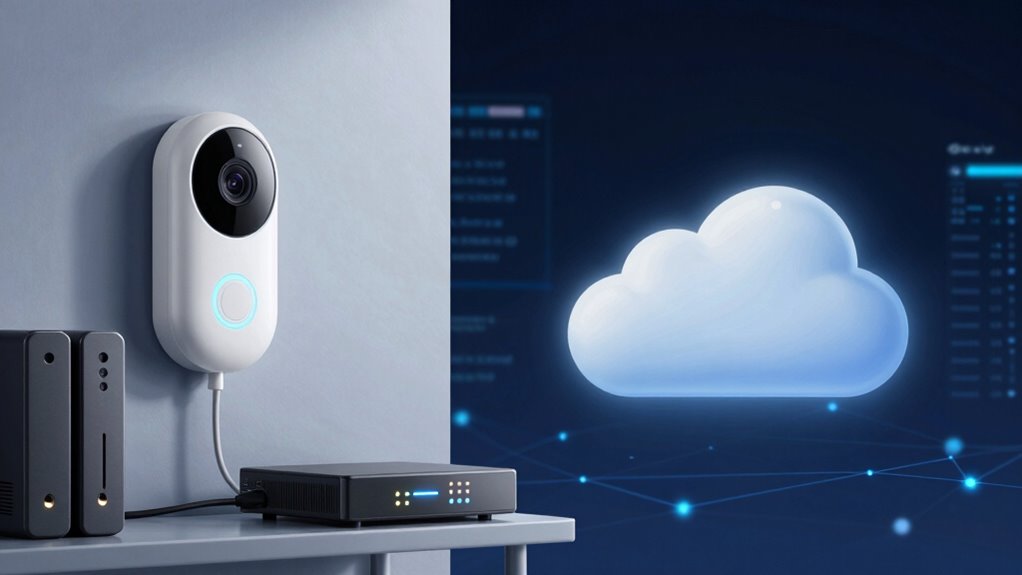
When comparing costs, local storage usually requires a one-time investment in hardware like hard drives or NAS systems, which can be pricey upfront but don’t incur ongoing fees. This makes it appealing for a straightforward expense analysis. However, the initial cost can vary depending on storage capacity. In contrast, cloud storage involves monthly or yearly subscription fees that scale with your needs. For those seeking a storage solution with a rich cultural background, local options might be more appealing. Here’s a quick cost comparison:
- Local storage has higher initial costs but no recurring charges.
- Cloud storage spreads expenses over time with predictable fees.
- Upgrades for local hardware may add unexpected costs.
- Cloud services often include maintenance and support, which can save money.
- Considering space planning and placement can influence the overall cost-effectiveness of your storage setup.
- Additionally, understanding the cost structure of each option helps clarify long-term financial implications.
- Evaluating the security features offered by each storage method is essential to protect your data effectively.
- Unplanned weather changes and pet antics in cameras can add humorous or unexpected situations, highlighting the importance of reliable camera placement.
Which Storage Method Offers Better Privacy and Data Control?
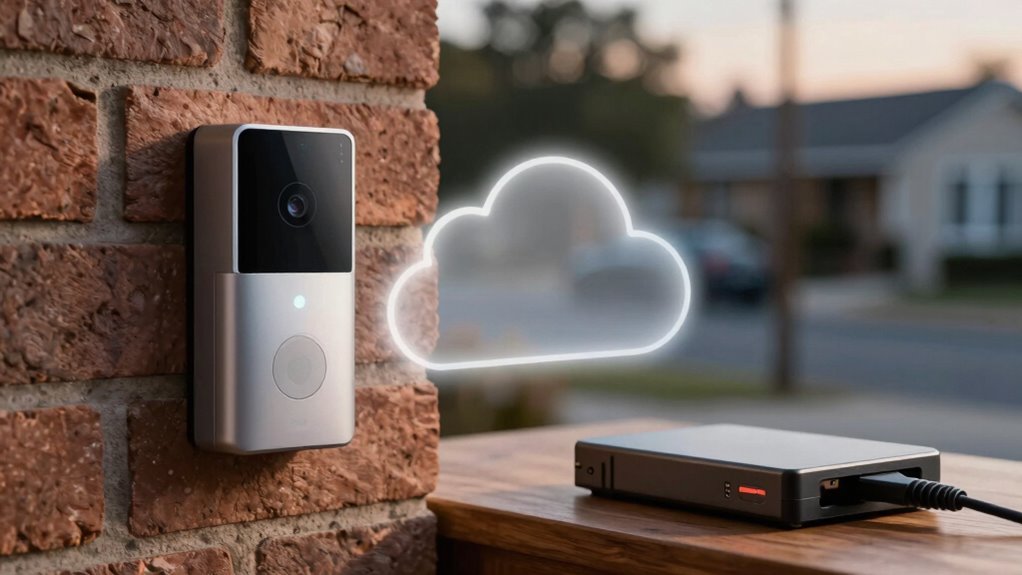
While both storage methods have their own privacy considerations, local storage generally offers you greater control over your data. With local storage, you manage your data directly, which means you can implement data encryption to protect sensitive footage from unauthorized access. You’re not reliant on third-party servers, so your user privacy remains better preserved. Cloud storage providers often have access to your data, and while they use encryption, there’s always a risk of data breaches or government requests. Local storage puts you in the driver’s seat, allowing you to control who views your footage and how it’s stored. This setup minimizes potential vulnerabilities, giving you peace of mind knowing your data isn’t exposed to external entities. Additionally, implementing proper water damage and rug cleaning techniques can help protect your physical equipment from environmental hazards, ensuring your footage remains intact and accessible.
How Easy Is It to Set Up and Maintain Local Storage Systems?

Setting up a local storage system for your doorbells and cameras can be straightforward, especially if you choose devices with built-in storage options like SD cards or network-attached storage (NAS). Installation complexity varies, but most setups involve connecting devices to your network and configuring storage settings. Maintenance effort is generally manageable but depends on your system’s complexity.
- Select compatible hardware with easy-to-understand instructions
- Connect devices and configure storage options
- Regularly check storage health and free up space
- Update firmware and security settings periodically
While initial setup is simple with user-friendly devices, more advanced systems may require technical knowledge. Overall, local storage offers a manageable balance of setup ease and ongoing maintenance.
What Are the Main Drawbacks of Cloud Storage for Home Security?
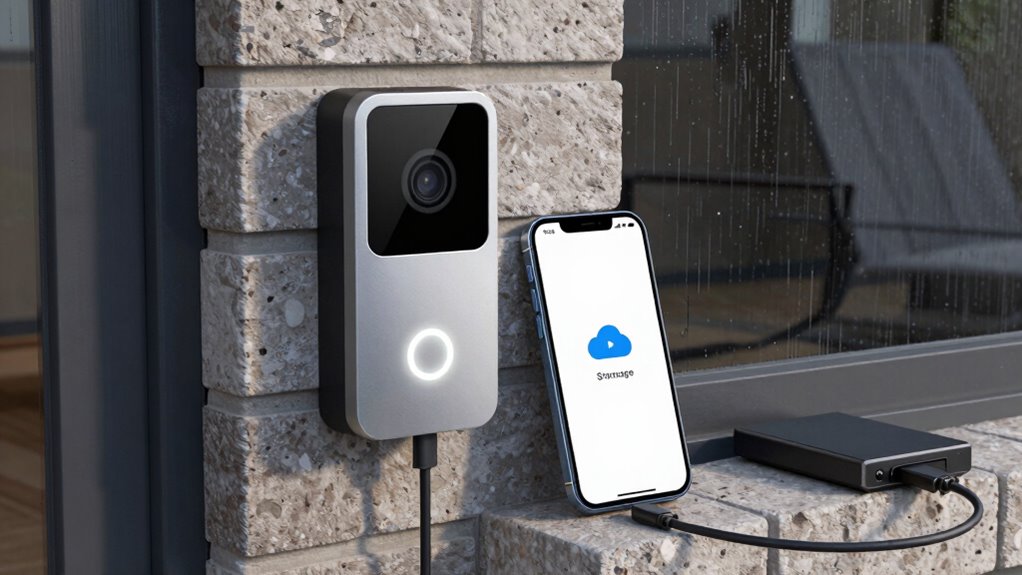
Cloud storage can be convenient for home security, but it also has several drawbacks that you should consider. One major issue is internet dependency; if your connection drops or slows down, your access to live feeds or recordings could be interrupted, leaving you vulnerable. Additionally, cloud storage often consumes more power, affecting your device’s battery life, especially for wireless cameras that rely on batteries. This means you’ll need to recharge or replace batteries more frequently, increasing maintenance. Privacy concerns also arise, as your footage is stored on external servers, potentially exposing it to hacking or unauthorized access. Finally, ongoing subscription fees can add up over time, making cloud storage more expensive than local alternatives in the long run.
Frequently Asked Questions
Can Local Storage Handle Multiple Cameras Simultaneously?
Yes, local storage can handle multiple cameras simultaneously if it has sufficient storage capacity. You’ll need a robust system to support camera synchronization, ensuring all footage is recorded without interruption. Keep in mind, the storage capacity determines how many cameras you can connect and how long footage is retained. Regularly check your storage limits and upgrade if needed, so all your cameras work smoothly together without missing critical moments.
How Does Internet Outage Affect Cloud Storage Access?
Imagine your cloud storage as a lighthouse guiding your data safely through stormy seas. When an internet outage hits, access to this lighthouse dims, making your data temporarily unreachable. You can’t retrieve or view your footage, leaving your security in the dark. Once the connection restores, the lighthouse shines bright again, restoring your data accessibility and ensuring your surveillance system continues to keep watch.
Are There Legal Restrictions on Storing Footage Locally or in the Cloud?
You should know there are legal restrictions on storing footage locally or in the cloud, mainly driven by privacy concerns and data security. Laws vary by region but often require informing others about recordings and securing data properly. Cloud storage might raise concerns about third-party access, while local storage could pose risks if not securely protected. Always check your local regulations and guarantee you follow best practices to protect privacy and data security.
What Are the Energy Consumption Differences Between Local and Cloud Storage?
Think of your storage options as two energy streams vying for your home’s power. Local storage generally consumes less power because it doesn’t rely on constant internet data transfer, making it more energy-efficient. Cloud storage, on the other hand, involves ongoing data uploads and server communication, increasing overall power consumption. So, if you want to save energy, local storage is like a quiet river—less demanding and more efficient.
How Often Should I Back up or Maintain My Storage System?
You should back up or maintain your storage system at least once a month, especially if you have a large storage capacity. Regular backups prevent data loss and guarantee your footage stays safe. If you record frequently, consider increasing backup frequency to weekly or bi-weekly. Consistent maintenance helps identify issues early, keeps storage organized, and guarantees your doorbells and cameras operate smoothly, giving you peace of mind.
Conclusion
Choosing between local and cloud storage for your home security is like deciding whether to guard your treasure in a hidden vault or keep it in a secure bank vault accessible from anywhere. Local storage keeps your footage close, like a lockbox beneath your bed, giving you control. Cloud storage, however, offers the convenience of access and backup, like a trusted friend watching over your valuables from afar. Consider your needs, and choose the option that keeps your peace of mind intact.
Fall Picks
fall essentials
As an affiliate, we earn on qualifying purchases.