
The NVIDIA Shield Android TV Pro is a premium streaming player built for people who want more than a basic TV app box. Its 4K HDR with Dolby Vision, Dolby Atmos support, USB expansion and gaming features give it unusual range for a living room streamer. The tradeoff is that its 16GB of built-in storage and extra setup options can feel limiting or unnecessary for people who only watch streaming services. It is worth buying when you will use that flexibility; for straightforward streaming, a simpler, less expensive device is likely a better fit.

Get the latest gadgets delivered free with Prime
- Fast, free delivery on millions of items
- Prime Video, Amazon Music and more included
- Member-only deals all year

NVIDIA Shield Android TV Pro 4K HDR Streaming Media Player
- ✔ Processor: NVIDIA Tegra X1+
- ✔ RAM: 3 GB
- ✔ Storage: 16 GB
Why This Product Stands Out
The Shield TV Pro stands out because it is closer to a compact media hub than a single-purpose streaming box. Many devices in the category focus on finding and playing services; this one also offers USB 3.0 connections, Gigabit Ethernet, Plex Media Server support and Android gaming. Those extras matter to households with local media libraries or accessories, while remaining unused for viewers who only open Netflix or similar apps.
Its picture and sound support place it in the premium end of the category. 4K HDR and Dolby Vision suit compatible TVs, while Dolby Atmos can serve a compatible audio system. These formats are meaningful if the rest of the setup supports them and the content is available in them. They do not automatically improve every video, and a standard HD television will not show the full benefit.
The product’s breadth is also its dividing line. Compared with simpler alternatives such as the onn 4K Pro or Xiaomi TV Box S (3rd Gen), the Shield makes more sense when its connections, media features or gaming matter. If the priority is familiar TV apps with minimal configuration, those alternatives may suit the job better. Roku Ultra 4K (Renewed) is another option for buyers who prefer Roku’s interface and do not need the Shield’s Android-focused extras.
Key Features and What They Mean
The Tegra X1+ processor and 3GB of RAM help the Shield keep demanding apps responsive and support Android games, so buyers can move between streaming, media management and gaming on one device. This is most useful to households that plan to run more than a few streaming apps or play games; for basic viewing, the extra processing capacity is unlikely to change the experience.
4K HDR with Dolby Vision lets supported films and shows use higher resolution, richer color and improved contrast, helping compatible content look more lifelike on a suitable screen. Buyers with a 4K Dolby Vision television and access to compatible content will see the clearest benefit. Without that TV or content, the format support cannot deliver the same picture upgrade.
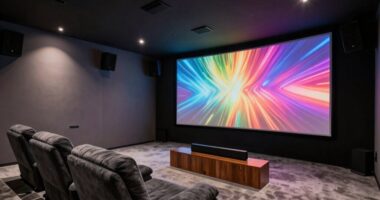
Dolby Atmos and Dolby Digital Plus give the Shield compatibility with surround sound formats used by supported content. With a compatible soundbar or receiver, this can make films and shows feel more enveloping and help the device fit into a home theater setup. Buyers using television speakers or content without those formats are less likely to notice a difference.
Two USB 3.0 ports and 16GB of internal storage let owners connect drives and accessories, making it possible to access personal media or add storage beyond what is built into the box. This helps people with a local media collection or plans to install more apps and games. Since 16GB can be tight for a large library, those buyers may need an external drive; casual streamers are less likely to need the ports.
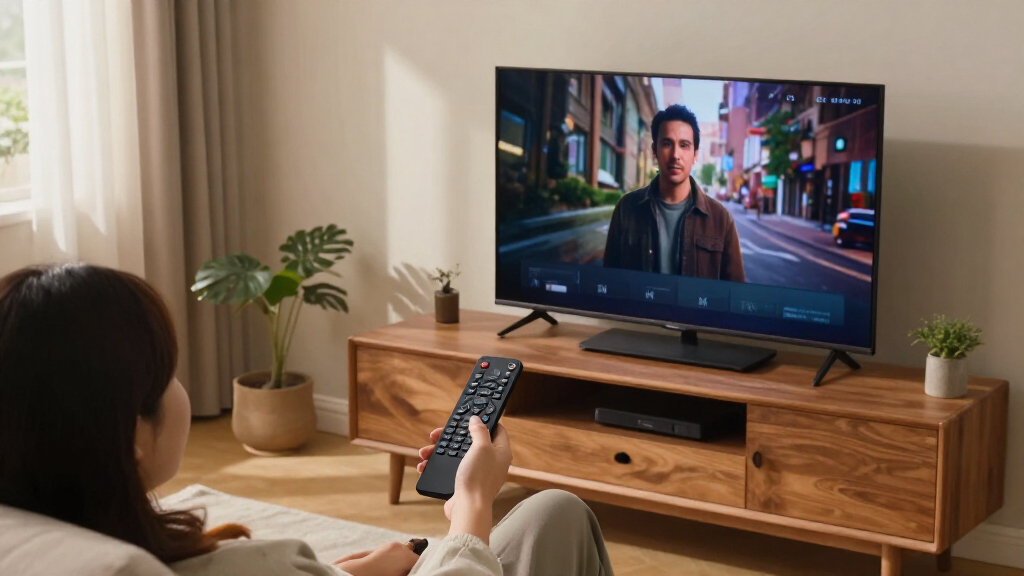
Chromecast 4K, voice control and smart home support let users cast compatible phone content to the TV and use Google Assistant or Alexa to control the device. That can make sharing media or finding something to watch quicker for households that already use casting or voice commands. The remote’s motion-activated backlighting makes buttons easier to see in a dark room, and its locator helps find a misplaced remote. These are practical conveniences for regular users, but less valuable if the TV’s built-in interface already meets the household’s needs.
Performance and Real-World Use
For everyday streaming, the Shield’s strongest practical case is that it combines high-resolution playback with several ways to connect to a home network and media collection. Dual-band Wi-Fi covers wireless setups, while Gigabit Ethernet gives buyers a direct connection when stable throughput matters. Wired networking can reduce dependence on signal quality, though the actual experience still depends on the internet service, router and streaming source.
Setup may take more thought than with a basic streamer. Buyers choosing among voice assistants, USB accessories, Plex features and gaming will need to configure the options they intend to use. That flexibility can pay off for a technically comfortable household, but it creates a learning curve for someone who wants to sign in to a few apps and start watching. The remote’s voice controls and locator help with daily operation once configured, and backlit buttons are practical when watching in a dark room.
Storage and gaming need realistic expectations. 16GB onboard means a sizeable app or game collection may call for external storage, and gaming requires a separately purchased controller. Those are manageable additions for buyers who specifically want Android gaming or local media, but they weaken the value for people who will never use those capabilities. The device’s broader feature set makes it adaptable; it also means the best experience depends on matching accessories and configuration to the household.
Who Should Buy This
Choose the Shield TV Pro if your living room already has a 4K Dolby Vision television and compatible audio equipment, and you want one box for streaming plus more. It is particularly suited to people who maintain a Plex or local media library, want USB connections for drives or accessories, or plan to use Android games and are comfortable buying a controller. It also fits households that value wired networking, Chromecast casting and voice assistant support enough to use them regularly. In those cases, the Shield’s premium positioning reflects a broader role than simply replacing the TV’s built-in apps.
Who Should Skip This
Skip it if your routine is limited to a handful of streaming apps, your television is not 4K, or you do not have compatible equipment to benefit from Dolby Vision and Atmos. A casual viewer seeking the simplest interface is unlikely to need USB expansion, Plex support or Android gaming. Buyers who want to keep setup and accessory costs low should also look at the onn 4K Pro or Xiaomi TV Box S (3rd Gen). If Roku’s interface is the main draw and the Shield’s extra flexibility would go unused, the Roku Ultra 4K (Renewed) may be a more fitting alternative.
Value for Money
The Shield TV Pro is a premium-priced, feature-rich streamer, so its value depends on whether its additional roles replace other equipment or make a real difference in your routine. Buyers who use high-end video and audio formats, wired networking, external storage, Plex or gaming can make a stronger case for it than viewers who only need reliable app playback. Even then, the 16GB storage and separate controller purchase can add practical limits or costs. For ordinary streaming, the onn 4K Pro or Xiaomi TV Box S (3rd Gen) is more likely to deliver the functions that matter without paying for a broader media hub. Roku Ultra 4K (Renewed) is worth comparing when its platform is the priority.
NVIDIA Shield Android TV Pro 4K HDR Streaming Media Player
The Shield TV Pro stands out because it is closer to a compact media hub than a single-purpose streaming box. Many devices in the category focus on finding and playing services; this one also offers USB 3.0 connections , Gigabit Ethernet , Plex Media Server support and Android gaming.
Pros:
- Dolby Vision and 4K HDR support can make compatible films and shows look more detailed and vivid on a suitable TV.
- Dolby Atmos support gives buyers with compatible sound equipment access to immersive audio formats from supported content.
- Two USB 3.0 ports and expandable storage options make it more adaptable for external drives and accessories than a basic streaming stick.
- Gigabit Ethernet offers a wired network option for homes where Wi-Fi is congested or inconsistent.
- Chromecast 4K, voice control and a remote locator make it useful across both app-based viewing and everyday household routines.
Cons:
- The 16GB internal storage can become a constraint for buyers installing many apps or games, making external storage more relevant.
- Gaming adds cost and setup because a compatible controller is sold separately.
- Its extra connectivity and smart features add configuration choices that can overwhelm someone seeking a simple streaming experience.
- Dolby Vision and Atmos benefits depend on compatible TVs, sound equipment and content, so not every buyer will see or hear the upgrade.
Best for: Viewers with a compatible 4K Dolby Vision and Atmos setup who also want Plex, USB storage, Chromecast and Android gaming in one device.
Not ideal for: Casual streamers who mainly use a few TV apps and do not need gaming, local media or expandable storage.
Bottom line: The NVIDIA Shield Android TV Pro 4K is worth buying for a specific kind of household: one that will use its Dolby Vision and Atmos support alongside its connections, local media or gaming features.
Frequently Asked Questions
Is the NVIDIA Shield TV Pro worth it if I only stream TV shows and films?
Usually only if you have compatible 4K Dolby Vision and Atmos equipment and value the Shield’s broader connectivity. If you mainly use a few streaming apps, a less expensive device such as the onn 4K Pro or Xiaomi TV Box S (3rd Gen) may be a better match.
Is 16GB of storage enough for the Shield TV Pro?
It can suit a modest app collection, but buyers who plan to install many apps or games may find it restrictive. The two USB 3.0 ports allow for external storage, so expansion is an option if it fits your setup.
Can the Shield TV Pro play games without extra accessories?
It supports Android gaming, but a compatible game controller is a separate purchase. Include that accessory in your decision if gaming is one of the main reasons you are considering the device.
Do I need Dolby Vision and Atmos equipment to benefit from the Shield?
No, it can still serve as a streaming device, but those formats matter most when the television and audio setup support them and the content is available in compatible formats. Without that equipment, some of its strongest home theater advantages will go unused.
Should I choose the Shield TV Pro or a simpler streaming device?
Choose the Shield if you will use its USB expansion, Plex or other media features, wired Ethernet, Chromecast or gaming support. For basic streaming with less setup, compare the onn 4K Pro or Xiaomi TV Box S (3rd Gen); consider the Roku Ultra 4K (Renewed) if Roku’s interface better suits your household.
Final Thoughts
The NVIDIA Shield Android TV Pro 4K is worth buying for a specific kind of household: one that will use its Dolby Vision and Atmos support alongside its connections, local media or gaming features. It is one of the more versatile choices in the streaming category, but that versatility has little value if it stays unused. Choose it when your setup and habits justify a premium media device, and budget for external storage or a controller if your plans call for them. If you simply want an easy way to watch 4K apps, pick a simpler streamer instead.