Choosing between NAS and external SSD depends on your editing needs. If you need fast access, remote sharing, and scalability, a NAS is the better long-term investment, especially for collaborative workflows. For portability and quick projects, an external SSD offers fast speeds at a lower upfront cost. Considering performance, security, and budget will help you save time and money down the line. Keep going to uncover which option perfectly matches your editing style and goals.
Key Takeaways
- NAS offers scalable, redundant storage with remote access, ideal for collaborative and long-term editing projects.
- External SSDs provide fast, portable storage for quick edits but lack built-in redundancy for data security.
- Investing in NAS reduces long-term costs through scalability, hardware redundancy, and centralized data management.
- External SSDs are cost-effective upfront but may require frequent replacements, increasing long-term expenses.
- Choosing the right storage balances immediate workflow needs with future scalability and data security considerations.
What Are the Key Differences Between NAS and External SSDs?
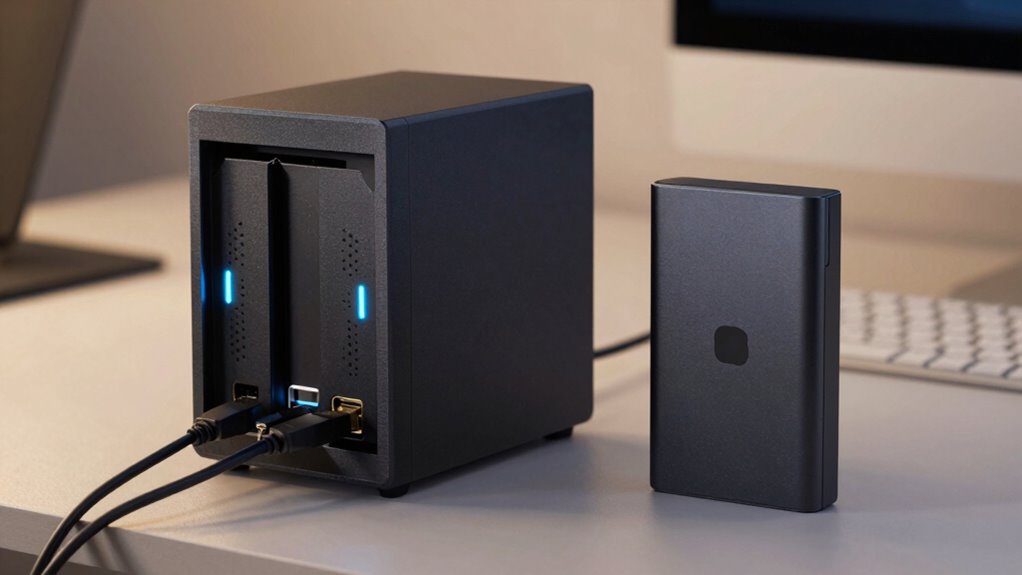
While both NAS devices and external SSDs serve as storage solutions, they differ considerably in design and functionality. NAS devices connect to your network, offering shared access across multiple devices, which means you can access your files remotely or from different computers. In contrast, external SSDs connect directly to a single device via USB or Thunderbolt, limiting access to that one device. Network connectivity in NAS systems enables seamless collaboration but introduces potential network bottlenecks. Additionally, NAS devices often incorporate data redundancy features, like RAID configurations, to protect your data from drive failures. External SSDs, however, typically don’t offer built-in redundancy, making them less suitable for safeguarding critical files. Understanding these differences helps you choose the right solution based on your storage needs and data security priorities. Incorporating data security practices such as backups and redundancy can further protect your important files. Moreover, considering the energetic alignment of your storage choices can assist in optimizing your workflow and peace of mind. Properly calibrating your setup ensures that your storage environment functions efficiently and reliably for your editing projects. Additionally, evaluating your long-term storage needs can help determine whether a scalable NAS or portable SSD best fits your evolving project requirements.
How Do Performance and Speed Affect Your Editing Workflow?
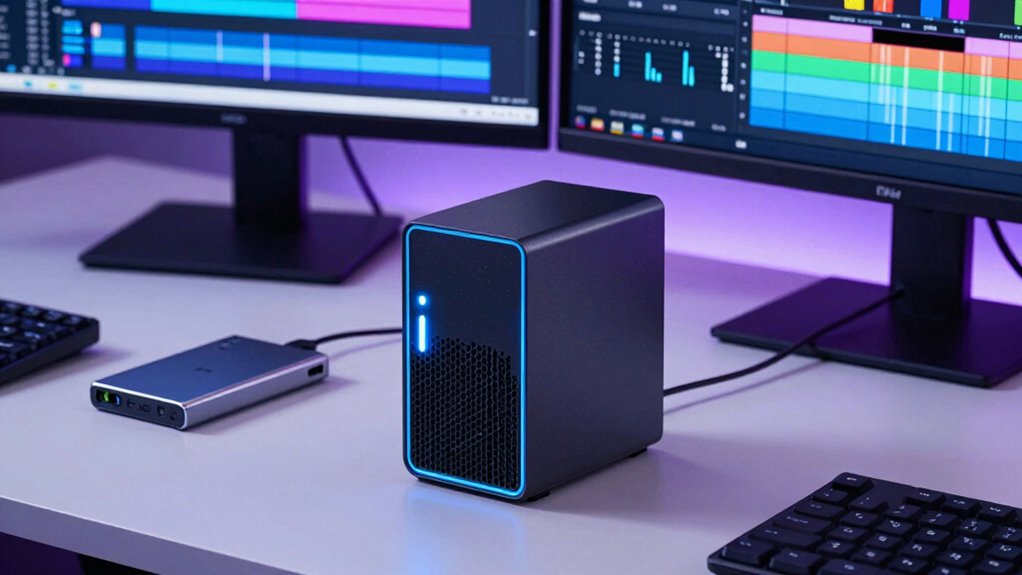
Performance and speed are critical factors that directly impact your editing workflow, especially when working with large files or high-resolution footage. Fast storage allows you to load, preview, and render videos more efficiently, reducing downtime and frustration. In video editing, quick data transfer speeds mean smoother playback and faster export times, which keeps your project moving forward. During color grading, swift access to footage helps you make real-time adjustments without lag, ensuring precision and creativity. A slow storage device causes delays, forcing you to wait during critical editing moments. Whether you’re handling 4K or higher resolutions, optimized performance accelerates your workflow, saving time and maintaining your creative momentum. Ultimately, faster storage means less time waiting and more time making impactful edits. Proper ventilation and ensuring your workspace is safe can also help prevent overheating of your hardware during intensive tasks. Additionally, understanding the performance differences between NAS and external SSDs can guide you toward the most suitable storage solution for your needs.
What Are the Costs and Long-Term Investment Considerations?
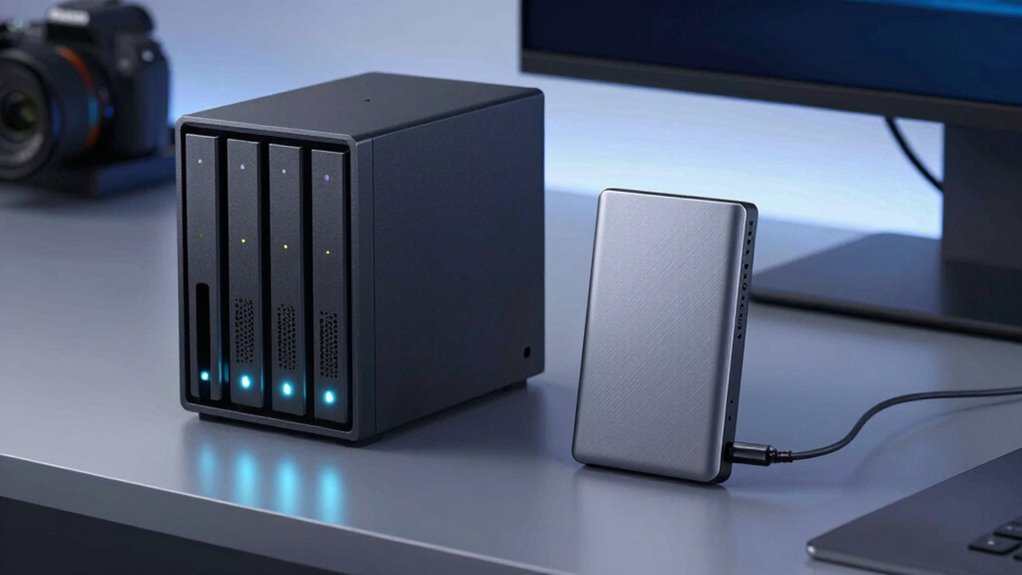
Choosing between NAS and external SSDs involves more than just upfront costs; it’s about considering the long-term value and ongoing expenses. Conducting a thorough cost analysis helps you understand initial investments and maintenance costs. External SSDs offer lower upfront expenses but may require frequent replacements as your storage needs grow. On the other hand, NAS devices often have higher initial costs but provide scalable options that can adapt to your evolving workflow. Additionally, considering natural pool design principles can inspire more sustainable and integrated storage solutions that complement your workspace environment.
Choosing storage depends on long-term value and scalability, balancing initial costs with ongoing maintenance and growth options.
Consider these factors:
- Upfront purchase price versus long-term savings
- Scalability options to expand storage without replacing entire systems
- Maintenance and energy costs over time
Balancing these elements guarantees you make a smart, cost-effective choice for your editing needs.
How Do NAS and SSDs Protect Your Data and Ensure Security?
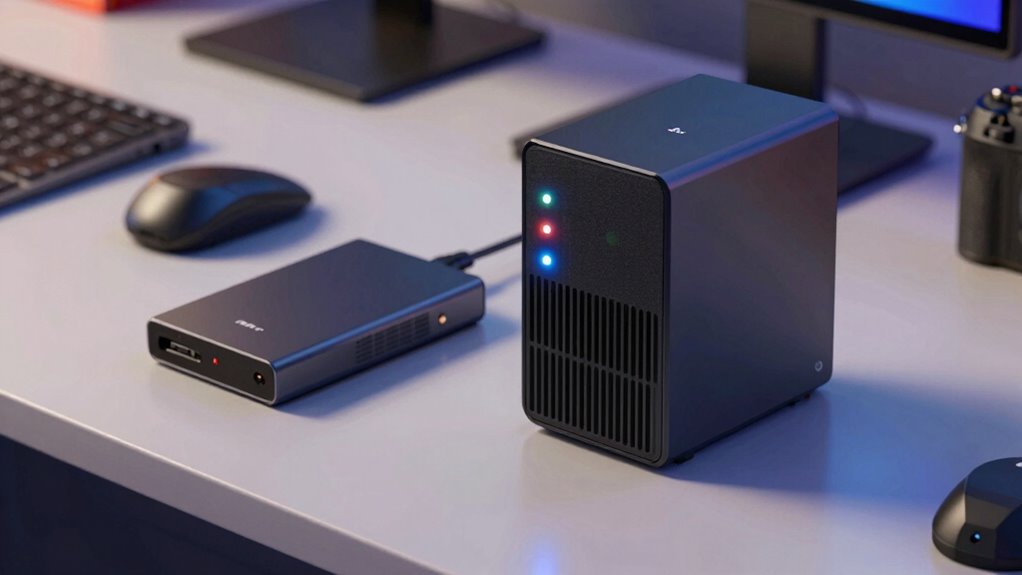
Both NAS devices and external SSDs prioritize protecting your data through various security features, but they do so in different ways. NAS systems often include advanced data encryption options, safeguarding your files during transmission and storage. They also allow you to set user access controls, ensuring only authorized individuals can view or modify data. External SSDs typically rely on hardware encryption and password protection to secure your data, but they often lack the all-encompassing user access management found in NAS devices. By understanding these security measures, you can choose the right storage solution that aligns with your needs for data privacy and protection. Additionally, security features in NAS systems are designed to adapt to evolving threats, offering a more comprehensive protection strategy. This adaptability is especially important for multi-user environments, where different levels of access and security are necessary to prevent data breaches.
Can You Collaborate More Effectively Using NAS or External SSDs?
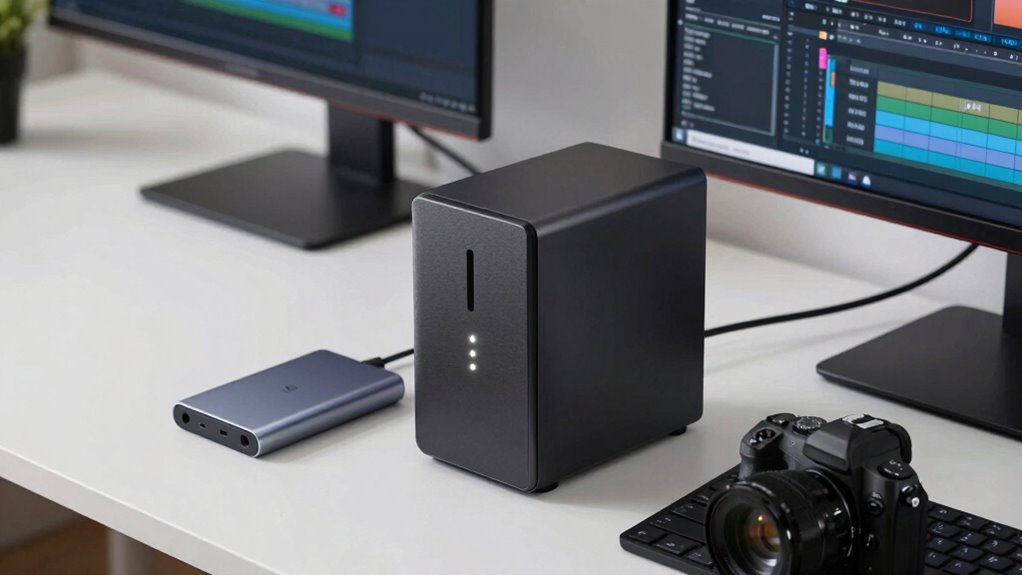
When it comes to collaboration, the way you store and share files can make a big difference in team productivity. Both NAS and external SSDs impact how effectively you work together, especially with remote access and collaboration tools. A whole-home water system can also improve overall efficiency by ensuring consistent water quality, similar to how reliable storage solutions keep your workflow smooth. Here are three ways they influence collaboration:
- NAS allows multiple team members to access files simultaneously from anywhere, making remote collaboration seamless.
- External SSDs are portable, so you can easily share large files in person or via physical transfer.
- Collaboration tools integrated with NAS enhance real-time editing and version control, boosting efficiency. Additionally, understanding storage solutions can help teams select the best option for their specific needs.
How to Set Up and Maintain Your Storage Solution
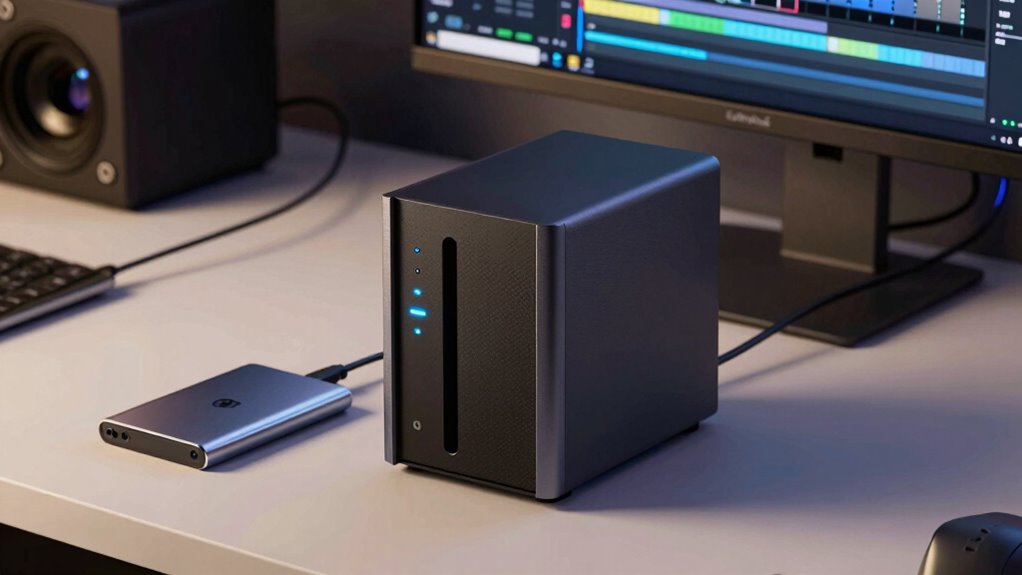
Setting up and maintaining your storage solution requires careful planning to guarantee reliable access and data security. Start by establishing solid backup strategies, such as regular automatic backups, to prevent data loss. For NAS, configure RAID levels to protect against drive failures, while external SSDs should be cloned periodically. Power management is also essential; use UPS systems to prevent shutdowns during outages and enable energy-saving settings to prolong device lifespan. Keep firmware and software updated to patch security vulnerabilities and improve stability. Regularly monitor storage performance and capacity, adjusting as needed. Implement access controls and encryption to safeguard sensitive data. Additionally, understanding the different types of data storage devices can help you choose the most suitable solution for your needs. It’s also beneficial to understand storage device performance metrics to ensure your setup operates efficiently. For instance, knowing the horsepower of electric dirt bikes can help you evaluate the power capacity of certain storage hardware. Consistently review your setup to verify it meets your evolving editing needs, maintaining a balance between security, efficiency, and ease of use. Incorporating proper maintenance practices can further extend the lifespan and reliability of your storage system, especially as you adapt to new law updates that may impact data security requirements.
Which Storage Option Fits Your Editing Needs and Budget?
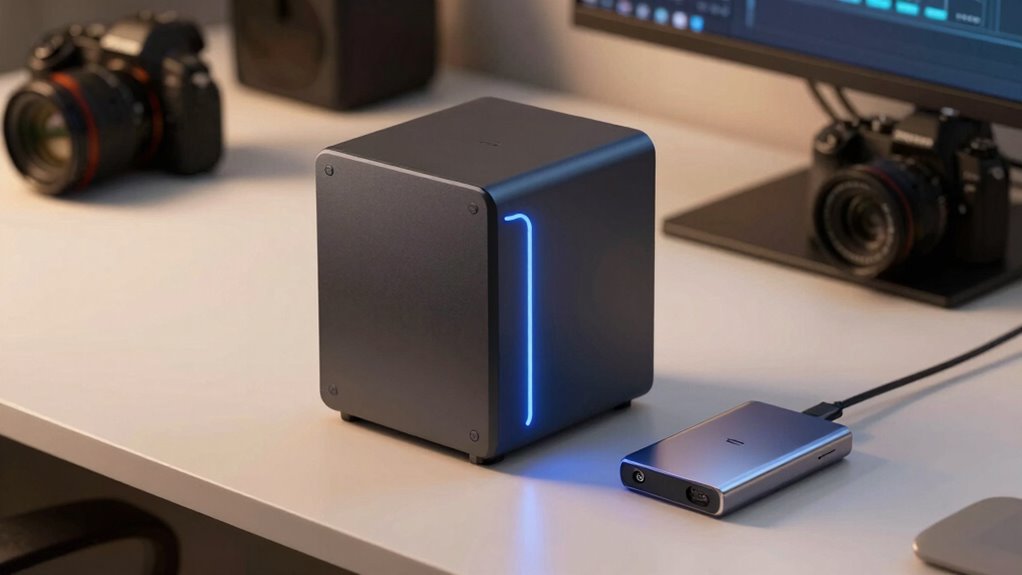
Choosing the right storage option depends on your specific editing needs and budget constraints. To determine the best fit, consider these factors:
Selecting the ideal storage depends on your editing needs and budget considerations.
- Capacity and Speed: If you handle large files regularly, a NAS provides ample space and fast access, especially with hardware compatibility for your editing tools. High-performance storage can significantly enhance your workflow efficiency.
- Budget: External SSDs are often cheaper upfront and ideal for quick projects, but NAS systems may save money long-term with cloud backups and shared access.
- Workflow Flexibility: If you need remote access or seamless collaboration, a NAS offers better options, while external SSDs are more portable for on-the-go editing.
- Upgrade Potential: Upgrading a NAS with faster drives or additional features can enhance your workflow over time, similar to how performance parts can boost a vehicle’s efficiency.
Evaluate your storage requirements, budget, and the importance of cloud backups to make an informed choice.
How to Make the Right Storage Choice to Save Time and Money
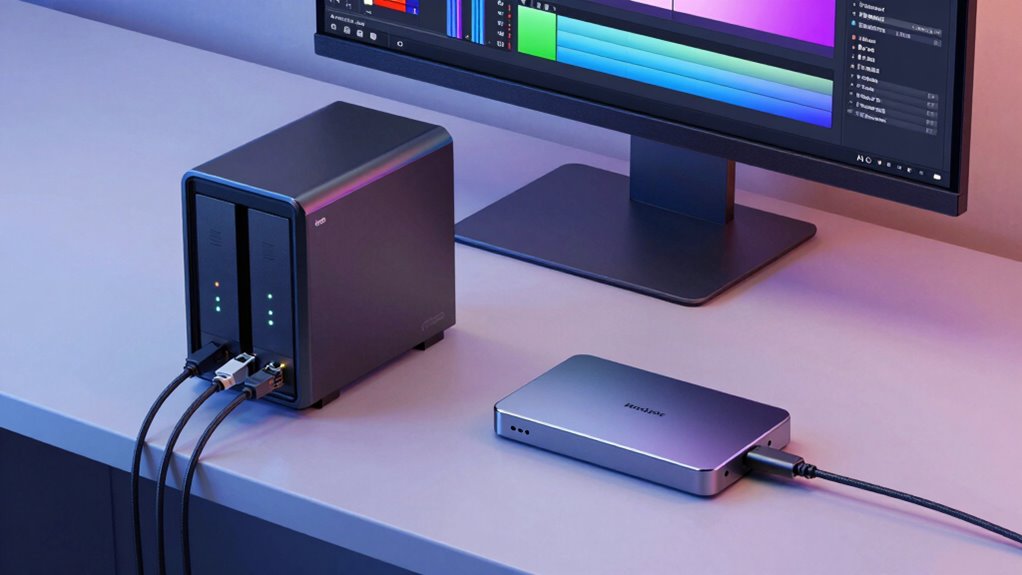
Selecting the right storage solution can substantially reduce your editing time and overall expenses. To do this, consider your need for reliable data protection, like cloud backup, which guarantees your files stay safe even if hardware fails. Hardware redundancy—using multiple drives or a RAID setup—adds an extra layer of security, minimizing downtime and data loss. Think about your workflow: if you handle large files regularly, an external SSD offers speed, but a NAS provides centralized storage accessible across devices and teams. Understanding storage costs and balancing initial investment with long-term benefits can help you make a more informed decision. Balance initial costs with long-term savings by choosing a solution that minimizes downtime and backup hassles. Making an informed decision based on your storage needs, backup plans, and redundancy options will save you time, prevent costly data recovery, and keep your editing process smooth. Additionally, understanding comedogenic ratings can help you select the right materials for your skin, preventing breakouts and ensuring your makeup application stays flawless. Considering hardware reliability is also crucial, as choosing dependable devices can prevent unexpected failures that disrupt your workflow.
Frequently Asked Questions
Can External SSDS Be Network-Accessible Like NAS Devices?
External SSDs typically aren’t network-accessible like NAS devices. They connect directly to your computer via USB or Thunderbolt, making data transfer quick but limited to one device at a time. To enable network access, you’d need to connect the SSD to a shared device like a computer or a network-attached device that can manage network security and share data across multiple users.
Which Storage Option Offers Better Compatibility With Editing Software?
You’ll find external SSDs generally offer better compatibility with editing software because they connect via standard interfaces like USB or Thunderbolt, supporting various file formats and quick data transfer. While NAS devices excel in network access, some editing apps may struggle with network latency or specific file formats. If seamless integration and fast data transfer are your priorities, an external SSD provides a more straightforward, reliable option for your editing workflow.
How Scalable Are NAS and External SSD Systems for Growing Projects?
You’ll find NAS systems highly scalable for growing projects because they support cloud integration and multiple drives, allowing you to expand storage easily. Data redundancy features protect your files as your project size increases. External SSDs, on the other hand, are less scalable since you need to replace or add drives manually. While great for portability, they don’t offer the same seamless scalability or built-in redundancy as NAS systems.
Do NAS or External SSDS Require More Technical Setup and Maintenance?
You might think external SSDs are simpler, but think again—NAS systems demand more technical setup and ongoing maintenance. Setting up data encryption and managing power consumption can be tricky, especially with larger networks. External SSDs are usually plug-and-play, but NAS requires configuring user access, security, and backups. The complexity builds, and so does the need for technical know-how to keep everything running smoothly and securely.
What Are the Environmental Considerations for Storing Data on NAS Vs SSD?
Storing data on a NAS or SSD affects the environment through energy consumption and recyclability. NAS devices typically use more energy due to their constant operation and cooling needs, whereas SSDs consume less power. Recyclability varies; SSDs contain materials that can be recycled but require careful disposal, while NAS units may last longer but involve more complex recycling processes. Choosing energy-efficient devices and responsible disposal helps minimize environmental impact.
Conclusion
Choosing between NAS and external SSDs is like picking the right tool for a job—you’ll save time and money when you match your storage to your editing needs. Think of NAS as a steady ship for collaboration, while SSDs are the lightning-fast race cars for quick edits. By understanding their strengths, you’ll steer your workflow smoothly through any project, avoiding costly detours and keeping your creative journey on course.