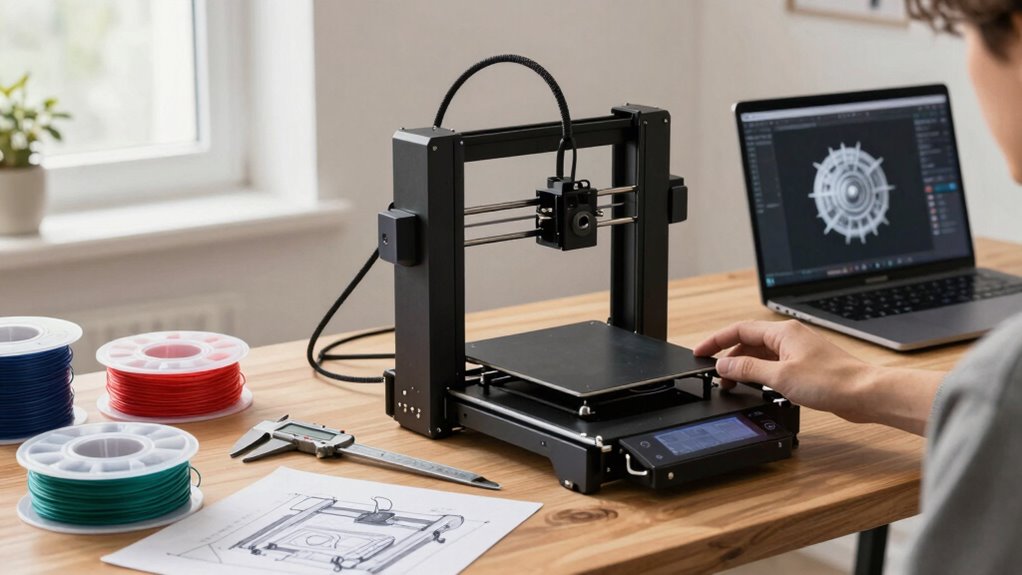
Before buying a 3D printer, you need to clearly define your goals and understand your space, budget, and project needs. Decide on the types of models you’ll create, the level of detail required, and how much room you have. Consider long-term costs and maintenance too. Making these decisions first guarantees you choose the right technology, features, and size. Keep exploring to discover how to match your choice perfectly with what you want to accomplish.
Listen free for 30 days with Audible
Thousands of audiobooks and originals — cancel anytime.
As an affiliate, we earn on qualifying purchases.
Key Takeaways
- Clearly define your 3D printing goals and the types of projects you’ll create.
- Assess your available space, workspace environment, and future expansion plans.
- Set a realistic budget, considering both initial costs and ongoing expenses like materials and maintenance.
- Choose the appropriate 3D printing technology (FDM, resin, SLS) based on desired detail, speed, and material compatibility.
- Prioritize ease of use, calibration, and support features to ensure a smooth and reliable printing experience.
As an affiliate, we earn on qualifying purchases.
Why Your 3D Printing Goals Matter Before Buying
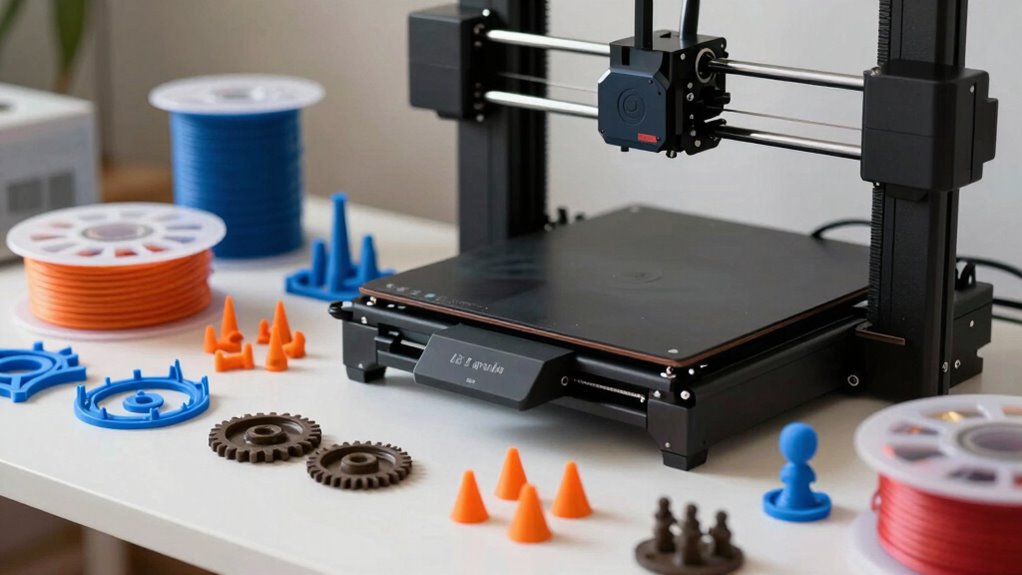
Understanding your 3D printing goals is essential before making a purchase because it guarantees you select a machine that fits your specific needs. If you prioritize high print accuracy, you’ll want a printer designed for precision, especially for detailed models. Conversely, if your projects involve large prototypes, print speed might be more important. Material compatibility also plays a key role; some printers work best with specific filaments like PLA, ABS, or resin. Choosing a machine that supports your preferred materials ensures smoother operation and better results. Clarifying these goals helps you focus on printers that meet your quality and material requirements, saving you time and money in the long run. Ultimately, your goals guide you to the right printer for your projects.
As an affiliate, we earn on qualifying purchases.
How to Set Your Budget for a 3D Printer
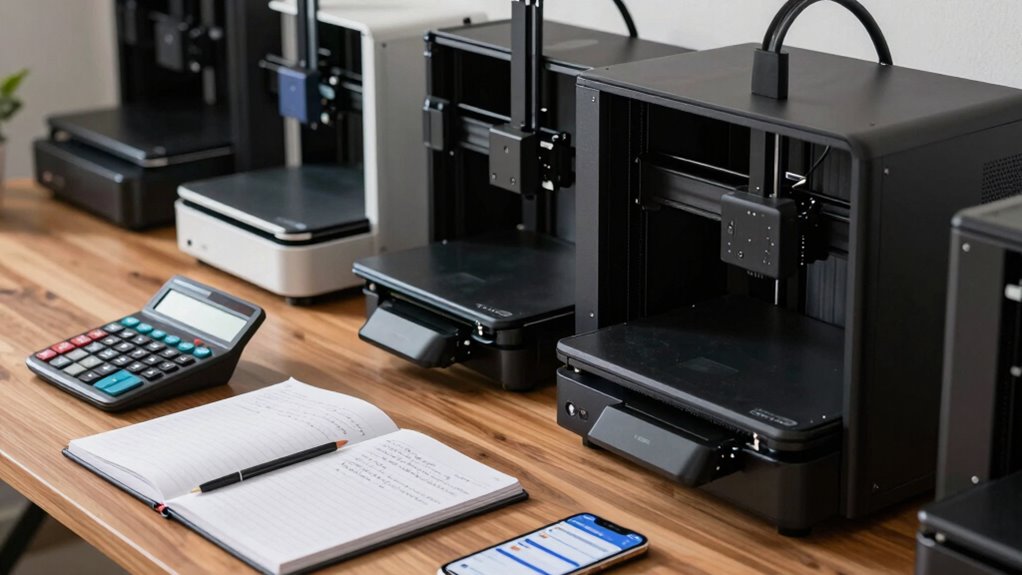
Setting a budget for your 3D printer is an essential step that determines which models are within your reach and helps narrow down your options. Start with budget planning by establishing a realistic price range based on your needs and intended use. Consider the total cost, including accessories, maintenance, and filament. Conduct a thorough cost comparison between different models, factoring in features, build volume, and reliability. Don’t forget to allocate extra funds for potential upgrades or repairs. Knowing your maximum spend helps you avoid overspending on features you don’t need. Additionally, understanding the cost-to-performance ratio can guide you toward the best value for your investment. By setting a clear budget, you’ll streamline your search, focus on suitable options, and make a smarter, more informed purchase. This guarantees your investment aligns with your goals and financial comfort.
As an affiliate, we earn on qualifying purchases.
Which 3D Printing Technologies Are Right for You?

Once you’ve established your budget, the next step is to contemplate which 3D printing technology best suits your goals. Different methods offer varying filament compatibility and print speeds, impacting your workflow. FDM (Fused Deposition Modeling) is versatile, compatible with many filaments like PLA and ABS, and offers decent print speeds. Resin printers excel in high detail but have slower speeds and different resin types. SLS (Selective Laser Sintering) provides strong, complex parts with excellent filament options but is expensive. Here’s a quick comparison:
| Technology | Filament Compatibility | Print Speed |
|---|---|---|
| FDM | Wide range | Fast |
| Resin | Specific to resin type | Moderate |
| SLS | Powder-based | Slow |
Choose based on your needs for filament options and desired speed.
As an affiliate, we earn on qualifying purchases.
Features to Consider When Buying a 3D Printer
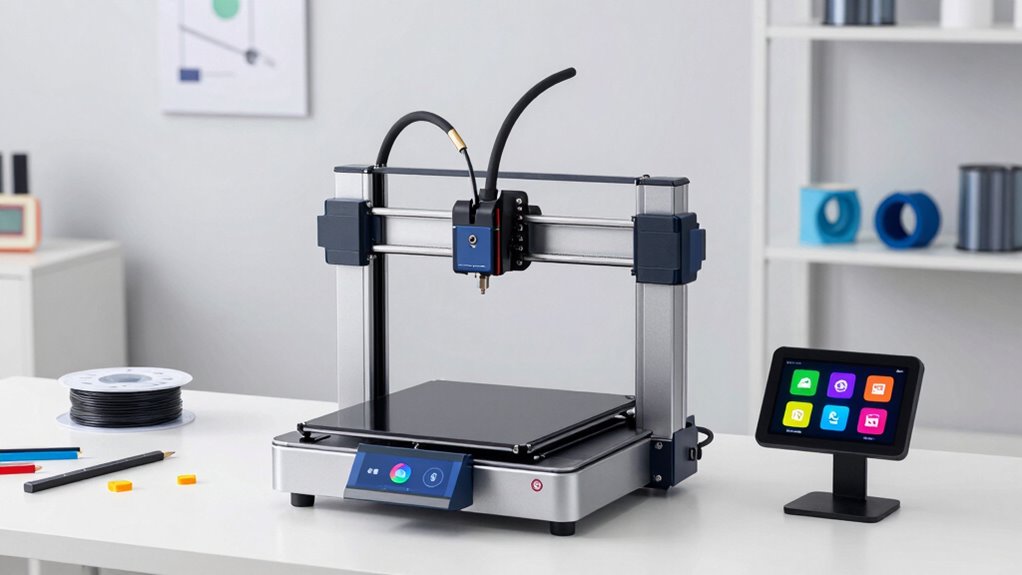
When choosing a 3D printer, you should consider its print resolution and quality to guarantee your projects come out detailed and smooth. Compatibility with different materials is also important, so you can create diverse prints without hassle. Finally, check the material options supported to match your specific needs and creative goals. Additionally, understanding the digital concepts behind 3D printing can help you optimize your workflow and troubleshoot potential issues more effectively.
Print Resolution and Quality
Print resolution and quality are crucial factors because they determine how detailed and smooth your finished models will be. Higher print resolution means finer layers and sharper details, which is essential for intricate designs or prototypes. Look for a printer with a low layer height, typically around 0.1 mm or less, for better print quality. Keep in mind that better print resolution often comes with longer print times, but the improved detail is worth it. Consider the printer’s capabilities in maintaining consistent quality across different prints. A good balance between resolution and speed ensures your projects meet your expectations. Ultimately, prioritizing print resolution helps you achieve professional-looking results and reduces post-processing work.
Compatibility and Material Options
Understanding a 3D printer’s compatibility and material options is key to ensuring it meets your specific project needs. Material variety is crucial because different printers support various filament types like PLA, ABS, PETG, or specialty resins. You need to evaluate compatibility concerns, such as whether the printer can handle the materials you plan to use and if it supports third-party filaments. Some printers have open systems, offering broader material options, while others are more restricted. Additionally, check if the extruder or print bed can accommodate different filament sizes and temperatures. Ensuring your chosen printer aligns with your material needs helps prevent issues and saves you time and money, making your 3D printing experience smoother and more successful.
How Big Should Your 3D Printer Be? Understanding Build Volume
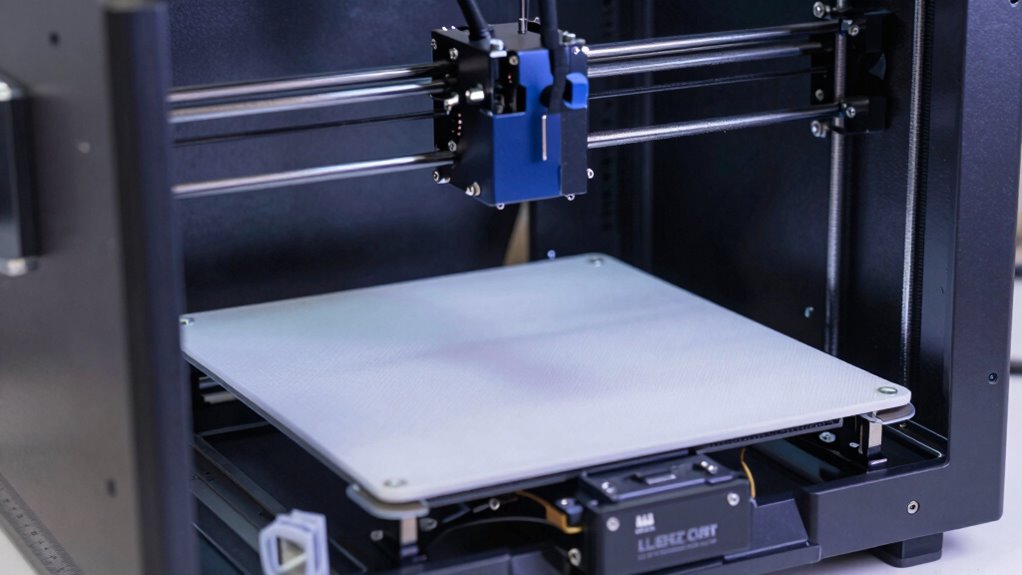
Your workspace size and the types of projects you want to create should guide your choice of build volume. If you plan to print larger items, you’ll need a bigger printer, but consider future projects that might require even more space. Balancing current needs with potential growth guarantees your printer fits both your space and your ambitions.
Space Requirements
Choosing the right size for your 3D printer depends on the types of projects you plan to tackle. To optimize your workspace organization and consider environmental considerations, evaluate the printer’s size carefully.
Consider these points:
- Make sure your workspace has enough room for the printer and easy access for maintenance.
- Think about ventilation needs if your printer produces fumes or requires an enclosure.
- Choose a size that fits your typical project dimensions without overcrowding your workspace.
A compact printer saves space but may limit project size, while larger models demand more room and proper environmental setup. Balancing build volume with available space helps keep your workspace efficient and safe.
Project Size Limits
How do you determine the right build volume for your 3D printer? First, consider the size of your typical projects. If you mainly print small parts, a compact build volume will suffice, but for larger models, you’ll need a bigger space. Material compatibility also influences your choice—some materials require specific build chamber sizes or certain bed dimensions. Think about project scalability; if you plan to scale up designs later, opt for a larger build volume now. Keep in mind that a bigger printer may cost more and take up more space, but it offers flexibility for diverse projects. Matching your project’s size needs with the printer’s build volume ensures you don’t waste money on unnecessary capacity or limit your creative potential. Additionally, understanding build volume limitations can help you select a 3D printer that aligns with your long-term goals.
Future Expansion Potential
Considering future expansion potential is essential when selecting a 3D printer, as it guarantees your investment remains valuable as your projects grow. To assure your printer can handle larger or more complex models, think about its future scalability and upgrade potential. Here are key considerations:
- Build Volume: Choose a size that accommodates your current needs but leaves room for bigger projects.
- Upgrade Options: Check if the printer allows upgrades, such as adding a larger build plate or better extruders.
- Modularity: Opt for models that support modular components, making future enhancements easier and more cost-effective.
What Level of Precision Do You Need? Print Quality Tips

Understanding the level of precision you need is essential because it directly impacts the quality of your prints and your overall satisfaction with the printer. If you want highly detailed models, look for a printer that offers a smaller print layer height, which results in smoother, more refined surfaces. A lower layer height improves finish surface quality but may increase print time. Conversely, if you’re okay with a rougher finish, a larger layer height speeds up printing and reduces filament use. Consider how fine-tuned your projects need to be and match that with the printer’s capabilities. Remember, higher precision requires more attention to detail during calibration and setup, so choose a model that aligns with your skill level and expectations for print quality. Additionally, understanding performance fluids can help you maintain your printer more effectively and ensure consistent results. Being aware of print resolution can also guide you in choosing a machine that meets your desired level of detail.
Is Ease of Use Important? Choosing a User-Friendly Printer
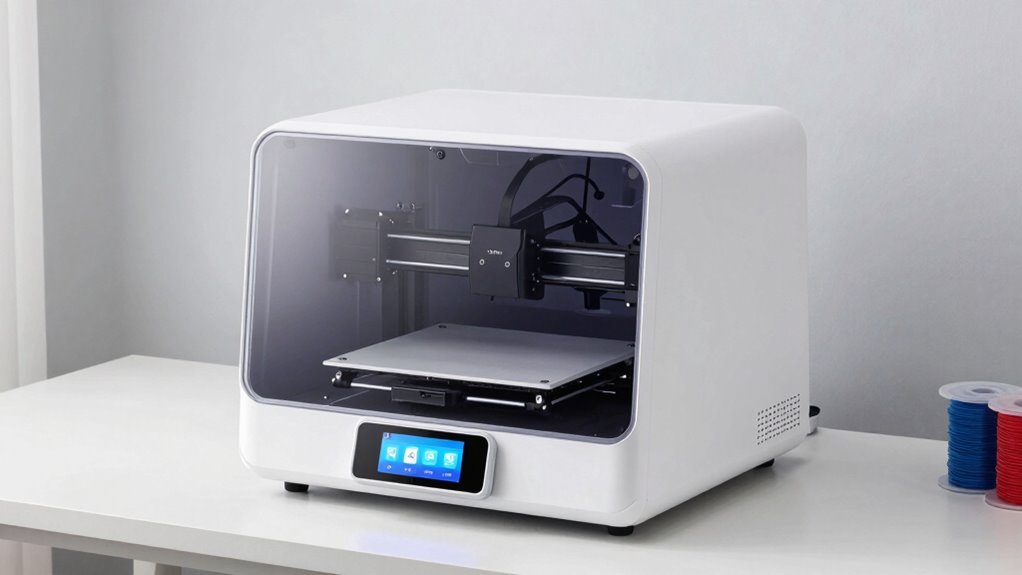
A user-friendly 3D printer can save you time and frustration, especially if you’re new to the process. Look for an intuitive interface and straightforward setup to get started quickly. Easy maintenance also helps keep your printer running smoothly without hassle. Additionally, choosing a household-friendly model can make the entire experience more manageable and enjoyable.
Intuitive Interface Design
An intuitive interface can make or break your 3D printing experience, especially if you’re new to the technology. A well-designed visual interface simplifies complex processes, reducing frustration. Look for printers with ergonomic controls that are easy to navigate, so you don’t struggle with confusing buttons or menus. A user-friendly interface typically offers:
- Clear menus and options for quick access
- Touchscreens with simple, responsive controls
- Visual feedback that guides you through setup and printing
Choosing a printer with these features ensures you can operate it smoothly, even without advanced technical skills. An intuitive, ergonomic design makes troubleshooting easier and allows you to focus on creating, instead of wrestling with the machine. This can save you time and frustration in the long run.
Setup and Maintenance Ease
Since setup and ongoing maintenance can considerably impact your 3D printing experience, choosing a printer that is easy to manage saves you time and hassle. Look for models with straightforward calibration procedures, so you can get started quickly without frustration. Good filament storage options help prevent issues like tangling or moisture absorption, reducing print failures. User-friendly printers often feature automated calibration and simple maintenance routines, making daily upkeep less intimidating. Consider how easily you can access and replace parts, clean the print bed, or manage filament spools. An intuitive setup process means less time troubleshooting and more time creating. Ultimately, a printer designed for ease of use minimizes downtime and ensures a smoother, more enjoyable 3D printing journey.
Which Materials Are Best for Your Projects?
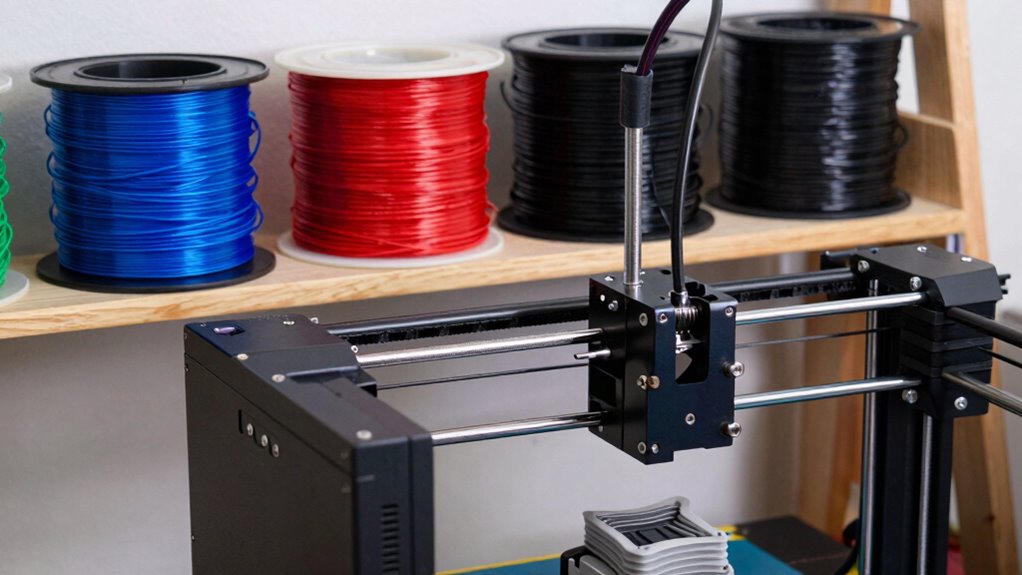
Choosing the right material is essential because it directly impacts the strength, flexibility, and appearance of your 3D prints. To select the best filament, consider your project needs and material compatibility. For example:
Selecting the right filament is key to achieving your desired strength, flexibility, and aesthetic in 3D printing.
- PLA is user-friendly and ideal for prototypes and decorative items, but it may not withstand high temperatures.
- ABS offers durability and heat resistance, suitable for functional parts, but requires proper filament storage to prevent warping.
- PETG combines ease of use with strength, making it a versatile choice for many applications.
Keep in mind, filament storage is crucial to prevent moisture absorption, which can compromise print quality. Choose materials compatible with your printer’s capabilities, and always store your filaments properly to maintain optimal performance.
How Maintenance and Support Affect Your 3D Printer Choice
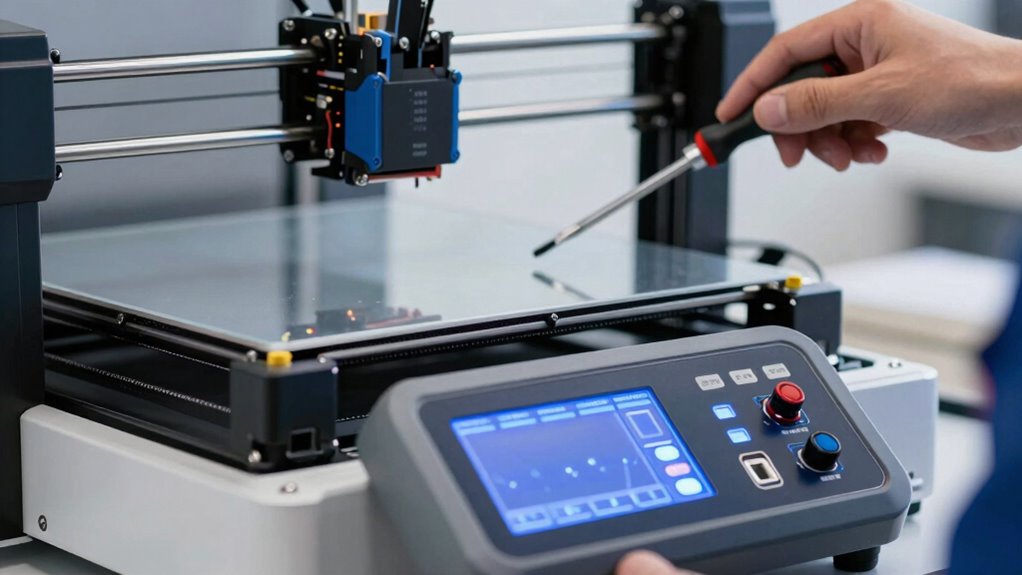
Maintenance and support play a crucial role in guaranteeing your 3D printer operates smoothly and produces high-quality results. Regular maintenance routines, like cleaning nozzles and checking belts, prevent breakdowns and extend your printer’s lifespan. When choosing a 3D printer, consider the availability of customer support—quick, helpful assistance can save you time and frustration if issues arise. Look for brands that offer extensive support, including detailed manuals, troubleshooting guides, and responsive service teams. Support quality can make a significant difference in your overall experience, especially if you’re new to 3D printing. Prioritizing maintenance routines and support services ensures your investment remains reliable and your projects stay on track, giving you confidence in your equipment and the results you achieve. Understanding Borderline Personality Disorder and pathways to recovery can also be complex, so having access to reliable support can be invaluable when navigating challenges. Additionally, understanding solar system safety measures, such as proper snow management and rapid shutdown placement, is essential to ensure your system operates safely and efficiently. Regularly inspecting your equipment for wear and tear and addressing issues promptly can help maintain optimal performance over time.
What Are the Hidden Costs and Long-Term Factors to Know
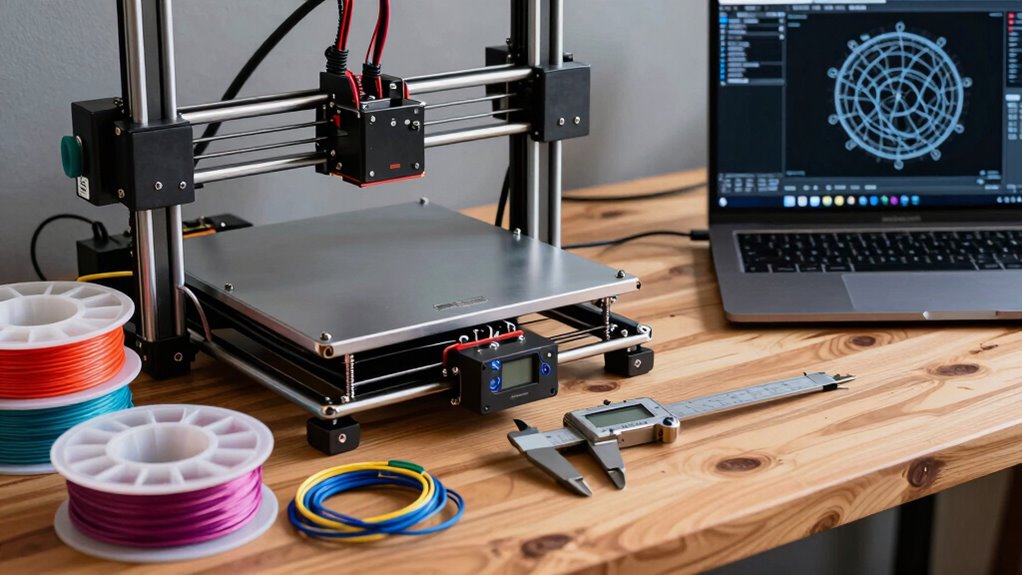
While regular maintenance and strong support are vital for your 3D printer’s longevity, there are also hidden costs and long-term factors that can impact your overall investment. First, consider cost considerations like filament replacement, energy consumption, and occasional repairs, which can add up over time. Second, think about upgrade potential—some printers allow upgrades, but others may require replacing the entire unit to keep up with your needs. Third, factor in software updates and maintenance of essential components, like print beds or extruders, which may require additional spending. Ignoring these aspects could lead to unexpected expenses and limit your printer’s usefulness down the line. Being aware of these long-term factors helps guarantee your investment remains sustainable and aligned with your evolving needs.
Frequently Asked Questions
Can I Upgrade or Modify My 3D Printer Later?
Yes, you can upgrade or modify your 3D printer later. You’ll want to explore firmware customization options to improve performance and add features. Also, check hardware compatibility before making upgrades to guarantee new parts fit and work properly. Being aware of these factors helps you customize your printer effectively. Planning upgrades in advance saves you time and potential frustration, making your 3D printing experience more enjoyable and tailored to your needs.
How Energy-Efficient Are Different 3D Printers?
Different 3D printers vary in energy efficiency, primarily based on their power consumption. You’ll find that resin printers often use less power than FDM models, making them more energy-efficient overall. To optimize power efficiency, look for printers with energy-saving modes and adjustable settings. Choosing a model with lower energy consumption helps reduce your electricity bill and environmental impact, ensuring you get the best balance between performance and energy efficiency.
What Safety Features Should I Look for in a 3D Printer?
Don’t cut corners when it comes to safety features. You should look for a 3D printer with safety certification, ensuring it meets industry standards. Additionally, check filament compatibility to prevent mishaps like jams or fires. Features like automatic shutoff, enclosed build areas, and thermal runaway protection are must-haves. These safety measures keep you protected while giving you peace of mind to focus on your creative projects.
Are There Eco-Friendly or Biodegradable Filament Options?
Yes, there are eco-friendly filament options like biodegradable plastics and other sustainable materials. You can choose filaments made from PLA, which is derived from renewable resources like cornstarch and sugarcane. These eco-friendly materials break down more easily in compost and reduce environmental impact. When selecting filaments, look for products labeled as biodegradable or made from recycled, plant-based plastics to minimize your carbon footprint and promote sustainability.
How Does Printer Noise Level Impact My Workspace?
The noise level of your 3D printer directly affects your workspace comfort, especially if you work nearby. High noise can be distracting, but sound insulation and noise reduction measures can help. You can place your printer in a separate room, add acoustic panels, or choose quieter models. These steps minimize sound disturbance, creating a more peaceful environment and improving your focus and productivity during printing sessions.
Conclusion
So, before you plunge into the world of 3D printing, remember: it’s not just about impressing friends or bragging rights. Consider your goals, budget, and tech preferences—because nothing says “smart investment” like choosing a printer that doesn’t turn your hobby into a pricey paperweight. After all, in the quest for innovation, a well-chosen 3D printer is your trusty sidekick, not your next expensive paperweight. Happy printing!
Fall Picks
fall essentials
As an affiliate, we earn on qualifying purchases.