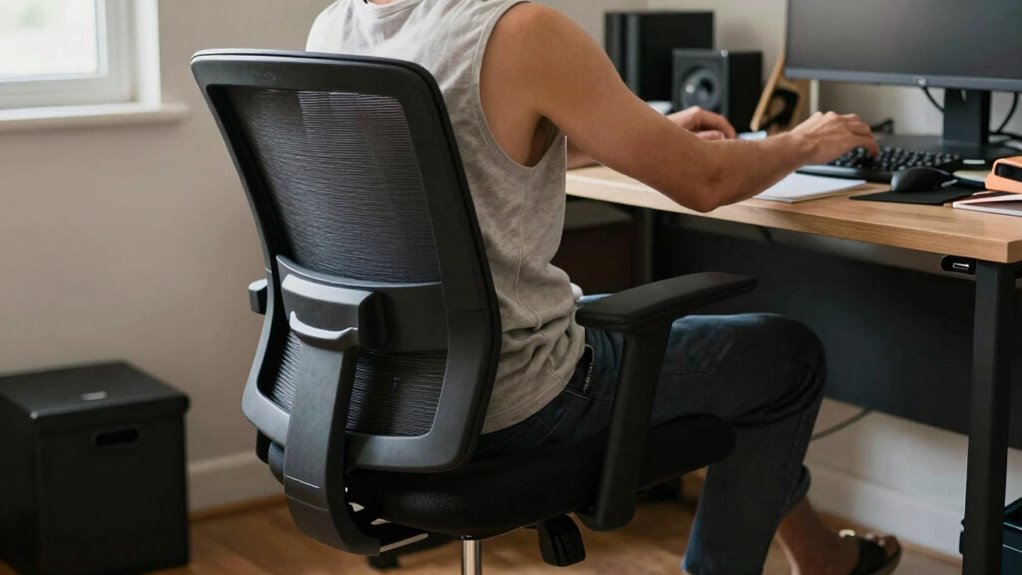

The biggest mistake that makes expensive ergonomic chairs useless is not taking the time to adjust them properly. If you don’t set the height, lumbar support, and armrests to fit your body, you’ll miss out on their benefits. Poor adjustments cause discomfort and strain, no matter how costly the chair is. To truly enjoy the support, you need to fine-tune your setup. Keep going—there’s more to guarantee your workspace works for you.
Key Takeaways
- Failing to adjust the chair’s lumbar support to match your lower back curve diminishes its ergonomic benefits.
- Setting the chair height improperly causes poor posture, negating the chair’s designed comfort features.
- Using an inappropriate desk height forces awkward postures, rendering the chair’s adjustments ineffective.
- Ignoring proper monitor and keyboard positioning leads to strain, despite having an ergonomic chair.
- Neglecting regular ergonomic adjustments prevents the chair from providing optimal support.

Marsail Ergonomic Office Chair: Office Desk Chair with High Back Mesh and Adjustable Lumbar Support Rolling Work Swivel Task Chairs with Wheel 3D Armrests and Headrest
- Fully Adjustable Headrest: 2D adjustable for personalized comfort
- Reclining Backrest: Adjusts from 90° to 120°
- 3D Armrests: Multi-directional for versatile positioning
As an affiliate, we earn on qualifying purchases.
As an affiliate, we earn on qualifying purchases.
Common Ergonomic Setup Mistakes That Ruin Your Comfort

Many people overlook small details when setting up their workspace, but these mistakes can considerably reduce comfort and increase strain. Poor keyboard ergonomics is a common error, such as placing your keyboard too high or too low, forcing your wrists into awkward angles. This can cause discomfort or long-term injuries. Additionally, neglecting proper office lighting impacts your posture and eye health. Insufficient lighting causes you to lean forward or squint, straining your neck and eyes. Bright, well-positioned lighting reduces glare and helps maintain good posture. Small adjustments in keyboard placement and lighting might seem minor, but they play a crucial role in your overall ergonomic setup. Understanding ergonomic setup best practices can help you make informed adjustments for lasting comfort. Paying attention to workspace ergonomics ensures your environment supports healthy habits and prevents future discomfort. Properly designed office layouts can further enhance comfort by promoting better movement and reducing repetitive strain. Considering connectivity options can also reduce the need for awkward stretches or reaching, further supporting ergonomic health.

Lumbar Support Pillow for Office Chair,Mothers Day Gifts for Mom, Back Support Pillow for Car, Office Supplies, Chair Cushions, Back Pain Relief Improve Posture, Mesh Cover Double Adjustable Straps
- Extended Adjustable Straps: Fits more chairs securely
- Ergonomic Back Support: Relieves back pain and tightness
- Supports Proper Posture: Maintains natural spine curve
As an affiliate, we earn on qualifying purchases.
As an affiliate, we earn on qualifying purchases.
How to Properly Adjust Your Chair for Better Support

To guarantee your chair provides proper support, start by adjusting the height so your feet are flat on the floor and your knees are at a 90-degree angle. Next, set the lumbar support to fit the natural curve of your lower back, preventing slouching and reducing strain. Make certain the lumbar support is snug but not too tight. Adjust the armrest height so your shoulders relax, and your elbows rest comfortably at a 90-degree angle. Your forearms should be parallel to the ground, avoiding shoulder tension. Proper adjustments in these areas promote better posture and prevent discomfort during long periods of sitting. Take the time to fine-tune these settings regularly for maximum ergonomic support and to make your expensive chair truly effective.

HUANUO Dual Monitor Stand – Full Adjustable Monitor Desk Mount Swivel Vesa Bracket with C Clamp, Grommet Mounting Base for 13 to 32 Inch Computer Screens – Each Arm Holds 4.4 to 19.8lbs – White
- Monitor Size Compatibility: Supports 13-32 inch screens
- Weight Capacity: Holds 4.4 to 19.8 lbs per arm
- VESA Compatibility: Fits 75x75mm or 100x100mm mounts
As an affiliate, we earn on qualifying purchases.
As an affiliate, we earn on qualifying purchases.
Optimizing Your Desk and Monitor Placement for Ergonomics
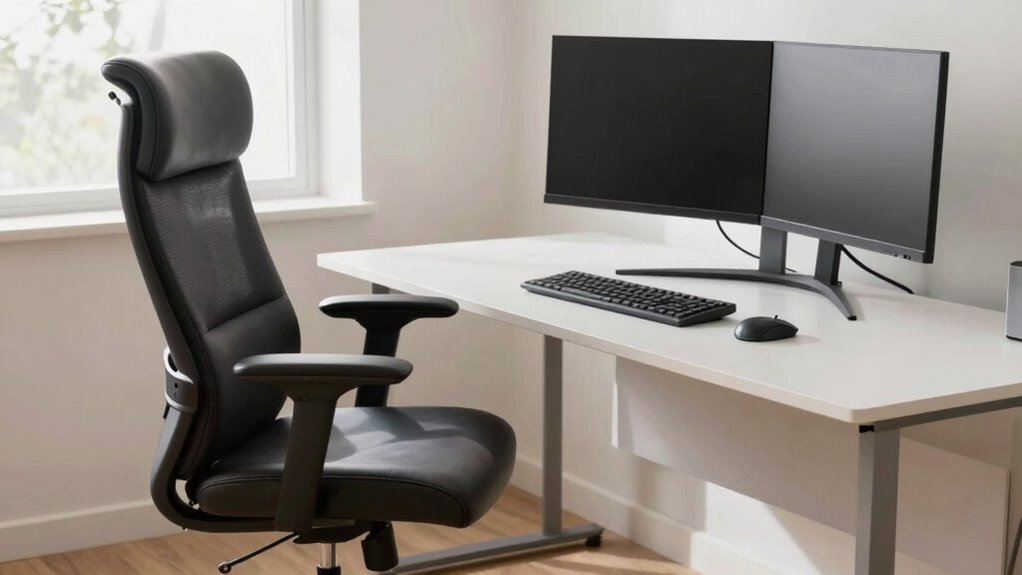
Ensuring your desk and monitor are ideally positioned can considerably improve comfort and reduce strain. Start by adjusting your monitor so the top of the screen is at eye level, about an arm’s length away, to prevent neck strain. Proper keyboard positioning is essential; keep it directly in front of you, with your elbows close to your sides and wrists straight. Good desk lighting reduces glare on your monitor and minimizes eye fatigue, so position your light source to avoid reflections and harsh shadows. Use adjustable lighting or task lamps if needed. Maintaining an ergonomic setup means your workspace supports natural posture, reduces unnecessary movements, and keeps your eyes comfortable, helping you work longer without discomfort or fatigue. Incorporating ergonomic tools like keyboard wrist supports or monitor risers can also help maintain proper alignment and enhance your overall comfort.

GORILLA GRIP Silky Memory Foam Wrist Rest for Computer Keyboard, Mouse, Ergonomic Design for Typing Pain Relief, Desk Pads Support Hand and Arm, Mousepad Rests, Stain Resistant, 2 Piece Pad, Black
- Ultra Thick Memory Foam: Nearly 1.2 inches thick for comfort
- Ergonomic Design: Reduces wrist soreness and stress
- Slip-Resistant Backing: Stays securely on most desk surfaces
As an affiliate, we earn on qualifying purchases.
As an affiliate, we earn on qualifying purchases.
Tips to Maintain Good Posture During Long Work Sessions
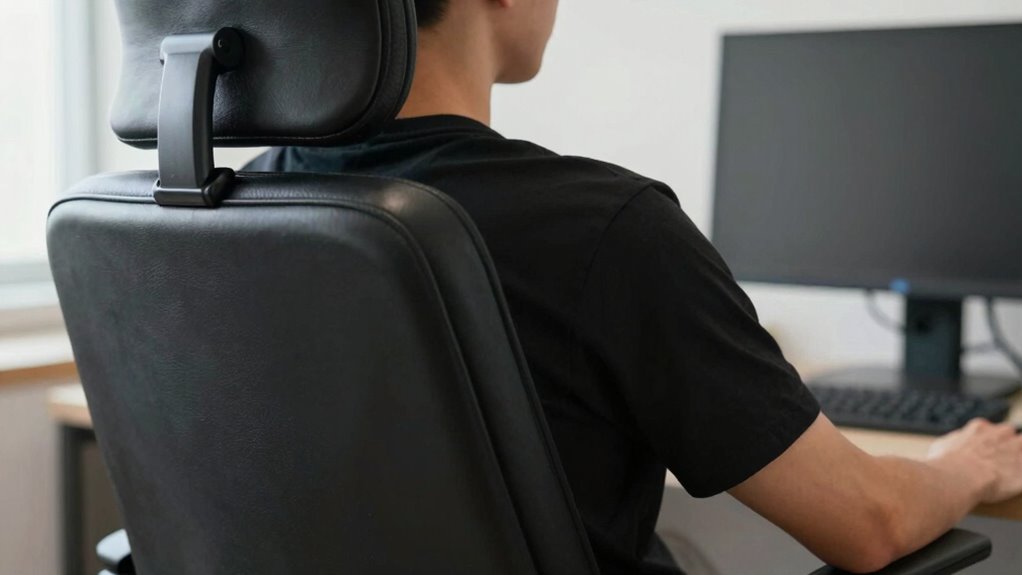
Keeping your posture in check throughout long work sessions is essential to prevent discomfort and fatigue. To stay aligned, incorporate simple posture exercises to stretch and strengthen your muscles. Use ergonomic accessories like lumbar supports or footrests to maintain proper spinal alignment. Take regular breaks to stand, stretch, and reset your position. Adjust your chair height so your feet rest flat on the floor and your knees are at a 90-degree angle. Remember to keep your shoulders relaxed and your monitor at eye level. Consider ergonomic accessories that promote movement, such as sit-stand desks. Practice posture exercises daily to build awareness and muscle memory. Proper ergonomic setup can significantly reduce strain and improve comfort during extended work periods. Ensuring your workspace is properly set up according to ergonomic principles can help prevent long-term musculoskeletal issues. Small, mindful adjustments, like correct chair positioning, can make a big difference in maintaining comfort. Staying mindful of proper ergonomic principles during your setup is crucial for long-term health. Incorporating energetic alignment into your workspace can also enhance overall well-being and focus. Consistency is key; small adjustments can markedly reduce strain and improve comfort during extended work periods.
Quick Checks to Ensure Your Workspace Supports Your Ergonomics
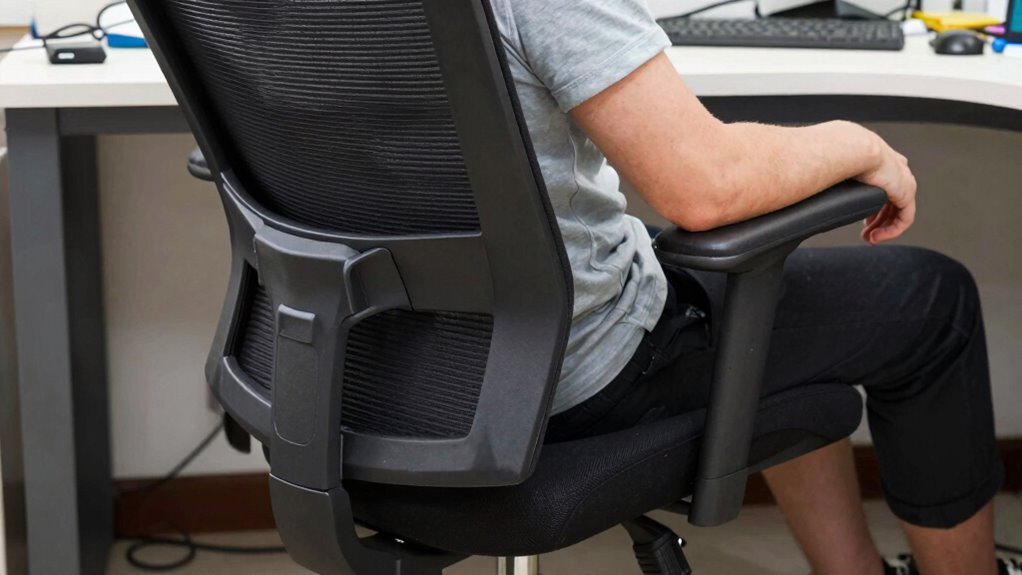
A quick workspace check can make a significant difference in maintaining good ergonomics. Start by evaluating your color coordination; confirm your workspace has calming, neutral tones that reduce eye strain and create a focused environment. Next, check your lighting adjustments—avoid harsh glare or dim areas that force you to strain your eyes. Position your monitor to minimize reflections and ensure your screen brightness matches the ambient light. Adjust your desk height so your arms are comfortable and your feet rest flat on the floor. Take a moment to verify that your chair supports your lower back properly. These small, deliberate checks keep your workspace ergonomically sound, reducing discomfort and enhancing productivity. Regularly reviewing these elements helps prevent the ergonomic mistakes that render even expensive chairs ineffective. Incorporating wellness touches such as plants or soft lighting can further support comfort and focus throughout your workday. Additionally, ensuring your workspace is free of clutter can improve your focus and reduce unnecessary distractions, which can negatively impact your ergonomic setup. Paying attention to ergonomic principles can help you make adjustments that maximize comfort and prevent strain.
Frequently Asked Questions
How Often Should I Reassess My Ergonomic Setup?
You should reassess your ergonomic setup every few months, especially as your work routine or posture changes. Regularly adjusting your posture and desk arrangement helps prevent discomfort and strain. Pay attention to signals like stiffness or fatigue, and tweak your chair height, monitor position, or keyboard placement accordingly. Frequent check-ins guarantee your workspace remains comfortable and supportive, making even expensive chairs effective. Stay proactive to maintain ideal ergonomics.
Can Ergonomic Chairs Improve Productivity as Well as Comfort?
Yes, ergonomic chairs can boost both productivity and comfort when you customize them properly. By adjusting features like lumbar support and armrests, you can tailor the chair to suit your posture, promoting better posture correction. This personalized setup helps you stay comfortable during long work hours, reducing fatigue and distraction. When you focus on chair customization, you create a workspace that encourages efficiency and supports your physical health simultaneously.
What Are Signs My Ergonomic Setup Is Causing Discomfort?
If you notice persistent discomfort, it might be due to poor posture correction or improper desk height. Signs include neck pain, back aches, or wrist strain. You may also feel fatigue or numbness in your limbs. Adjust your desk height to make sure your elbows are at a 90-degree angle, and maintain good posture. Regularly reassess your setup to prevent strain and improve overall comfort during work.
Does My Body Type Affect the Best Ergonomic Chair Choice?
Yes, your body type influences the best ergonomic chair choice. To optimize comfort, focus on posture correction by selecting a chair with adjustable features that suit your height, weight, and lumbar support needs. Make chair adjustments regularly to guarantee proper alignment, preventing discomfort. By customizing your chair to fit your body, you’ll maintain better posture and reduce strain, making even high-end chairs truly effective.
Are There Specific Exercises to Complement Ergonomic Adjustments?
Yes, you can do specific exercises like core strengthening and stretching routines to complement ergonomic adjustments. Strengthening your core helps support your spine, reducing strain, while stretching routines improve flexibility and reduce muscle tension. Incorporate these exercises into your daily routine to enhance comfort and posture, making your ergonomic setup more effective. Consistent practice guarantees your body stays aligned and prevents discomfort, maximizing the benefits of your ergonomic workspace.
Conclusion
Did you know that over 70% of people experience discomfort from poor ergonomic setups? Don’t let expensive chairs go to waste—adjust them properly and optimize your workspace. Remember, even the best chair won’t help if your desk and monitor aren’t positioned correctly or if you neglect good posture during long hours. Take quick checks regularly to stay comfortable and avoid long-term issues. Small adjustments now can make a huge difference in your daily comfort and health.