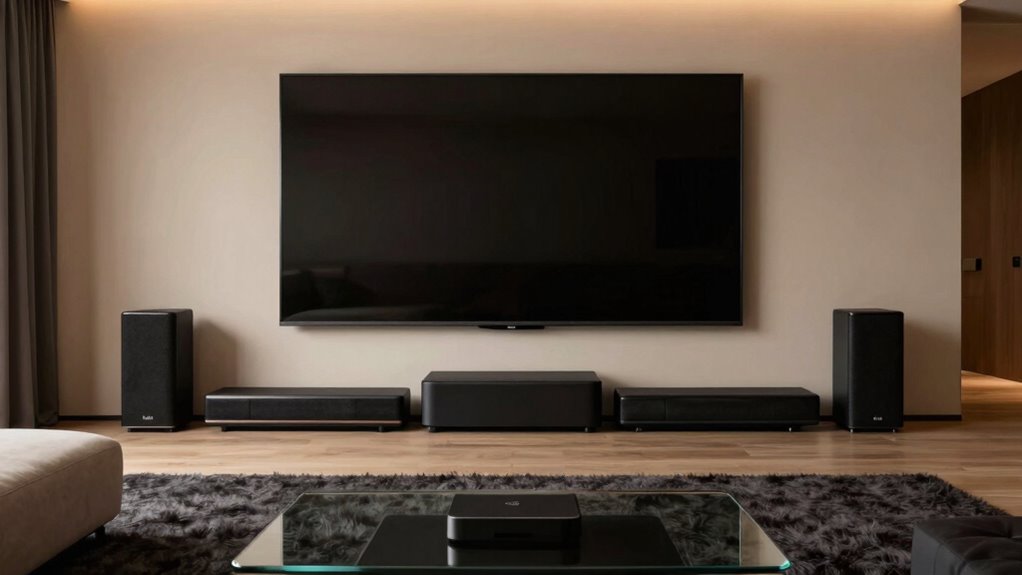

The key rule for buying soundbars with wireless subwoofers is prioritizing surround sound quality and correct subwoofer placement. Focus on features like upward-firing or rear speakers for true surround sound to maximize immersion. Proper placement of the subwoofer, avoiding corners, enhances bass clarity. Many systems include calibration tools—use them to fine-tune your setup based on your room’s acoustics. Mastering this rule will help you create a richer, more balanced home theater experience—discover how to do it best.
Key Takeaways
- Prioritize surround sound capabilities over channel count or wattage for immersive audio quality.
- Ensure the soundbar offers automatic calibration to optimize sound based on your room acoustics.
- Proper placement of the wireless subwoofer is crucial for bass clarity and overall sound balance.
- Understand room acoustics to fine-tune your system for the best spatial and sound quality.
- Choose a soundbar with comprehensive calibration features for seamless integration and optimal listening experience.
Have you ever wondered what separates a good home theater experience from a great one? It’s not just about the size of your screen or the number of speakers you have; it’s about how well your sound system immerses you in the action. When shopping for soundbars with wireless subwoofers, one of the most important rules is to prioritize surround sound quality and proper audio calibration. This ensures that every movie, game, or show feels truly immersive and balanced.
Most people focus on the number of channels or wattage when choosing a soundbar, but what really makes a difference is how well the system creates a surround sound environment. A soundbar that offers true surround sound capabilities, with upward-firing speakers or additional rear speakers, transports you into the scene instead of just filling the room with noise. However, even the most advanced soundbar can fall flat if your audio calibration isn’t set correctly. Proper calibration fine-tunes the sound to suit your room’s acoustics, making dialogue clearer, music richer, and effects more impactful. Additionally, understanding sound calibration techniques can help you achieve more precise audio tuning and an optimal listening experience.
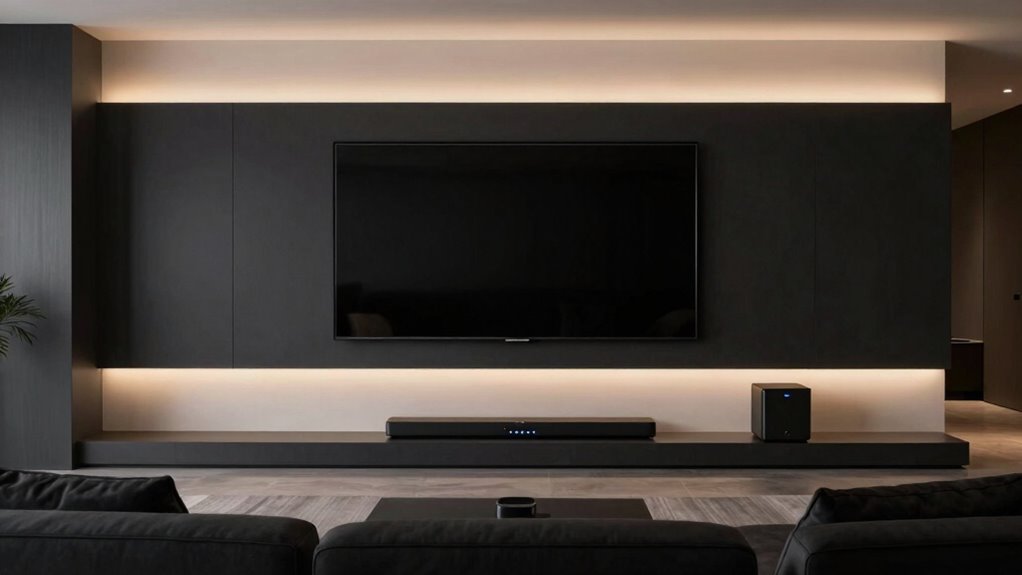
When you’re setting up a wireless subwoofer, keep in mind that placement is crucial. It’s tempting to just shove it into a corner, but optimal placement enhances bass response and prevents muddiness. Once positioned, take the time to run your system’s audio calibration process. Many soundbars come with automatic calibration features that use microphones to analyze the room’s acoustics and adjust sound levels accordingly. Don’t skip this step. Proper calibration ensures the balance between your soundbar, wireless subwoofer, and any additional speakers is optimized, creating a seamless, immersive soundscape. A thorough understanding of room acoustics can further help you fine-tune your setup for the best possible sound quality and enjoyment.

ULTIMEA 5.1CH Surround Sound Bar System with Dolby Atmos, Poseidon M60
- Easy Dolby Atmos Setup: Immersive 5.1-channel sound in minutes
- Wide Surround Sound: Built-in side-firing speakers for surround effect
- Low Latency Processing: <0.5 ms latency for smooth audio
As an affiliate, we earn on qualifying purchases.
As an affiliate, we earn on qualifying purchases.
Frequently Asked Questions
Do Wireless Subwoofers Require External Power Sources?
Wireless subwoofers generally require external power sources, so they need to be plugged in. You don’t have to worry much about battery life since they’re not battery-operated, but keep an eye on power consumption to avoid high electricity bills. This external power guarantees consistent performance and eliminates the hassle of recharging, giving you reliable bass without interruption.
Can Wireless Subwoofers Connect to Multiple Soundbars Simultaneously?
Absolutely, wireless subwoofers can’t connect to multiple soundbars simultaneously, much like a solo act in a multi-room audio setup. They typically pair via Bluetooth or Wi-Fi with one device at a time, so you’ll need separate subwoofers for each soundbar if you want multi-room audio functionality. To switch, you usually disconnect and re-pair, making ongoing multi-device connections a real challenge in today’s wireless landscape.
What Is the Typical Latency Difference Between Wired and Wireless Subwoofers?
Wireless subwoofers typically have a higher latency compared to wired ones, often by about 10-20 milliseconds. This latency comparison can impact signal synchronization, especially during fast-paced scenes or music. Wired subwoofers offer almost instant response, ensuring seamless audio. When choosing, consider how critical minimal latency is for your setup, as wireless options may sometimes cause slight delays that affect the overall sound experience.
Are Wireless Subwoofers Compatible With Older Home Theater Systems?
Wireless subwoofers often aren’t compatible with older home theater systems out of the box. You might face challenges with room placement and acoustic tuning, as older systems may lack the necessary wireless protocols or inputs. To guarantee compatibility, check if your system supports wireless subwoofers or consider a wireless transmitter. Proper placement and tuning will help you optimize sound, but compatibility is key before investing.
How Do Wireless Subwoofers Handle Interference From Other Devices?
Wireless subwoofers handle interference from other devices by using specific frequency ranges and advanced signal processing to maintain signal stability. They typically operate on dedicated channels or frequencies less crowded, reducing the risk of frequency interference. Additionally, many models feature adaptive technologies that detect and adjust to interference, ensuring a steady, clear bass experience. This helps you enjoy consistent sound quality without disruptions from nearby Wi-Fi, Bluetooth, or other wireless gadgets.

TCL S55H 2.1 Sound Bar with Wireless Subwoofer for Smart TV | Dolby Atmos DTS:X Auto Room Calibration| 220W Power Wireless Bluetooth Home Theater Audio | App Control & Remote Control | Latest Model
- Brand: TCL
- Model: S55H
- Sound Technology: Dolby Atmos, DTS:X
As an affiliate, we earn on qualifying purchases.
As an affiliate, we earn on qualifying purchases.
Conclusion
By following this home theater rule, you’ll make smarter soundbar choices that truly elevate your listening experience. Did you know that 84% of home theater owners say upgrading their sound system markedly enhances their enjoyment? Imagine transforming your space into a cinematic escape, all while avoiding costly mistakes. Stick to this rule, and you’ll enjoy richer sound and more immersive moments every time you watch. Don’t settle for less—upgrade wisely and feel the difference.

ULTIMEA 5.1.2ch Sound Bar with Dolby Atmos, Surround Sound System for TV
- Surround Sound System: 5.1.2 channels with Dolby Atmos
- Up-Firing Drivers: Neodymium magnets and large voice coils
- 360° SurroundX Audio: True 360° sound with rear speakers
As an affiliate, we earn on qualifying purchases.
As an affiliate, we earn on qualifying purchases.

Braided Speaker/Subwoofer Tinsel Lead Wire (1600 watts, .054" Dia, 1 Foot)
- Power Capacity: 1600 watts
- Wire Diameter: .054 inches
- Length: 1 foot
As an affiliate, we earn on qualifying purchases.
As an affiliate, we earn on qualifying purchases.